www.ChuckLohr.com

|
www.ChuckLohr.com
|
| This is a non-commercial web site. Advertising is not accepted. I am not being paid for any mention or promotion. |
| To translate this page from English select a language |
 happiness |
808
Car Keys Micro Camera Review hope it can help your life safe and happiness |
happiness |
#2 Camera
The #2 is one version of the 808 car keys micro camera.
| Table of Contents |
|
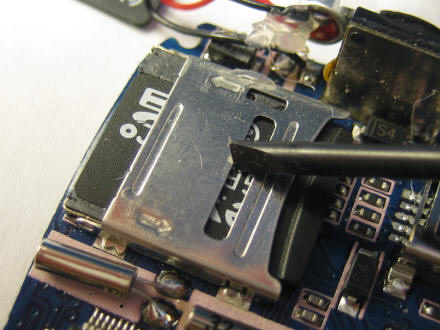
● #2 How to Open
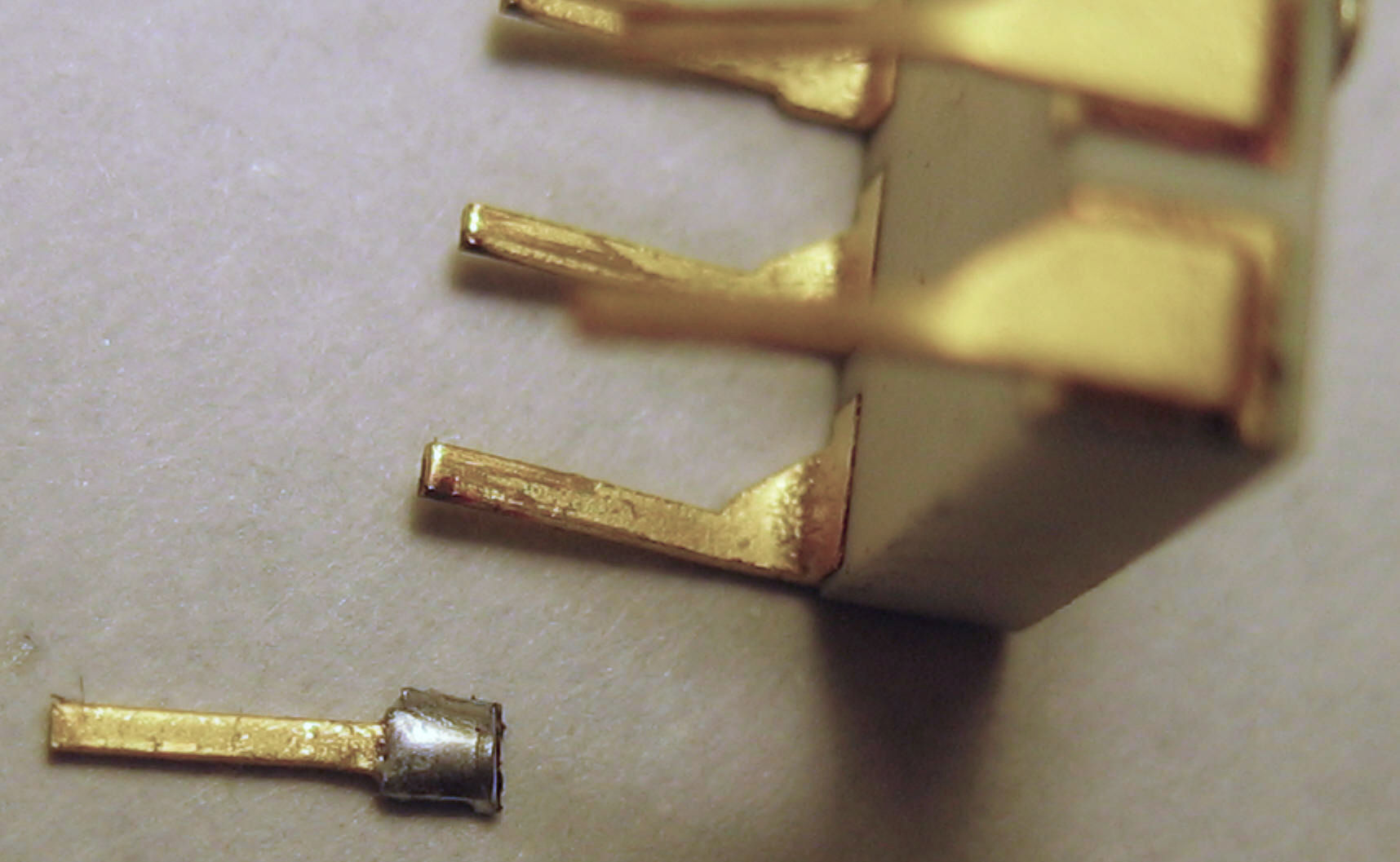
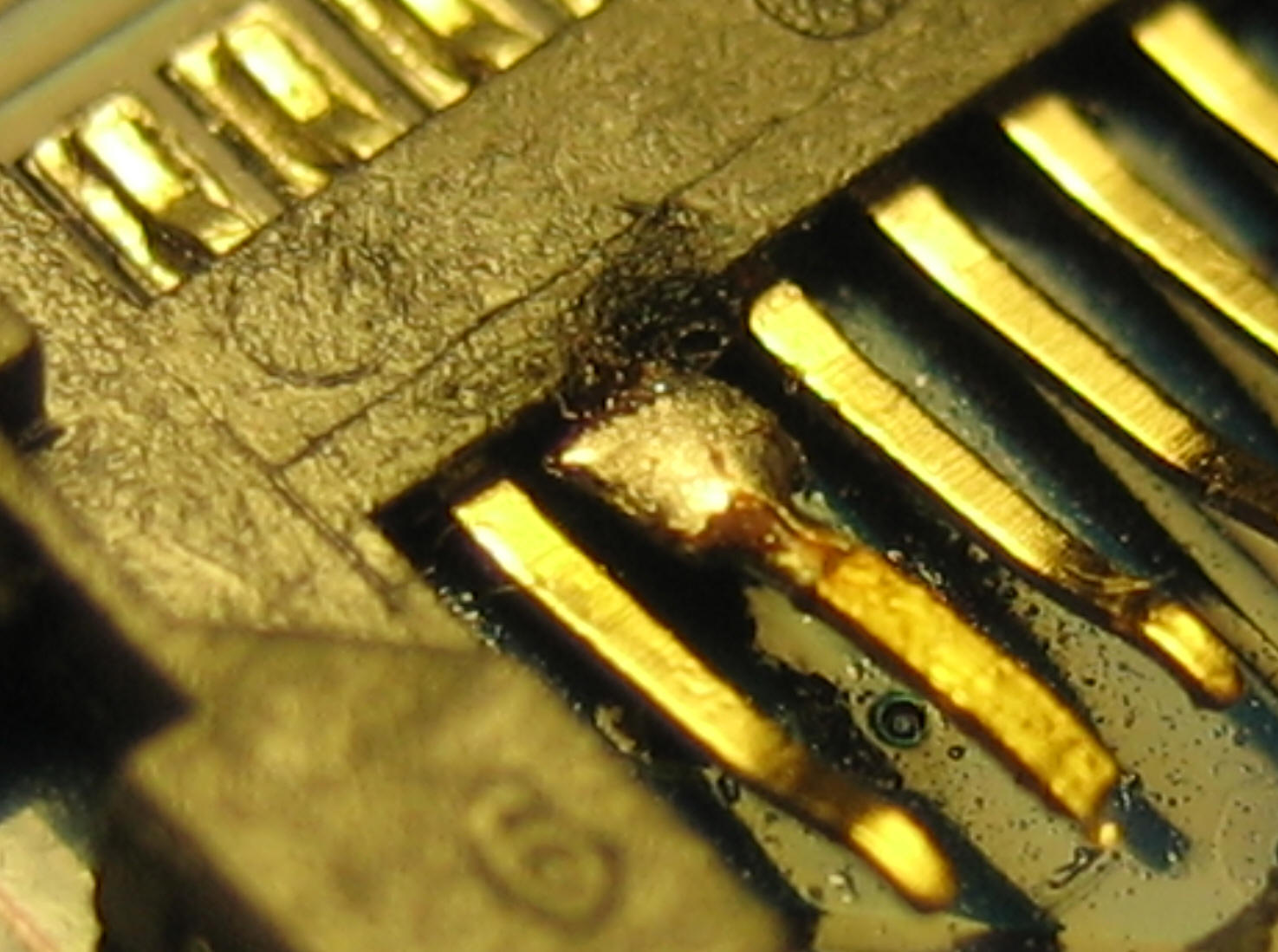
Internal Flash Socket ● #2 Broken Flash Socket Pin |
| 130703 - #2 bought in 2009 | |
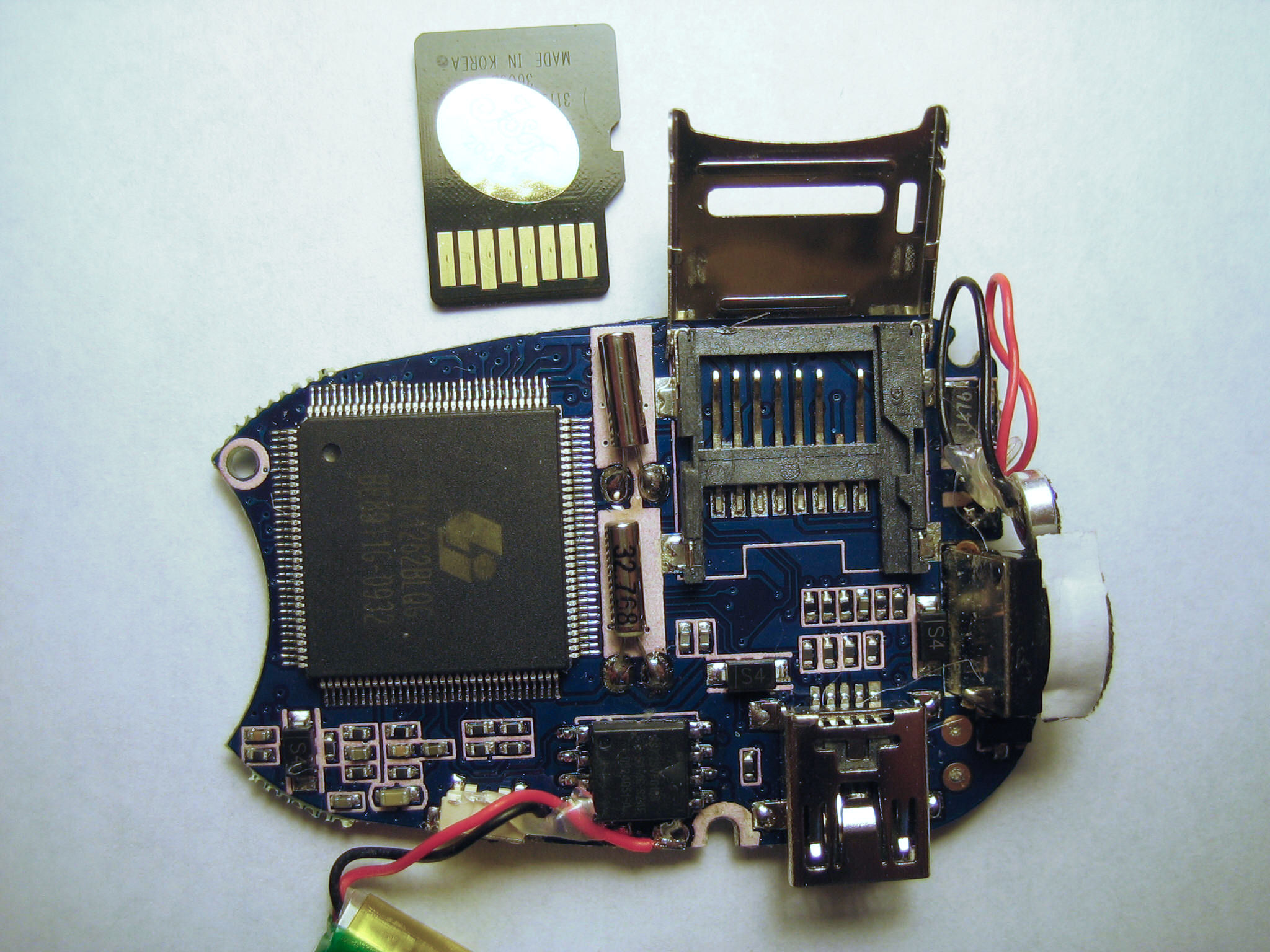
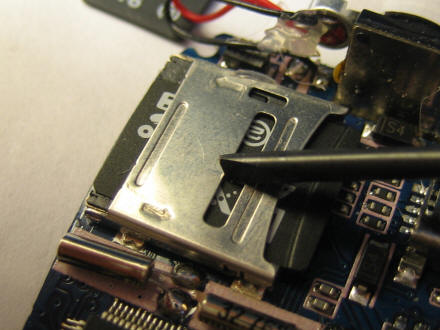
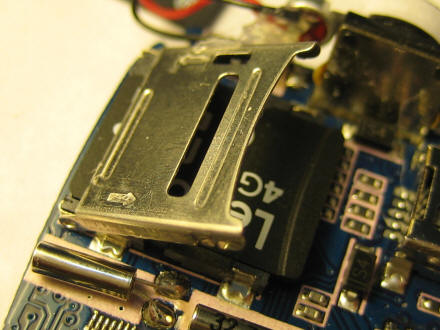
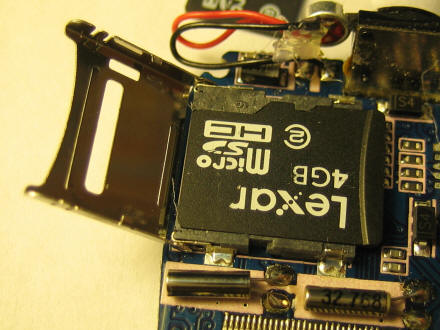
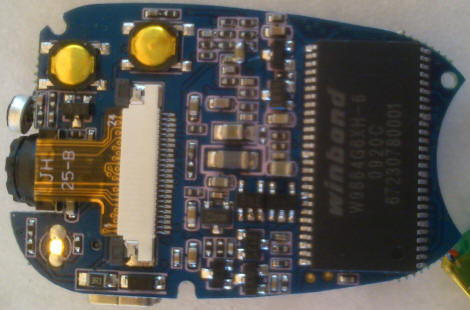
| Athanassios
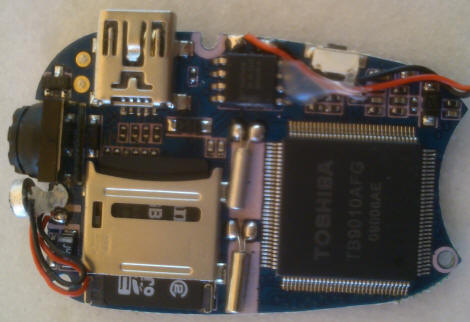
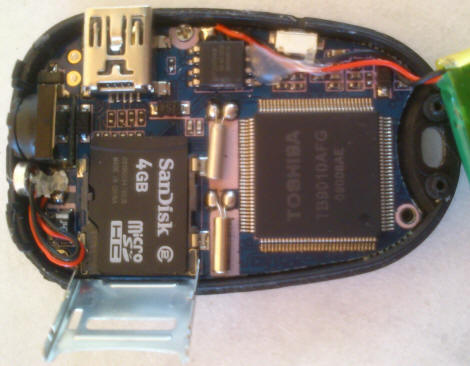
from sunny Greece sent me these photos of the 808 #2 with
internal socketed micro SD 4GB class 2 flash card. The processor is labeled TB9010AFG. |
|
 |
|
 |
 |
| 2010 XXX XX - XXXXXXXX | |

This work by Charles E Lohr is licensed under a Creative Commons Attribution-ShareAlike 3.0 Unported License. Google Analytics javascript is used on this page. Google Analytics Google Analytics IIS 6.0 There is no politically correct content on this web site. I have never owned an SUV. |