www.ChuckLohr.com

|
www.ChuckLohr.com
|
| This is a non-commercial web site. Advertising is not accepted. I am not being paid for any mention or promotion. |
| To translate this page select a language |
 happiness |
808
Car Keys Micro Camera Review hope it can help your life safe and happiness |
happiness |
This page went online Sep 24, 2009
Designed to be viewed at a pixel width of 1024 or more.
 The
808 is a small color video camera with audio that also takes
photos. I received
and reviewed my first 808 car keys micro camera (version #1) in
September 2009. I received email from many other 808
owners, thank you, who described how the electronics and
functions of their 808 were different than mine. I
started enumerating and documenting the many versions and this website grew.
The video quality varies from poor to excellent.
I select micro cameras to review that are 40 grams maximum. The
808 is a small color video camera with audio that also takes
photos. I received
and reviewed my first 808 car keys micro camera (version #1) in
September 2009. I received email from many other 808
owners, thank you, who described how the electronics and
functions of their 808 were different than mine. I
started enumerating and documenting the many versions and this website grew.
The video quality varies from poor to excellent.
I select micro cameras to review that are 40 grams maximum.
Buy an 808 from a seller who lists the version number. Otherwise you might get anything, even the worst version. Date format on these pages is YYMMDD.
|
||||||||||||||
| Basic Q&A | |
| What is the best version? | You must supply your own micro SD
or micro SDHC card, class 4 or faster. Prices are typical for cameras delivered from a seller
in China to the US. 120703 - 808 cameras are now available from many US sellers with good prices and faster delivery than China. See below "who should I buy from". |
|
480p • #3 (about US$12) seems to be the best 480p version. Weighs about 16g. 150227 - 480p BUYER BEWARE - The 480p H.264 camera being offered on eBay does not exist. I ordered one and received an 808 #25, a low quality MJPEG camera. 22 day delivery. I submitted a "not as described" dispute at eBay and got a full refund from the seller. Video in 480p is mostly MJPEG, never H.264 and the #7 used XviD. 150227 480p Aspect Ratio Concern - Most 808 480p cameras have a 640x480 image sensor (aspect ratio 1.33) but the record AVI video file is scaled to 720x480 (1.5). For objects in the video to be played at the correct aspect ratio, the AVI file must be scaled to aspect ratio 1.33; i.e. 640x480. |
|
|
720p • #16 (starting at US$37) seems to be the best 720p version. Lots of function configuration options. Weighs about 19g. Buy a real #16. There are fakes. A real #16 camera uses H.264 video compression. Takes MOV or AVI video. Does not have 4 LED holes in the case. Does not use MJPG (MJPEG) video compressions. Has almost no missing frames. The delivered price is usually more than US$36. • #20 (starting at US$40) • #17 (about US$16). Has a high (bad) missing frame rate. 130629 no sellers found. 150729 BUYER BEWARE - 720p H.264 description, 480p MJPG delivered. eBay #301687375162 was ordered in Germany and an 808 #27 480p MJPEG was delivered. BUYER BEWARE - There are fakes. If a camera has a 480p image sensor it is not a 720p camera. If a camera is sold as 720p and takes 720p video, but has a 480p image sensor, it's a fake. A 720p camera has a 720p or larger image sensor. |
|
| 1080p • #32 Same producer as the #16 and Mobius. Available: 201218. See #32 at RCGROUPS. Features: 808 size, 20 gram class, MP4 files, H264 and H265, 1080p, 30 FPS, records up to 74 minutes of video, same LIPO battery as 808 #16, requires micro SDHC card FAT32 class 10 or better, choose from 2 lenses available, introduced at less than US$41. • Mobius Actioncam (Starting at US$70). 1080p 30FPS. 720p (30FPS, 60FPS). Photos 3.5MP (not up-scaled). Larger and heaver (39g) than a typical 808. Lots of function configuration options. Same producer as the #16. Released for sale 130627. • #26 (starting at US$96). 1080p 30 FPS. 720p (30FPS, 60FPS). Doesn't take photos. Larger and heavier (37g) than a typical 808. • Mate808 (160400) Starting a less than US$30. 1080p or 720p video (1600x1200 image sensor is upscaled). 30FPS. Takes photos. Lightest 1080p camera at about 17g. Without case and without battery, about 6 grams, hence good for small RC. MJPEG video codec. Some JPG artifacts. Data byte rate is huge. |
|
| How can I get "customer service" or contact the camera producer? | 808 camera producers
do not have a "customer service department". There
are forums for many 808 cameras where users help other
users with questions so try to get your questions
answered there. You can try to ask your camera
seller a question, but good luck with that, as many
sellers don't know much about the camera. Some eBay sellers are also the camera producer. To contact a producer, send an eBay message with your business proposal or question. #3, #16 and Mobius Actioncam - http://contact.ebay.com/ws/eBayISAPI.dll?ContactUserNextGen&recipient=eletoponline365 #11, #18, #26, Innovv C1 - http://contact.ebay.com/ws/eBayISAPI.dll?ContactUserNextGen&recipient=beetleonline #15, #20, HQ30 - http://contact.ebay.com/ws/eBayISAPI.dll?ContactUserNextGen&recipient=bestdvr |
| My 808 does not work. What can I do to fix it? | Easy thing
to try first without opening the case. Press the reset button. Try a different USB cable (common problem). Try a different computer USB port. Try a different computer. Try pressing and holding the power button while connecting and/or disconnecting the USB cable. Flash card - Try reformatting the card. Try a different card. Most cameras work with a class 4 card, but faster than class 4 usually does not help. A slow card can cause a an increased missing frame rate and sudden video termination. Benchmark (i.e. Crystal Disk Mark) the flash card to verify it is fast enough. A random-write-512K speed of 1 MBps or faster is usually required, and faster than 1.5 MBps is advised. Some generic or unbranded cards are slow. Difficult things to try that require the case to be opened (two screws). Inspect all the components for foreign matter, broken wires, bad solder joints or parts that have broken off. Crystals - The crystals (silver or black can with two wires) are difficult to hand solder, repel solder and the solder joints have been defective and intermittent. The solder joints might need to be re-soldered using solder flux. Great micro soldering skill is required and disconnect the camera power while solderiing. BGA (ball grid array) damage - The camera module image sensor chip is usually BGA. The CPU and RAM are sometimes BGA. If the 808 is dropped or used in an application like an RC airplane crash, mechanical shock can damage the BGA solder which can't be repaired unless the damage is in a replaceable internal camera module (i.e.808 #16). Battery issues - If the 808 does not respond to any button press there might be a battery module problem or a battery charging problem. Sometimes the battery module needs to be reset. If the battery module has a connector, disconnect it and reconnect it. Then try to charge the battery. See "what about the 808 battery" below. |
| How are some cameras better? | The best cameras have sharp video, good image color, good audio, few missing video frames, an angle of view of 40 degrees or more (equivalent 50mm or less), operates in bright to dim light and has minimal vignetting. How the camera hunts for exposure and white balance can also vary. |
| What version is my 808 camera? | Compare a video frame from your camera to frames in this table, or try this table. When trying to identify your camera version, only use a video that you made with your 808. Don't use any documentation that came with your camera, the sellers description or a sample video from the seller. |
| What is the video quality like? | The video quality varies from
very good to fair. The quality can be what you would
expect from a medium quality cell phone but not what you
would expect from a Canon or Nikon digital camera. Quality is reduced in the design of some 808 versions to reduce cost in the following ways. Plastic lenses. Underpowered processor with a simple video compression (MJPEG) that can cause a large data stream and data overrun the SD card. Insufficient RAM buffering to reduce data overruns at the SD card. Poor quality control in badly soldered hand-soldered parts. Marketing pressure to falsify a high resolution by up-scaling images, increasing the data streams with no increase in quality. Quality can be dependent on the camera version, and the quality of the SD (SD or SDHC) flash memory card. A very slow card can sometimes lower the video quality. If the camera data rate is more than the card can write, a data overrun can occur. The overrun might cause an increased missing frame rate or other problem. A class 4 or faster card is recommended, but faster than class 4 usually does not improve things, and some class 10 cards have been known to cause some problems. Use Crystal Disk Mark to measure the 512K random write speed and if it is less than 1.0MBps, don't use it. A 512K random write speed of 1.5MBps is recommended. The light weight of the 808 means that you can expect a lot of video camera shake distortion when hand held. Mount the camera to something or add some weight to it to reduce this problem. Search YouTube for "808 camera" to see hundreds of sample videos from various 808 versions. Some 808 cameras have spatial or temporal video quality problems. Spatial problems are confined to each image frame. Some problems can be fixed in post-processing. These problems include compression artifacts, white balance hunting, over saturated colors, video noise, vignetting, narrow FOV (field-of-view), aspect ratio distortion and strange "terraced" colors. Some wide angle lenses have fisheye distortion. Broken connections in the parallel data path can cause strange color problems. The focus might not be where you want it. Focus can be factory set for infinity, or less than infinity, or more than infinity (blurry). Sometimes the focus can be adjusted by turning the lens barrel, but this can also damage the camera. Temporal (time) problems involve frame to frame issues. These include missing frames, a low FPS, non-compliant video format that is difficult to play or edit. Slow shutter time can cause motion blur and a high missing frame rate. The "rolling shutter" of most 808 cameras combined with mechanical vibration or horizontal movement can cause distortion known as the "Jell-O effect". In general, the video quality depends on the processor power (CPU horsepower or MIPS). Some 808 versions have better processors. A larger image sensor requires even more processor power. If the processor power is low the frame rate might be lower, the video playback might periodically freeze and stutter and jerk, and the video image might have a blocky or paint-by-number look due to excessive compression. Quality problems in some cameras to avoid: ● Underpowered HD - A real 720p (HD) image sensor is no guarantee of a high quality video. If the processor is underpowered the frame rate, the missing frame rate and the compression can all be terrible. ● Fake HD - Sold as HD cameras, these cameras have a 480p (640x480) sensor but are up-scale to HD video, 1280x720 or 1280x960. The playback doesn't look HD and the up-scaling waists CPU power and flash memory space. |
| Who should I buy from? | I don't sell 808 cameras. I
don't endorse any specific seller. The buying risk is
yours. Buy an 808 camera from a seller that lists the 808 version number and is a reliable seller with a high feedback rating. Do not buy an 808 camera if the seller does not list the version number because you can expect to get anything including the worst possible 808 version. When you receive the camera test it to verify that you received what was described. You can search Google or eBay for "key chain DVR" or "808 camera" to find sellers. Here are links to some 808 cameras delivered from eBay sellers in the US "key chain DVR" or "808 camera". Here is a list of some historical sales and (here, second posting) and (here, second posting) are some #11 and #16 sellers respectively. eBay sellers who have reliably sold by version number. YMMV. This is not a complete list and is subject to change: Sellers are from China, USA, and other counties. The lowest cost cameras are usually from sellers in China. The fastest delivery is usually from a seller in your own country. Some sellers offer more services like testing each camera and installing the latest camera firmware. Sellers of the #11, also sell some other 808 versions Sellers of the #16, verified by the producer Sellers of the #18, verified by the producer Sellers of the Mobius, verified by the producer With a few exceptions, many 808 camera sellers don't know what 808 version they are selling, and don't sell by the version numbers shown here. Many sellers don't speak or write English so the description in their online listing and packaging and the instructions is gibberish to them, and might not match the camera you receive. |
| How much does an 808 camera cost? | About US$8 to US$100. Usually, the 720p, 1080p and H.264 cameras cost more and the 480p MJPEG cameras cost less. Cameras are available at good prices on eBay from sellers in the US and China. From a China seller the delivery will usually be from Hong Kong or Singapore, and take 10 to 20 days. A US seller can deliver to the US in less than 5 days. Don't expect every seller to know anything about the camera they sell. Expect to pay more for a locally sold and tested camera. I have seen an 808 camera priced $200! |
| What about the 808 battery? | All 808 cameras use an internal
rechargeable battery module. The battery module always has two parts: 1. battery - a rechargeable lithium polymer (LiPo) battery 2. protection circuit - 808 cameras never have a LiPo without a protection circuit. The protection circuit does two critical things: 1. It protects the LiPo battery from over-voltage, under-voltage and over-current conditions. 2. In many 808 cameras, being able to charge the LiPo depends on the protection circuit disconnecting the LiPo at battery module voltages greater than 4.2V. CAUTION - if you modify the 808 by removing the internal battery module and use an external power source, you are also messing with the 808 charging circuit which could be unsafe. To replace a battery module or diagnose a battery module problem the 808 plastic case must be opened (two screws). If opening the case, you MUST know how to safely work with LiPo batteries and have advanced electronic skills. The battery module is connected internally either by solder or by a connector. You might need tools like an accurate volt meter and soldering tools. Battery charge life - An 808 will record for about 30 to 50 minutes on a full battery charge, depending on the 808 version. When the 808 is off (standby), the camera will slowly (maybe over may weeks) discharge the battery and the battery will also slowly self-discharge. If the 808 is not used for many weeks, best practice is to recharge the battery at least every few months to prevent battery damage due to a voltage less than 3V. The video record time is much less when the battery is cold. The power button turns the camera on or puts it into low power standby that powers the data time clock. The power button does not electrically disconnect the battery module. Battery charging - The battery module is charged through the USB cable. The #11 and #16 have an internal smart charge controller that fully but slowly charges the battery. Other 808 versions will charge a discharged battery in about 75 minutes but only to about 70% of capacity. Battery life - The battery does not last forever. After many charge cycles the battery won't hold a charge and needs to be replaced. Or, if the battery fails it might swell like a balloon and need to be replaced. Replacement batteries are available on eBay. The height (thickness) varies by 808 version, so make sure you get one with the correct height. See this link for technical detail about LiPo charging and battery life Battery Deterioriation. If the 808 does not respond to any button press, either buy a new camera or try the following. Symptom - The battery module is outputting 0V. The LiPo battery has some charge more than 3V. Problem - The protection circuit in the battery module has erroneously electronically disconnected the LiPo battery. The circuit is in a locked-up disconnected state. The circuit needs to be reset. Solution - 1. Reset the circuit by disconnecting and connecting the battery module, then connect it to the 808 and charge it. Maybe try that multiple times. Disconnecting the battery module can be easy if the battery module has a connector, or difficult if the battery module is soldered. 2. Reset the circuit by connecting the battery module to an external LiPo charger, then connect it to the 808 and charge it. ========== 140715 - The lockup-up problem has been around for years and is still happening. Some 808 producers have made efforts to change to a battery module that uses a "better" protection circuit, less prone to this problem. Even the battery module in the GoPro has this locked-up problem. Here is a link to a video discussion about how to revive the GoPro battery module. Revive a Discharged GoPro Battery with an Adafruit Micro Lipo Charger. This revive technique might work for your 808 battery module, by connecting the battery module to an external LiPo charger. This can "kick" the battery module out of it's locked-up state so that it can then be charged by the 808. Any LiPo charger might work, even a cell phone LiPo charger or a digital camera LiPo charger. NOTE - the 5V on a USB cable is not a LiPo charger. Do not connect 5V across a LiPo battery. Symptom - The battery module is more than 0V but will not take an adequate charge. Problem - The LiPo battery has failed or the charging circuit on the 808 circuit board has failed. These two problem are difficult to diagnose and distinguish because different 808 versions use different charging circuits. Diagnostic - Charge the battery, disconnect the USB. Try turning the 808 on and measure the battery module voltage. It should be about 4.1V or more. Most 808 cameras will not work below 3.6V. If 3.6V or less, the battery module has failed or the camera charging circuit has failed. Solution - If the battery has failed, replace the battery. New batteries are sold on eBay. Otherwise, replace the camera. |
| Is the camera reliable? | Expect the reliability of a toy, not the reliability of a name-brand camera. Many 808 versions are designed to work at a low price, but are not designed to be robust or easy to use. |
| Is it easy to use? | In a word, no. If you like technology, you can figure it out, otherwise you might be disappointed. It comes with no manual, or a worthless manual. The camera status is just some blinking lights. When it doesn't work, it is sometimes hard to diagnose the problem. |
| Do I need a computer? | You need some way to view the video and photo files, and some way to charge the battery. A computer will do both. The camera creates photo JPG files and video files in one of these formats: AVI MJPEG, AVI XVID, MOV H.264 or AVI H.264. Connect a USB cable and the camera connects as a mass storage device (a flash drive). Any USB port can charge the camera battery. Or, remove the micro SD card and plug the card into a device that has a media player. |
| Can I get video out (composite or webcam)? | There is usually no composite
video output. The
#16v2,
#18 ,
#20,
#26,
Mobius
have composite video output. Video output can
increase battery drain by 25%, so video output is often
disabled by default. Most 808 cameras have a webcam mode and many require a special Windows webcam driver. Generic webcam mode usually works with Windows, Mac and Linux. 808 versions with webcam mode or driver. Generic webcam mode, no driver required - (some 8), 9, 11, 14, 15, 16, 17, 18, 20, 22, 26, Mobius Unknown if any webcam mode - 2, 6, 13, 19, 21, 23 Sunplus Windows only - 3 Anyka Windows only - 1, 7 Windows only - 4, (some 8), 10 Syntek Windows only - 5, 12 |
| Why are there so many different versions? | They all use the same small black plastic case (some have chrome parts) but internally they have different manufacturers, processors, firmware or flash memory configurations. |
| What is the technological provenance? | The 808 camera is
based on chips designed to be used in small inexpensive
digital cameras. The chips integrate many complex features into two low-cost chips: (1) The color image sensor chip (OmniVision, Aptina). This chip uses red, green and blue sensors. A DSP converts them to RGB pixels and sends them to the SOC over a byte parallel bus. (2) the system-on-a-chip (SOC) digital camera processor. By SunPlus, Anyka, Syntek, Novatek and others. The SOC integrates a CPU, video compression, an ADC for audio capture, a USB interface, an SD card interface and sometimes an LCD display interface (not used on the 808 cameras). These small low-cost technologies are also used: Electret microphone. Rechargeable LiPo battery with protection circuit. USB interface. Micro SD flash card. Assembly of plastic lenses and glass infrared blocking filter. An SDRAM chip. A SPI flash chip that holds the firmware. |
| What about video storage? | Today, all 808 cameras record to
a micro SD (SD or SDHC) flash memory card, with FAT32
file system. Some older 808 cameras only recorded to an
internal flash memory chip. The SD card speed must
be greater-than-or-equal-to the camera video data rate.
If the SD card is slower, video problems occur.
Slow cards have been known to cause problems like
increased missing frame rate and video-audio sync
problems. Most 808 cameras work with a brand-name
class 4 SD card. VIDEO DATA RATE - You need to know the data rate of your camera and choose an SD card that is that rate or faster. For all 808 versions, the data rate can be from about 0.5 to 5.5 MBps. For a specific 808 version, the data rate can vary by 50%, depending on the lighting and video motion content. SD CARD SPEED - There are two important SD speeds: sequential write speed (the class) and random write speed. In general, higher class cards also have faster the random write speed. Also in general, un-branded or generic SD cards have compliant sequential write speed but slow random write speed. Sequential Write Speed - The SD card class is the minimum sequential write speed in MBps. For example, a class 4 SD card has a sequential write speed of 4 MBps or faster. Random Write Speed - The random write speed can be anything, but is usually between 0.5 MBps and the class speed. Some cards do not work well because the random write speed is too slow. A benchmark program like Crystal Disk mark can measure the SD card sequential and random write speed. See here. In the 808 #16 some firmware versions will cause class 6 or faster cards to fail. The failure can cause the card to fail all writing. A class 4 card will usually work in any 808 camera. See the Isoprop list of problem flash cards. Flash card problems are discussed in the in the #16 forum. |
| What forums do you recommend? |
Post only 808 topics relevant to radio control
airplanes/helicopters. 808 general - http://www.rcgroups.com/forums/showthread.php?t=1115052 808 #11 - http://www.rcgroups.com/forums/showthread.php?t=1362692 808 #16 - http://www.rcgroups.com/forums/showthread.php?t=1556994 808 #18 - http://www.rcgroups.com/forums/showthread.php?t=1627189 808 #20 - http://www.rcgroups.com/forums/showthread.php?t=1787177 Mobius Actioncam - http://www.rcgroups.com/forums/showthread.php?t=1904559 |
| What other micro cameras do you review? | I only review the 808 size cameras. The #12 and #13 are 808 size but a different case. Many pocket pen, gum pack, wrist watch, jumbo, etc. micro cameras use the same or similar electronics as the 808. If video from your camera matches this table, or this table then the 808 information might apply. |
| What is the longest record time? | For most 808 cameras the record
time depends on the battery charge, the flash card free
space and sometimes the image content. Darker and
complex images often use more data. 40 to 50 minutes is typical
with a 4GB flash card. It depends on
the camera version. Modifying the camera with a larger external battery (with protection circuit) and using a large flash card (some cameras take up to a 32GB) will sometimes record for a longer time. The various 808 versions have different data rates and the range is about 20 to 130 MB per minute. A #3 (MJEPG video) is about 80MB per minute. A #16 (H.264 video) is about 40 to 56 MB per minute. |
| Why does my camera not match the description from the seller, the box or the documentation? | Unfortunately, that is typical. This review website tries to correct the inaccuracies. Many sellers in China don't know English and don't know what 808 version they are selling. Their listing description might not match the camera they are selling. Boxes, if any, are printed and used for almost any 808 camera. Often the documentation, if any, is very broken English and/or not for the camera you received. |
| Firmware for the 808. Can I modify it or develop my own? | The SOC (processor) chips used in the 808 cameras are proprietary designs. You would need a full chip specification and a full camera schematic to design firmware. I have never seen a full chip specification publically available. To get a full specification you would need a business arrangement with the chip design company and usually sign a non-disclosure agreement. Sometimes the chip company also writes the firmware for the camera producer. Recent 808 designs have used a chip designed by (related: SunPlus, iCatch, GeneralPlus), Aptina and Novatek. Also Syntek and Anyka. |
| Thermal Issues | Some camera chips run hot and use the case as a heat sink. If the case is removed, the camera should not be operated unless the hot chips have an adequate heat sink. |
| Why does the 480p camera take video that is aspect ratio distorted? | 150210 Many 808
cameras have an image sensor with an aspect ratio that
is approximately 1.33 (4x3, 640x480, etc.). The
sensor data is then compresed and rescaled to an
aspect ratio of 1.5 (720x480) and that is written to the
video file on the flash card. Usually, the video file does not have
a flag to indicate the correct playback aspect ratio is
1.33. The
player plays it at an aspect ratio of 1.5, the wrong
aspect ratio. One symptom is that round objects are stretched into a
horizontally oval. I suspect the source code for the 808 cameras originated in DVD applications where NTSC files are always encoded to 720x480. Most DVD NTSC files are shot at 1.33 or 1.78 aspect ratio, but encoded at 720x480 (1.5). The DVD (MPEG2) has a flag to indicate the correct playback aspect ratio and the player rescales the video to 1.33 (4x3) or 1.78 (16x9) as necessary. |
|
Does a 30 FPS (Frames Per Second) video file contain 30 unique FPS? |
Usually, no.
Each second, many 808 cameras can only produce 12 to 27
unique frames. The video file is tagged 30 FPS.
So there must be a method to resolve this "under-run"
problem. This under-run problem is an quality
engineering problem when the camera processor (the SOC)
is underpowered to reduce cost. A "toy" probably
does not need the added cost of producing 30 unique FPS.
Otherwise, most people expect a 30 FPS camera to have 30
unique FPS. Each second, some cameras produce 30 frames which are a combination of unique frames and duplicate frames, and write them to the video file. Those duplicates are effectively missing frames. Each second, some cameras produce 30 frames, unique frames and "missing frames" and write them to the video file. A missing frame can be a flag indicating "frame not available". A missing frame can be a pointer in an index table to a previous unique frame. The video player is responsible for replacing the missing frame with a previous unique frame or a black frame. |
| ELECTRONIC VERSIONS - Many Chinese companies design many
electronic versions of a small camera and video recorder (micro
camera). The reliability, durability and video quality is
much better in some electronic versions than others. When you buy
a micro camera you often don't know what electronic version
you will get. In fact, most sellers don't know what
electronic version they are selling. PACKAGES - Each electronic version is re-scaled to fit the packaging of some type of micro camera device like a key fob (808), a pocket pen, gum pack, wrist watch, etc. There is usually a many-to-many relationship between the electronic versions and the packages. An electronic version can be scaled to fit in almost any package. A package can be sold with one of many different electronic versions. The 808 black plastic key fob is an example of a micro camera package available with different electronic versions. Even if your micro camera is not in the 808 package, the electronics might closely match some 808 version. Quick Summary. Common problems and solutions. Operating Instructions. Version Table. Where to buy a #3 Camera. Follow all the best practices and you will have fewer problems. This is not a consumer friendly product. If you are not technical you will have trouble using the 808. The 808 camera weight and size is about 15 grams and about 52 x32 x13 mm. This review only covers micro cameras of that weight and size. If sending me a file (AVI, MOV, JPG) created by your 808 do not re-encode the video stream or the audio stream in any way. Video samples should be in outdoor light and about 5 seconds but not more than 20MB. After reading this website, I welcome additional information, comments or corrections about the 808. The email attachment maximum is 20 MB. Please mention where you are writing from, and your camera version if you know it. If you have written an executable program or script file I will NOT host it, but might link to it if it is thoroughly documented and includes the authors contact information. eMail: 808@CLOHR.COM I have a repository of some useful 808 files in the vault. Some dates and times are represented in YYMMDDHHMMSS format. Example 10122918 is 2010 Dec 29 at 6pm. |
| VideoToCameraType | ||||||||||||||||||||||||||||||||||||||||||||||||||||||||||||||||||||||||||||||||||||||||||||||||||||||||||||||||||||||||||||||||
| 100616 - How to identify (ID) your Camera version from a Video Frame | ||||||||||||||||||||||||||||||||||||||||||||||||||||||||||||||||||||||||||||||||||||||||||||||||||||||||||||||||||||||||||||||||
| DO use a video produced by
your own camera to identify it. That is the only reliable
way to ID your camera version. Only use a video
frame and video date time stamp to
ID your camera, and you might also need some audio information. DO NOT use any of the following to ID your camera: A photo from your camera. Documents that came with your camera. Information on the camera box. The sellers camera description. A sample video from the seller. There are many 808 camera versions. It's important to correctly identify the version to set the date time or diagnose a problem.
* The AVI video quality of the newer #3 cameras is inferior to the older ones. The biggest AVI difference is the percent of missing frames. The new inferior #3 AVI files have about 3 times as many missing frames (33% vs. 10%) and about 33% more bytes in each good video frame (88K vs. 66K). Missing frame rate and frame size can be measured with an AVI editor (like VirtualDub hex editor). The total video bytes per second is comparable. When you play the inferior AVI file you can see that the video stutters more, and has periodic long strings of zero length frames that causes playback motion to freeze for one second or more. Both good and inferior cameras display the same video yellow date time stamp in the lower right corner. The date time stamp can't be used to identify the better camera. Sellers do not rate the missing frame rate of their cameras. A good quality #3 will have an AVI file data rate of 54 -100MB per minute, the FPS will be more than 30 FPS, the missing frame rate will be about 10% or less (with a fast flash card), and the audio will be 353Kbps. See the #3 page. |
| Quick Summary |
| Q. Which 808 car keys micro camera
should I buy, and from who? A.
See the Basic Q&A. Q. Do you have operating instructions, and how can I set the date time? Links to operating instructions and how to set the date time. |
|
Important things to know about the 808 camera. ● Many Versions - There are many versions of the 808 camera. Most cameras look the same, but the electronics and features vary. As I discovered this variation, I enumerated the versions as #1, #2, etc. These version numbers are not indicated on the outside or inside of the camera. Some sellers use my version number in their advertisment. Usually, features of the 808 video can used to identify the camera version. It is important to identify the camera version. ● Processor SOC - Many companies make a "System on a Chip" (SOC) processor for an inexpensive point-and-shoot digital camera. The 808 is based on this type of chip. ● Processor Companies - For most 808 cameras the processor is either Anyka (#1, #7), SunPlus (#3, #6, #8) or Syntek (#2, #4, #5). SunPlus cameras seem to have the best 480p video quality. Don't expect to easily find a processor specification unless your sign a non-disclosure agreement with the manufacturer. ● Video Format - The camera video format is usually AVI MJPEG. The #7 is AVI XviD. The #11 is MOV H.264. You might need to download a video CODEC to play some AVI files. The audio is usually PCM. The #8 is ADPCM u-law. ● Photo Format - The camera photo format is JPG. In most cases the JPG pixel dimensions is upscaled from the 808 native camera resolution. The JPG compression amount is not configurable. ● USB cables that come with cameras are often bad, resulting in battery charging or connectivity problems. ● Native Resolution - Regardless of the pixel resolution of the AVI or JPG file, the internal camera resolution is 640x480 for the #1 - #10, and 1280x720 for the #11 - #12. ● Missing Video Frames - The best 808 camera (#11) has almost no missing frames, a good 808 camera has less than 10% missing frames, and some bad cameras are more than 50%. A slow flash card can make the problem worse. The video file format requires about 30 frames per second. A missing frame occurs when the camera can't produce a frame because the processor is under-powered or the flash memory is too slow. There are many ways that a missing frame can be encoded in a video file. The missing frame can be missing, a short frame or a duplicate of a previous good frame. When the video is played, the player will display a missing or short frame with a previous frame. So the played video stutters and periodically freezes. ● Buttons - Press the buttons hard. The cheap button switches don't make good contact when lightly pressed. ● Buttons - Short press the mode button to end a video. The camera closes the AVI video file and the LED comes on. ● Buttons - If you long press the mode button to end a video, the button is ignored, the camera continues to record video and the LED does not come on. This can be very confusing. ● When video recording, some cameras close the file at 4GB, some at 30 minutes, and some at 50 minutes. Some then continue recording a new video file. ● Flash - The camera produces video AVI files and photo JPG files that are stored in flash memory. Most cameras use a removable flash memory card. It can be a micro SD or micro SDHC card. ● Flash - The flash card format must be FAT32. ● Flash - A class 2 flash card that works fine in a cell phone, thumb drive or digital camera might not work well in the 808 camera. The camera must be able to write an uninterrupted high data rate to the flash card, so a faster class is recommended. ● Flash - A class 4 flash card or faster is recommended, but some class 2 cards work OK. A slow card can result in more missing video frames, or audio video sync problems. ● The random write speed is much more important than the sequential write speed. The Crystal Disk Mark benchmark can measure sequential and random speed. A faster sequential write speed usually, but not always, indicates a faster random write speed. The class of a card indicates the sequential write speed. ● Flash - When formatting a flash card in the camera, some cameras don't size the card properly and the free space is reduced by 7.4%. This can cause problems if the used space approaches capacity. Use an external card reader to format the card. ● Battery - The battery module consists of a LiPo battery with protection circuit. It is usually 20 x 30 mm and 3.8 to 5 mm thick, depending on the case. The #16 and #18 battery module is replaceable (has a connector). Other 808 versions have a soldered-in-place battery module and replacement requires advanced soldering skills. A working camera battery module voltage is 3.6V to 4.2V. Below 3.0V the battery can become permanently damaged and will not take a charge. ● Battery - The battery module is typically 4.0 x 20 x 30 mm and is often labeled "402030". Usually, thicker than 4mm will not fit. The battery module has two parts: a LiPo (Lithium Polymer) battery and a protection circuit. The protection circuit typically disconnects the battery above 4.2V and below 3.0V. The camera will operate from 5V down to 3.6V (below 3.6V the 3.3V regulator chips don't regulate). If all goes well while recording video, when the voltage drops to 3.6V the camera will gracefully close the video and stop recording. The run time (the battery charge) of a LiPo battery drops dramatically when cold. ● Battery Charging - The battery is charged from the voltage on the USB cable. Since the internal battery charger is not smart (#11 and #16 is smart), it can charge the internal rechargeable LiPo battery to about 70% of capacity. If the charger were smart, it could charge the battery to 100%, which might allow another 30 minutes of recording. While charging, the battery module is typically pulled up to 5V (USB voltage) through a resistor and diode. Once charged to 4.2V the battery module protection circuit disconnects the LiPo battery and the battery module voltage rises to almost 5V. Therefore is it very important that any replacement battery module have a protection circuit. It takes about 75 minutes to charge a completely discharged battery. Don't connect the USB cable longer than that. A general rule is charge the camera for 15 minutes for every 10 minutes of video recorded. Once the battery is fully charged via the USB cable, disconnect the cable. The connected and fully charged condition produces heat in the camera which over time can damage the battery. ● Battery Charge LED - Do not trust the LED to be an indicator of battery charge. It works on some cameras, not on others. ● Battery Standby - When the camera is off it is really in standby mode using very little battery power. The processor has a low power real-time-clock that keeps ticking. Two factors affect standby battery charge life: standby current and LiPo self discharge. Standby current has been measured on two different cameras at 0.009 mA and 0.02 mA. LiPo batteries typically self-discharge at about 5% per month at room temperature. The self-discharge is the much bigger factor. Over many days the battery will be discharged, the date time will be lost and the battery will need to be recharged. Once discharged, the date time needs to be set again. ● Battery On and Recording - When the camera with flash card is on, the current has been measured at 115 to 125 mA. When on and recording video 145 to 175 mA. A #3 camera records for about 50 minutes (0.83 hours). So the battery mAh would be expected to be about 120 to 145 mAh. ● Battery End of Life - Some people have reported that after many months of use the LiPo battery won't take a charge and needs to be replaced. The option is to buy a new camera or try to replace the battery. It is very difficult to find and buy an 808 replacement battery that will fit (4mm thick or less) and cost less than the cost of a new camera. Also micro electronic soldering skills are needed (the #16 and #18 have a connector so no soldering) as well as knowledge LiPo battery dangers. ● Battery Saver - To conserve battery, the camera shuts off (standby) automatically after 30 seconds of no activity. While on and not taking video, short pressing the power button will keep the camera on for another 30 seconds. ● Date Time Stamp - Most cameras produce a date time stamp on the video. It can be disabled on some cameras. It can be blanked by modifying the firmware on some cameras. ● Firmware Change - The camera firmware can be changed or updated in some cameras including the #1, #3, #6, #7 and #11. In most cases the ability to change the firmware is not supported by the camera manufacturer (usually unknown) but is the result of some very clever hackers. Change the firmware at your own risk. Some cameras can be bricked while trying to change the firmware. ● Webcam - A Windows webcam driver is available for almost every camera. Some cameras have a generic webcam mode that does not require a webcam driver and will work on Windows, Mac and Linux. If the camera uses a flash card, the card must be present in webcam mode even though nothing is written to the card. The Anyka, Syntek and SunPlus processors use the USBANYKA, STK02N and SPCA1528 webcam drivers respectively. Reports: the SPCA1528 driver works with XP, 7-32 and 7-64. ● Virus - Cameras have been bought new with a virus already in the flash memory. Any mass storage device, including the 808 camera, can be infected by a virus or can infect a PC. Run an anti-virus program to protect yourself. ● Lead (Pb) - The plastic case has tested high for lead. ● When you power-up the camera , it takes a few seconds before it is ready. If there are many files on the flash card, it takes longer for the camera to "boot up" and become ready. |
|
Best practices ● Always run H2TESTW on every micro SD card, at least once. ● Run Crystal Disk Mark on every micro SD card to benchmark the performance. If the card is fake, the performance can be terrible. ● Use a class 4 or faster micro SD flash card. ● Always suspect the USB cable. Many emails dialogs were ended when the camera owner tried a different USB cable. ● The battery is charged from the 5 Volts on the USB cable. To charge the battery, sometimes a 5V USB power device works better than a computer USB port. ● Before using the camera, remove any files on the micro SD card, or better yet, format the card. ● Format - Format the micro SD card in an external card reader, not the camera. ● Format - When formatting, do a full format, not a quick format. ● Format - If a flash card was used in another device, always format it before using it in an 808 camera. ● Don't connect the USB cable for more than one hour. If the battery is fully charged and the USB is connected the camera produces the most heat. Since the plastic case does not dissipate heat well, this heat buildup can damage the battery. ● Press the buttons hard. The buttons don't seem to make good contact if pressed lightly. ● After disconnecting the USB cable, turn the camera off or reset it. ● While recording video the only acceptable action is to stop the video by short pressing the mode button. ● While recording a video do not long press the mode button, do not press the power button and do not connect the USB cable. ● Remove or insert the flash card only when the USB cable is not connected and the camera is off. ● Do not press the reset button and the power button at the same time. On some cameras this can smoke some camera parts and permanently damage the camera. ● If a flash card has files, and one or more file has been deleted, reformat the card before recording video. ● Have a spare USB cable and flash card. Most problems involve these items so having another one to swap helps to diagnose the problem. ● Run an anti-virus program. Some 808 cameras have been delivered with a virus installed in the flash memory. ● To clean the lens blow away grit with a bulb or can-of-air, then gently use a lint free lens cleaning tissue. Avoid any liquid because it could get inside the lens assembly. The lens is plastic and coated. Putting the camera in webcam mode might help to see any improvement. |
|
Common Symptoms, Problems
and Solutions 110214 - Most problems involve these two things: the USB cable or the flash card. So the fastest diagnostic is to try a different cable, format the flash card or try a different flash card. ● Follow all of the best practices. ● Reset - If the camera won't respond, press the reset switch. ● Cable - The USB cable that comes with the camera is often bad. If there are USB connection problems or battery charging problems, try a different USB cable. ● Half-Dead Camera. Camera only works when USB connected (mass storage and webcam) - Things to try: - Connect the USB cable. When the LED comes on immediately disconnect the USB cable. - Press and hold the power button, connect the USB cable, release the power button. - Press and hold the power button, disconnect the USB cable, release the power button. - If those things did not work, try a hard reset. This will reset the battery module protection circuit. This happened to my #3 camera and restored it. To hard reset cut a battery wire, and re-solder and re-insulate the wire. I wish there was a simpler fix. ● Short recordings. Camera only records for a few seconds or a few minutes - usually caused by a bad USB cable or bad computer port that fails to charge the battery, or some flash card problem (too slow or not recently formatted). Short recording can also be caused by a "worn out" battery, a bad battery or a bad charging circuit. Try a different USB cable, USB adapter or USB power source. Maybe try a different computer port or a 5V USB charger. More advanced diagnostics require removing the case (the voltages are live even when the camera is off) and measuring the battery voltage with a digital meter to verify the battery is charged, and that the USB charging is working. ● Camera is dead, on or off the USB cable - Reset switch (inside the camera) is always on, being pushed on by the plastic case. Remove the plastic case (voltages are always live). Shave away some case internal plastic that is pushing on the reset button. ● Mode button won't start a video (no 3 LED flash) - Long press the mode button hard to start a video. The button is flakey. ● Mode button didn't stop a video - Short-press the mode button to stop a video and then the LED comes on. A long-press will be ignored, the LED will not come on, then long pressing the power button briefly lights the LED, the video stops, the LED turns off and the camera turns off. Confusing. ● Reseat flash card - Remove it and re-insert it. ● Move file to the hard drive - If the video or audio is jumpy, choppy or stutters, this could be due to a flash write problem, or a playback problem. If a playback problem, move the file to the computer hard drive and play it there. If a flash write problem, see Flash below. ● Flash - Do not buy any flash memory product from eBay until you have searched the sellers name at SOSFakeFlash. To test for fake or bad flash, run H2testw on every flash card and flash chip, at least once. The easiest thing to do is reformat the card (try SD formatter) or try a different card. Some cameras normally produce a small rate of duplicate frames in the AVI file. A slow flash card can increase the duplicate frame rate and cause video out-of-sync with audio. A class 4 or faster flash card is recommended (A class 2 can increase missing frames and cause the date time stamp to flicker). The most important flash card metric is random write speed and it's usually not listed. You measure the random write speed by benchmarking the card and generally SanDisk is the best. So far, every benchmarked flash card has enough sequential write speed (class 2, 4, 6, ...). Flash can't be "defragmented" but removing all the files before using it can help. The flash can be out of spec (does not meet the sequential write speed specification). ● Zero Length AVI file - If the AVI file is zero length because the battery died while recording, don't plug the camera into the PC without turning the camera on. Press and hold the power button for a few seconds till the light comes on and THEN plug it into the PC. If that does not work try this. ● Green trees look white and other colors are off - The infrared (IR) blocking filter is missing from the internal camera module (Infrared (IR) Filter). Either replace the camera or glue a piece of IR blocking filter to the outside of the 808. ● Battery problem - battery will not take a charge or has swelled. Replace the camera. ● H2TEST fails - If a #1 camera, the internal flash chip might be fake and you might be able to correct the problem. If a flash card, try reformatting and testing the card again. ● Terrible flash card benchmark - If Crystal Disk Mark reports a random write speed less than 1 megabyte per second, the video quality will probably suffer. Use a faster flash card. ● Corrupted system files on #1 camera - reformat camera partitions and reinstall system files. ● Smoke coming from camera - Can be caused by a loose component inside the camera. Can be caused by pressing the reset and power buttons at the same time. Replace the camera. ● Strange colors in both video and photos - Usually a data path connection problem inside the camera. Replace the camera. ● Internal short circuit due to loose component and vibration - Replace the camera. ● Broken internal wire due to poor solder or vibration - Replace the camera. ● Bad internal solder joint - Replace the camera. ● Missing micro SD card - If the camera has a slot then there is no internal flash. Install a micro SD card for video, photos or webcam. In webcam mode the camera does not use the card but it still must be installed. ● Various problems - Reformat the flash card or try a different flash card. ● When the USB cable is connected, Windows wants to install a driver - Bad USB cable. ● LED flashes 15 or 35 times - The camera can't access the flash card. Possible problems could be an improperly inserted card, a defective card socket, a defective flash card, a flash card that is not FAT32 format, a card that was used in another device and not formatted before use in the 808 camera. ● When the USB cable is connected Windows wants to install a driver - This should never happen and is usually a USB cable problem. The problem could be the cable or the ports on either end of the cable. Try a different cable, different computer port or different computer. ● Two diagnostic tests. If the tests pass then suspect the micro SD card and try a different one, or reformat the card and try again. If either test fails then the camera is probably bad. If you are technically qualified you can open the plastic case and inspect the circuit board for a defect (a solder short, a solder open, an intermittent, or a piece of metallic debris) and correct it. If the defect shorted something, the camera might not be repairable. Test 1 - Remove the micro SD card. Reset the camera. Connect the USB cable. The camera should install as a mass storage device (a drive letter) and show the drive as being empty. Test 2 - Disconnect the USB cable. Remove the micro SD card. Reset the camera. Long press the power button. The LED should turn on, flash 15 or 35 times, and go out. ● Camera will not operate. Battery will not charge - Due to a design defect in some cameras, the S4 diode in the battery charging circuit can fail. It probably fails because the absolute maximum current of the diode is exceeded when the battery voltage is low and the USB is connected. Only a very skilled technician with surface-mount-technology skills should attempt to fix it. Replace the camera. ● When playing an AVI file, the audio plays but the video does not - The AVI file video format is either the MJPEG or XviD (#7 camera). Some video players can play both. Some video players, like Windows Media Player, play MJPEG video but an XviD video codec must be installed to play XviD. Download and install the XviD video codec. ● The missing frame rate is high - 110112 A high missing frame rate will result in video stuttering during playback. In most cameras the missing frame rate is lower (better) in bright daylight. Conditions that increase the missing frame rate include low light, a very slow micro SD card and large video frames. In low light cameras seem to be optimized for either 1) a correct exposure and have a very slow shutter with much motion blur, or 2) a dark exposure with a faster shutter and less motion blur. The slow shutter seems to accompany an increase in missing frames. All cameras produce frames that vary in size depending on the image content and the video compression (MJPEG or XviD). If the AVI file is opened in a hex editor, whenever the frame sizes are large the percent of missing frames increases. |
| Comparison of the versions of this camera | |||||||||||||||||
|
#1 #1A old firmware #1B new firmware |
#2 | #3 | #4 | #5 | #6 | #7 | #8 | #9 | #10 | #11 | #12 | #13 | #14 | #15 | #16 | #18 | |
| Summary | Original. Must update firmware. Many fake flash chips. Low data rate. Removable date time stamp. Poor audio. | Toshiba CPU is good. Poor audio. | Overall the best camera. Annoying date time stamp. Great audio. High data rate. | Fake HD. Terrible duplicate frame rate. Good audio. | #2
variant. Confused with #3. Are there two versions of the #5? Poor audio. |
#3 variant. Date time stamp in lower left corner. Files are MEDI*.*, or SUNP*.*. | #1 variant. Micro SD card slot. Different processor. AVI is XviD. Firmware updateable. Poor audio. | Worse than the #3 and #6 camera. Video quality is usually worse and the audio is bad with artifacts. Video stamp and audio codec are unique. | Sold by Meritline and DealExtreme. First 808 to use the Generalplus processor. MOVI or SUNP video files. | First 808 to use the SQ907B processor. Unusual IMA ADPCM variable bit rate audio. Video date time stamp same a #6. | First real 808 HD. 1280x720 H.264 MOV video. See the RCGcgroups #11 forum by Tom Frank. | First real 720p AVI MJPEG camera. Slightly different shaped plastic case. | First 1080p AVI MJPEG camera. Slightly different shaped plastic case. | Variant of the #8. 480p 720x480 video. 176 Kbps audio. High missing frame rate. | AVI MJPEG 1280x720, very good image quality. High missing frame rate. | An improved and more configurable #11. | AVI H.264. Claims to be an updated improved #11. |
| Processor | Anyka AK3631B14402 |
Syntek
Semiconductor Co., Ltd. STK1262BLQG |
Sunplus Technology Co., Ltd. SPCA1527A |
Syntek
Semiconductor Co., Ltd. STK1262BLQG |
Syntek
Semiconductor Co., Ltd. STK1262BLQG |
Sunplus Technology Co., Ltd. SPCA1527A |
Anyka AK3651B |
Probably SunPlus Labeled EKEN002 |
Generalplus (Sunplus) GPL32080A |
Service & Quality Technology Co., Ltd. SQ907B |
NOVATEK NT96632 SDK |
? | ? |
Sunplus or iCatch SPCA1520A |
SPCA1627A |
NOVATEK NT96632 SDK |
|
| Manufacturer | www.ekengroup.com | ? | |||||||||||||||
|
|
 |
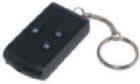 |
|||||||||||||||
| Native resolution of the internal camera module image sensor | 640x480 | ? | 640x480 | 1280x960 | Probably 1280x960 | Probably 1920x1080 | |||||||||||
| Video AVI dimensions | 640x480 | 640x480 | 720x480 (1) | 1280x960 | 720x480 | 720x480 | 640x480 | 720x480 | 720x480 | 720x480 | 1280x720 | 1280x720, 720x480, 640x480 | 1920x1080 | 1280x720 | 1280x720 | ||
| Photo JPG dimensions | 1280x1024 (2) | 1280x960 | 1280x1024 (2) | 3264x2448 | 1600x1200 or 1280x1024 |
1280x1024 | 1600 x 1200 (1280x960 claimed) |
1280x1024 | 1024x768 or 1280x1024 | 1280x1024 | 3264x2448 | 2592x1944 | |||||
| Video objects are aspect ratio correct | ✓ | ✓ | ✓ | ✓ | ✓ | ✓ | ✓ | ✓ | |||||||||
| Photo objects are aspect ratio correct | ✓ | ✓ | ✓ | ✓ | ✓ | ✓ | |||||||||||
| Flash memory. Internal flash chip or Micro SD/SDHC card. | Internal 2/4/8 GB chip | Internal card or external slot. New cameras have a slot. | External slot. Up to 16 GB. | Internal chip or external slot. | External slot | ||||||||||||
| Flash Memory Partitions | Three partitions: firmware, camera files, one large partition for user files (AVI, JPG). | One partition. No system files on the internal flash card. |
One partition. No system files on the micro SD flash card. |
TBD | One partition. No system files on the micro SD flash card. |
One partition. No system files on the micro SD flash card. |
|||||||||||
| LED | Yellow | Yellow | Yellow | Blue and red | Blue, red, or blue and red | Yellow | Yellow Orange | ||||||||||
| Video Date time stamp is removeable | #1A No #1B Yes |
✓ | ✓ some | Depends on firmware version. | |||||||||||||
| Audio record mode | ✓ | ||||||||||||||||
| Webcam ? | ✓ 320x240 |
✓ | ✓ 640x480 |
✓ | ✓ | ✓ | ✓ 320x240 |
✓ | No | 320x240 | |||||||
| Webcam driver and hardware ID |
USBANYKA 04D6 065E |
STK02N 05E1 0B01 |
SPCA1528 04FC 1528 |
STK02N 05E1 0B01 |
STK02N 05E1 0B01 |
SPCA1528 04FC 1528 |
USBANYKA 04D6 065E |
04FC 3058 EKEN. 04FC 2843 driver- less webcam. |
No webcam driver | Yes, see #10 page. 0AD2 900C |
|||||||
| Hardware ID, mass storage device (disk drive) | 05E1 0B02 | 04FC 0171 | 05E1 0B02 | 05E1 0B02 | 04FC 3060 | 1B3F 0C52 | 0AD2 917A | ||||||||||
| Record a long video(3) |
The new #3 cameras have 30 minute close-and-continue |
50 minute close-and-continue |
Close-and-continue at
various file sizes up to 1GB |
||||||||||||||
| AVI file fps | #1A 25 #1B 15 |
about 29 | 30 to 30.999 | about 31 TBD | 30.000 | One sample 29.728 One sample 29.634 |
30.000 | 30.000, varies. Below 15 in low light and high video noise. | 30.000 | 30.000 | 29.667 (one sample) | ||||||
| Missing (Duplicate) frames per second (lower is better) |
#1A Bad.
More than 12. #1B Good. Less than one. |
Toshiba version is
excellent with no duplicates. mTec version is fair with 5. Burst of duplicates in the first 1/2 second. |
Good. Less than 3. | Bad. Measured 21. | Measured samples: 5, 5, 2.8 |
Default bad: 12-16 Good: If FPS is configured 20 or less, and class 4 flash or faster, missing frames approach zero. |
Good. Measured 1.7 |
Bad. About 25%. |
Fair. About 16%. |
||||||||
| Motion blur | Severe | Very little | Very little | Severe | |||||||||||||
| AOV (angle of view) | 40 degrees | Depends on which lens you get. 36 to 44 degrees. | |||||||||||||||
| Video date time stamp | Upper left, white text (Sample) #1B can be disabled |
Lower right, orange text
(Sample)  |
Lower right, yellow text
(Sample) |
Lower right, orange text.
Can be disabled. |
Lower right white text or orange text  |
Lower left, yellow text |
Upper Left, White Text | Lower right, yellow text on black |
Lower right. White or yellow text  |
Lower left or lower
right, yellow text on transparent  |
Lower right,
transparent background, font is orange with black border. |
The AVI sample I have does not have a date time stamp, but it can be enabled. | Lower right,
transparent background, font is orange with gray border,
format like this 2011.06.08 13:12:11 |
||||
| Photo date time stamp | unknown | unknown | lower right, yellow on black | unknown | unknown | Lower right, yellow on black | unknown | unknown | unknown | ||||||||
| Required orientation | My camera vertical. Others report horizontal. |
Horizontal | |||||||||||||||
| Example seller who sold that version in the past | eBay | eBay, Amazon | #3 Sellers |
eBay
eBay BazaarLee |
HobbyCity | Meritline | eBay vian-collection | ||||||||||
| Video Compression | AVI MJPEG | AVI XviD | AVI MJPEG | MOV H.264 | AVI MJPG | MOV H.264 | |||||||||||
| One hour of video, billion bytes |
1.2 - 2.0 | 2.4 - 3.8 | 3.2 - 4.9 | about 3.5 | about 2.6 | About 2.5 | |||||||||||
| One minute of video, million bytes |
20 -33 | 40 - 63 | 54 - 95 | about 58 |
Measured sample: 72, 61, 81 |
Wide variation 12 - 44 | 85-100 | Sample: 53 | sample 53 | sample 133 | sample 110 | samples: 40, 56 | |||||
| Sample video | See my samples below | YouTube, Sample Video | YouTube | TBD | |||||||||||||
| Audio mono | PCM, 16 bit, 8000 Hz, 128kbps | PCM, 8 bit, 8000 Hz, 64kbps | PCM, 16 bit, 22050 Hz, 352.8 Kbps . |
PCM, 8 bit, 24000 Hz, 192 kbps |
PCM, 8 bit, 8000 Hz, 64 kbps |
PCM, 16 bit, 22050 Hz, 352.8 kbps . |
PCM,
16 bit, 8000 Hz, 128 kbps . |
ADPCM, U-law ,
8 bit, 16000 Hz, 128kbps |
PCM 16 bit. 8000 Hz 126Kbps or 22050 Hz 352.8 Kbps |
IMA ADPCM, Variable bit rate, 16000 Hz, 64 Kbps |
PCM, 16 bit, 8000 Hz, 128 Kbps |
PCM, 16 bit, 8000 Hz, 128 Kbps |
PCM, 16 bit, 11025 Hz, 176.4 Kbps |
||||
| Weight without keychain | 15 grams. 10 grams without plastic case. |
||||||||||||||||
| Size | 50mm x 32mm x 13mm
2” x 1.25” x 0.5” |
||||||||||||||||
| Battery LiPo Internal Rechargeable | 3.7V, 180 mAh, usually 402030 (4x20x30mm) | 032030PL, 140 mAh | 052030 240mAh, 25% thicker than most 808 cams. | ||||||||||||||
| Battery life | Empirical about 50 minutes | 1 hour of recording, 50-70 minutes. | TBD | ||||||||||||||
| date time file name, sample format | time.txt, 2009.05.13 15:10:00 |
time.txt or settime.txt, 2009.05.13 15:10:00 | tag.txt 24 hour clock, [date] 2009/12/29 16:58:00 |
time.txt, 2009.05.13 15.10.00 Y |
timerset.txt 20100308155900 Y 20100221001100 N (Y: display, N: don't display) or tag.txt [date] 2010/06/09 13:47:20 |
tag.txt [date]2010/12/3101:00:00 |
"time.txt works" | Run "EKEN_V0.0.03.exe". It is included with the webcam driver. | "time.txt" is
automatically written to a blank card when inserted with the
format of "YYYY-MM-DD HH:MM:SS" with a default value of "2010-10-01 23:59:59". |
||||||||
| Circuit board markings | CARDV_V1.1 2010/01/07 | CX_311C_3.0
2010-02-26 CX_611C_2.0 2009-12-26 |
D006C-V3 | ||||||||||||||
| Firmware | Versions that pass sanity. 1.06, 1.07, 2.04 | ||||||||||||||||
| Other notes | Filenames are SUNP####.AVI/JPG. | ||||||||||||||||
| (1) Camera
#3 takes a 640x480 image and upconverts it to 720x480 in the AVI
file. There is no PAR (pixel aspect ratio) property in an AVI
file and pixels are assumed to be square. If you play this file
with square pixels it will look distorted (a circle will look
like a wide oval). To avoid this distortion force the player to
4:3 DAR (display aspect ratio) or re-encode the video to a 4:3
DAR. (2) Camera #3 takes a 640x480 image and upconverts it to 1280x1024 in the JPG file. This non proportional distortion makes a circle look like a tall oval. (3) I call this feature close-and-continue. After 30 minutes on the #3 camera or 50 minutes on the #4 camera the AVI file is closed, and another video recording starts. This allows the camera to avoid the 4GB file limit. Flash size and battery life limits still apply. |
|||||||||||||||||
| Overview | ||||||||||||||||||||||||||
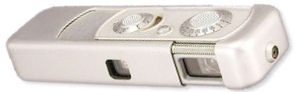 Minox A/IIIs, film "spy" camera, c. 1969, used by James Bond in "On Her Majesty's Secret Service", photos, no video, 82x28x16 mm, 70g, US$400 used (The Minox and the 808 are shown at the same scale) |
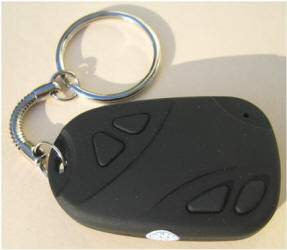 The 808 Car Keys Micro Camera is typically advertised as a "spy"
camera. This review does not cover the suitability of this
camera for spying or surveillance, and I have no expertise
there.
My career background is with embedded microprocessors, software
and electronics. The 808 Car Keys Micro Camera is typically advertised as a "spy"
camera. This review does not cover the suitability of this
camera for spying or surveillance, and I have no expertise
there.
My career background is with embedded microprocessors, software
and electronics.See this comment. 808 car keys micro camera, c. 2010, never used by James Bond, photos, video, 50x32x13 mm, 15g, US$20 new |
|||||||||||||||||||||||||
This is a review of the 808 Car Keys Micro Camera from China.
It weighs about 1/2 oz and can record photos, or video with
audio for about one hour. Wow. It is so small, light
weight, cheap and functional that it has been enthusiastically adopted by the model RC
(radio controlled) airplane and helicopter community.
In spite of a few serious flaws in some
versions of this camera (like poor reliability, poor image
quality, poor audio quaity, and a minimal human interface), this technology is
amazing, and most people gladly put up with the quirks. This
camera is for you if ... This
camera is an amazing, inexpensive, small, light weight, piece of technology.
This
camera is for you if
you are a geek or giz wiz that loves gadgets,
are an experienced PC or Mac user, have a lot of intuition, love
to solve problems, are comfortable using Google search, know the difference between a drive and a driver, can
figure out how to insert a micro SD card, know what
a lithium ion or lithium polymer battery is, can work
without an owners manual, have experience with USB devices
including flash drives and webcams, have experience with video
editing and codecs, have a set of small screw drivers and
your program tool chest includes
gspot.exe and
virtualdub.exe. This
camera is for you if ... This
camera is an amazing, inexpensive, small, light weight, piece of technology.
This
camera is for you if
you are a geek or giz wiz that loves gadgets,
are an experienced PC or Mac user, have a lot of intuition, love
to solve problems, are comfortable using Google search, know the difference between a drive and a driver, can
figure out how to insert a micro SD card, know what
a lithium ion or lithium polymer battery is, can work
without an owners manual, have experience with USB devices
including flash drives and webcams, have experience with video
editing and codecs, have a set of small screw drivers and
your program tool chest includes
gspot.exe and
virtualdub.exe.  This is not a consumer friendly
product. This
camera is an adventure, so expect fun and disappointment.
A camera reboot (reset) is sometimes a normal part of the user experience. This is
not a consumer friendly product,
particularly for people who are not technically inclined.
The camera comes with a poor instruction manual, or a wrong
instruction manual, no video editing software and no video
encoding software. The user interface is sparse. No
manufacturer or reputable brand would put their name on a camera
with this variable level of reliability. This is not a consumer friendly
product. This
camera is an adventure, so expect fun and disappointment.
A camera reboot (reset) is sometimes a normal part of the user experience. This is
not a consumer friendly product,
particularly for people who are not technically inclined.
The camera comes with a poor instruction manual, or a wrong
instruction manual, no video editing software and no video
encoding software. The user interface is sparse. No
manufacturer or reputable brand would put their name on a camera
with this variable level of reliability.Why are these cameras so cheap? 110305 Update - Because some of the parts are not the best. The design is based on a SOC (system on a chip) processor that has all the features needed for an inexpensive digital camera. Some processors can support an LCD display and composite video output, but these features have not been implemented in 808 cameras. The firmware in some 808 cameras has ring tones and cell phone graphics. These tones and graphics seemed to be a cell phone design but those are probably just feature remnants that were not removed from an SOC development kit. Because China makes millions of camera devices cell phones, there are many rejected parts. These parts sometimes have the manufacturer name or part number removed, are cheap and are sometimes sold by the pound. Some of the reject parts, like flash memory chips, are reprogrammed to fake a larger size. Many rejected parts don't pass the parametric tests but are still functional. I believe that some rejected, and cheap, parts get used in these cameras. Why isn't there a brand or manufacturer name on the outside or inside of the camera? A brand represents a level of quality. Without a brand there is no guaranteed quality level, and no reputation to protect. There are probably some shady goings on here, so it's probably best to lay low and not say too much, and not answer the following questions: Does the camera manufacturer have the copyright to the original camera cell phone design and software? Have all the patent royalties been paid? Have all the FCC compliance test been done? How much lead is in that plastic clam shell design? Do all the pixels in that CMOS sensor work? Why do some chips have the manufacturer part number scratched-off or missing? |
||||||||||||||||||||||||||
|
Summary of Features: ►MANY VERSIONS - There are many versions of this camera: #1, #2, ... ►#1 - Has an internal flash chip (no flash card). Firmware can be reloaded and upgraded. OK if the firmware is upgraded with 15 FPS firmware that offers much better quality. Can optionally remove the video date time stamp. Original 25 FPS firmware had bad 50% duplicate frames. Many cameras, including mine, died because of a fake internal defective flash memory chip. I revived my dead camera with a firmware upgrade. ►#2 - is much better than the #1. It has an internal micro SD flash memory card. ►#3 - is the best camera. It uses an removable micro SD flash memory card and has the best quality audio. ►#4 - is a mix of bad and good. It claims to be HD but is not. It has some unique desirable features. Available with either internal flash chip or micro SD slot. ►#5 - has a micro SD card slot and 720x480 video like the #3 camera, but the #5 video is not aspect ratio distorted. The processor is different and the audio is worse. On eBay it is hard to distinguish it from a #3 camera. ►#6 - is a SunPlus processor camera. Like the #3 but more missing frames. Video date time stamp is in the lower left. ►#7 - is an Anyka processor camera that is very configurable. As delivered at 30 FPS the missing frame rate is terrible. Configured for 20 FPS and a fast flash card, the video quality is OK. The audio is terrible with low resolution and various noise artifacts. The FPS is adjustable and the video date time stamp can be disabled. ►#8 - probably is manufactured by EKEN and has a SunPlus processor. Similar to the #3 and #6. Has 1GB close-and-continue and the video date time stamps is lower right, yellow on black. ►#9 - A variant of the #5, sold by Meritline. ►#10 - New SQ907B processor. Variable bitrate audio. Same video date time stamp as the #6. ►#11 - The first 808 camera to have a real 720p resolution. Also first to have MOV H.264 video. Usually has no missing video frames. About 4 time the cost of the 480p cameras. ►#12 - The first AVI MJPEG camera with real 720p resolution. Plastic case is slightly different. Terrible missing frame rate. ►#13 - The first AVI MJPEG camera with real 1080p resolution. Terrible missing frame rate. ►MANUFACTURER - No manufacturer is shown on the camera or documentation. The manufacturer of the camera is unknown but the processors and the webcam drivers have these names on them: Anyka, SunPlus Technology and Syntek Semiconductors. 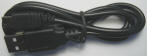 ►USB - The mini USB cable that comes with a camera is often
unreliable, resulting in connection or battery charging
problems. ►USB - The mini USB cable that comes with a camera is often
unreliable, resulting in connection or battery charging
problems.►BATTERY - The camera is powered by an internal rechargeable LiPo battery (similar to a Li-Ion battery) that is recharged through the USB cable. The battery is not removable. The camera has two power modes: on and standby. When the camera seems off it is actually in standby, powering the circuit board and maintaining the date time clock. The battery will slowly lose charge in standby mode. There is no switch to completely disconnect the battery (some other micro cameras have a disconnect switch, but then the date time stamp is lost). Some batteries stop taking a charge. A charge lasts about 50 minutes at room temperature. Marcus from Finland says the battery lasts 8 minutes at -7C at open air and riding a moped at 40km/h. |
►NO DRIVER - To use the camera as a mass storage device (a drive letter) no driver is required (exception Windows 98). If your computer will not install your camera as a mass storage device, then there is something wrong with the camera, the USB cable or the computer. ►WEBCAM MODE- Some All cameras can be used as a USB webcam. This mode requires a webcam driver. In webcam mode, if the camera uses a flash memory card the card must be iinstalled even though the camera does not write to it. Some video capture programs will support the webcam driver. As a webcam, in most 808 cameras the microphone is disabled. ►DATE TIME - The date time defaults to 1970 or 1980. The user can set it using the instruction below. Only a dead battery will unset it. The date time is applied to each created file. Video images and some photos are date time stamped. The video stamp can be disabled on some cameras. It can be blanked with a firmware modification on some cameras. The stamp can be "removed" in post processing. ►FLASH MEMORY - Do not buy any flash memory product from eBay until you have searched the sellers name at SOSFakeFlash. Always run H2testw at least once on all flash memory especially if it is generic. Reformatting can sometimes reduce these problems: lockups, duplicate frames, aborted video. The flash memory is FAT32 file system. NTFS can not be used. No single file can exceed 4GB (about 50 minutes on a #3 camera). Flash cards can be SD (up to 2GB) or SDHC (up to 32 GB). ►FLASH CHIP INTERNAL - The #1 camera is the only internal flash chip camera, and the flash is often fake. This chip holds both the firmware files and the AVI and JPG files. If the firmware gets corrupted, the camera will not work until the firmware is re-installed. ►FLASH CARD INTERNAL - Some #2 cameras come with an internal micro SD card. You need to disassemble the camera to remove or replace the flash card. See external flash card. ►FLASH CARD EXTERNAL - Most new cameras have an external micro SD card slot. It is important to use a micro SD flash card that has fast random write speed. Manufacturers don't publish the random write speed but it can be measured with Crystal Disk Mark. SanDisk usually performs great, and the generic brands can perform poor. Poor random write performance will cause increased duplicate frames, video/audio sync problems, and maybe truncated AVI files. "Class 2, 4 or 6" refers to the sequential write performance. Class 4 or faster is recommended. Some class 2 cards are too slow resulting in a high missing frame rate and a video date time stamp flicker. ►VIDEO CODEC - The camera produces AVI video using the MJPG or XviD codec. You might have to install a codec to play or edit the AVI file. For better playback performance, move the AVI file to a hard disk. ►AUDIO - The audio in all AVI or WAV files is mono PCM. The #3 and #4 have the best audio. The #1, #2, #5 and #7 have fair to poor audio with 8000 Hz sampling that sounds like you are talking into a big tin can. ►ASPECT RATIO (AR) - Some of the AVI and JPG files are slightly AR distorted due to upconverting ratio mismatch. ►MODES - All cameras record video with audio, or images. Some cameras also have a audio recorder mode. ►BUYING - Most cameras are bought on eBay and take 2 to 4 weeks for delivery from Hong Kong or mainland China. Most ads are full of misinformation and broken English. For faster delivery and often a better tested camera there are sellers in the USA but you will usually pay more. ►LEGAL - Your right to use, own, buy or sell a micro camera might be limited by the laws of your country, or the policy of a market maker like eBay. |
|||||||||||||||||||||||||
Summary of Metrics:
|
►RESOLUTION -The camera resolution is 640x480. The JPG and AVI files are upconverted to more pixels (720x480, 1280x1024, 1280x960, 3264x2448) but not more resolution. |
|||||||||||||||||||||||||
|
Many Versions - There are many versions of this camera: #1, #2 ... Externally they all look very similar. All have a lens, microphone, USB connector, hole for the reset switch, two working buttons, two fake buttons, and an LED. Some have a slot for a micro SD card. They all have a similar plastic clam shell case, held together with two screws, and weigh about 15 grams without the key chain, or 10 grams without the plastic clam shell. |
||||||||||||||||||||||||||
|
●
#1 has an internal flash memory chip (usually 2GB, 4GB or
8GB). The video quality is fair to poor (4 Jan 2010
update - With
new software bin files
this camera works much better).
The playback stutters because about half the frames are
duplicates (the new software bin files fix this problem). The flash
memory chip has three partitions: two small partitions for
system files and one large partition for user files (AVI, JPG).
If the system files are deleted or corrupted the camera will
fail. This is a common failure because many of the #1
cameras have fake defective flash chips. The failure rate is high (YMMV) and if
a #1 camera
dies (many do) you can try
this. Many people have
reported that their camera stopped working after a few weeks,
and so did mine. I have been able to
fix the problem. There are some tricks to maybe access the
flash and offload your files by using
system mode. The date time stamp is white and in the upper
left corner. With the latest software
files this date time stamp can be optionally removed. Camera #1, Date time stamp, upper left |
||||||||||||||||||||||||||
|
●
#2 has a micro
SD Flash card sealed inside the camera. The card is not user
accessible. The video quality is good.
The camera and the AVI file are both
640x480 so there is no aspect ratio distortion. The frame rate
is about 29 FPS. There is a burst of duplicate frames in the
first second, then it depends on which CPU the camera has. The
Toshiba CPU camera measured no duplicate frames. The Mtec CPU
camera measured 5 duplicates per second. The USB interface is
slow. The date time stamp is in the lower right corner
and the font is either orange or white. #2 camera, Date time stamp, lower right |
||||||||||||||||||||||||||
|
●
#3 has a slot for a removable micro
SD Flash card and no internal flash. The video quality
is very good. The best audio (352kbps). The failure rate is low (YMMV). The duplicate frame
rate is low. The 720x480 video is AR (aspect ratio) distorted (camera AR
1.33 is up scaled to 1.50 in the AVI file). More than one lens
AOV
(angle of view) has been measured for this camera, 36°
and 44° (54mm and 45mm equivalent respectively). The various
lens coating colors (none, red, green and blue) do not seem to
correlate to anything.
The date time stamp is yellow and in the lower right corner. As a mass storage device the device manager reports this: Disk Drives, General USB Device, GENDISK. USB Controllers, USB Mass Storage Device, Hardware ID 04FC 0171. As a webcam the device manager reports this: Imaging Devices, General Still Camera, Hardware ID 04FC 1528. Imaging Devices, General Video Camera, Hardware ID 04FC 1528. USB Controllers, USB Composite Device, Hardware ID 04FC 1528. #3 Camera Date time stamp, lower right |
||||||||||||||||||||||||||
|
●
#4 is
available with either an internal flash chip, or a micro SD card
slot. The video quality is like the #2 camera but with a very
high (bad) duplicate frame rate. The #4 claims to be HD but
seems to have a native resolution of 640x480 and upconverts it
to 1280x960 in the AVI file. The photo mode seems to upconvert
a 640x480 image to a ridiculous 3264x2448 in the JPG file. In spite of this fakery, the camera has some desirable features. The date time stamp can be disabled. Long videos can be recorded because the camera does close-and-continue at 50 minutes to avoid the 4GB file limit. There is an audio recorder. The aspect ratio is not distorted. There is a webcam driver. #4 camera date time stamp, lower right |
||||||||||||||||||||||||||
|
●
#5
is a variant of the #2 camera. Like a #3 camera it
takes 720x480 video and has a slot for a micro SD card.
This makes it difficult to know what camera you will get from a
seller on eBay. Unlike the #3 the #5 video is not aspect
ratio distorted. Unlike a #3 camera it has worse audio 8 bit 8000 Hz 64kbps, a blue or red LED, a white or orange video date time stamp, an AVI file that is exactly 30.000 FPS and the processor is a Syntek. The claim that the video date time stamp can be disabled has not been verified. #5 Camera Date time stamp, lower right, white or orange text |
||||||||||||||||||||||||||
|
●
#6 (under construction)
is a SunPlus processor camera. Like the #3 but more
missing frames. Video date time stamp is yellow in the
lower left. #6 video date time stamp, lower left |
||||||||||||||||||||||||||
| ● #7(under construction) is an Anyka processor camera that is very configurable. Configured for 20 FPS and with a fast flash card, the video quality is just OK. The audio is terrible with low resolution and various noise artifacts. The FPS is configurable and the video date time stamp can be disabled. As delivered at 30 FPS the missing frame rate is terrible. | ||||||||||||||||||||||||||
|
●
#8(under construction)
The camera is manufactured by EKEN and
the processor is Sunplus. The video quality is very good
and similar to the #3 and #6. The video will
close-and-continue at 1GB. The webcam driver is different
from the other webcam drivers. The webcam installs as Imaging Devices - Video Camera Device - Hardware ID 04FC 3058  #8 video date time stamp lower right |
||||||||||||||||||||||||||
●
#9
Sold by Meritline and DealExtreme. First 808 to use the Generalplus processor.
Date time stamp is lower right and is white or yellow or cyan.  |
||||||||||||||||||||||||||
●
#10
This camera has an
SQ907B processor. The hardware ID is unique so
this camera can't use any other 808 webcam driver. The
video missing frame rate is fair to poor (16% to 44%). The
audio is IMA ADPCM variable bitrate.  #10 video date time stamp, lower right or left, yellow font on transparent. |
||||||||||||||||||||||||||
|
●
#11
This camera takes HD video, 1280x720, H.264, MOV #11 video date time stamp, font is orange with black border on transparent background, lower right |
||||||||||||||||||||||||||
| ● #12 First real 720p AVI MJPEG camera. Slightly different shaped plastic case. | ||||||||||||||||||||||||||
| ● #13 First 1080p AVI MJPEG camera. Slightly different shaped plastic case. | ||||||||||||||||||||||||||
●
#14
480p variant of the #8. |
||||||||||||||||||||||||||
| ● #16 This camera takes HD 720p video, 1280x720, H.264, MOV. It is an improved version of the #11. | ||||||||||||||||||||||||||
|
The video quality of #2 and #3 seem to be similar, and better than #1. If you buy this camera online which version will you get? Some online sellers show sample videos that help you to make a better decision. See the comparison table. My first camera was a version #1 (8GB) camera. I ordered it at an eBay auction from xprodeal and it was delivered from Hong Kong in 12 days for $23.25 with free shipping. The auction price for the 8GB camera has been $18 to $27. This camera creates a 25 fps AVI video file, but half of the frames are duplicates. This camera worked for about a month then it failed due to a defective fake flash memory chip. It has been partially revived. xprodeal (xprodeal ad feedback) (sosfakeflash xprodeal) is on a list of eBay sellers that sell products with bad flash memory. Click here for more info. My second camera is a version #3 camera. I ordered it from eBay seller joymyzone.. It was delivered from Hong Kong in 19 days for US$16.98, with free shipping. I am using an 8GB micro SDHC flash card. This camera creates a 30 fps AVI video file with only a few duplicate frames per second. The video quality is much better than my #1 camera. Here is a preliminary #3 camera report. Bad USB cables - Some of these cameras have been delivered with a bad or intermittent mini USB cable. If you are having USB connection problems, try a different USB cable.+ |
||||||||||||||||||||||||||
|
Links You might need Google Translate for some of these links. Some of these 808 files are in the vault. |
| FORUMS
ENGLISH ● RCgroups.com Aerial Photography thread - My keychain 8gb camera came today ● RCgroups.com (#11 only) The REAL (#11) HD Key Cam Thread ● Parallax.com thread about this Keychain DVR camera ● FlyQuiet.co.uk http://www.flyquiet.co.uk/smf/index.php?topic=2030.0 ● HeliFreak Keychain camera ● FPV-Community (RC Flying from the Cockpit) http://fpv-community.com/forum/showthread.php?tid=269 ● Essexbikers, UK, Motorcycle Forum, Cheap Onboard Cameras ● RSVZone, Aprilia RSV series of motorcycles, Onboard Camera ● Ireland, boards.ie - Key fob mini-cam - £8.39 delivered ● SlickDeals.net, Hot Deals, Car-Key Micro Video Camera $9 shipped - meritline ● 808 general forum - http://www.rcgroups.com/forums/showthread.php?t=1115052 ● 808 #11 forum - http://www.rcgroups.com/forums/showthread.php?t=1362692 ● 808 #16 forum - http://www.rcgroups.com/forums/showthread.php?t=1556994 ● 808 #18 forum - http://www.rcgroups.com/forums/showthread.php?t=1627189 FORUMS GERMAN ● RCLineForum.de about Video camera in the car key format ● FPV-Community.de (Modellflug aus Pilotensicht) http://www.fpv-community.de/comm/forum/showthread.php?tid=602 FORUMS ITALIAN ● Videos: http://www.baronerosso.eu/forum/fpv-e-riprese-aeree/157052-video-da-16-grammi.html ● Technical thread: http://www.baronerosso.eu/forum/fpv-e-riprese-aeree/156432-key-chain-spy-camera-tread-tecnico.html ● Other stuff: http://www.baronerosso.eu/forum/fpv-e-riprese-aeree/152130-videocamera-da-16-grammi-e-11-euro.html LIPO BATTERY MODULES (battery + protection circuit). 120719 - A 502030 LiPo that claims to be 340 mAh is probably a fake claim. And that battery is too thick to fit in most 808 cameras. 111231 - Low cost 808 battery module replacement. eBay - 808 Car Keys Battery Replacement . Three types: ● 402030 with connector for the #16. ● 522540 solderable for the #11 jumbo. ● 402030 solderable for the #11 and most other 808 cameras. Any replacement battery module must have a protection circuit. The circuit disconnects the battery when fully charged. Make sure it will fit your camera. Length includes the protection circuit. My #2 camera 382030 (3.8mm thick x 20mm x 30mm) barely fits. My #3 camera 402030 (4.0mm thick x 20mm x 30mm) barely fits and 4.5mm does not fit (I added 0.5mm, 4 sheets of 20lb paper). Any battery module over 4.0mm thick will probably not fit. ● 402025 with protection circuit, claims 150 mAh. Smaller than a 402030. eBay 220544906965. ● Hyperion LG325-0120-1S, 20.2 x 30.6 x 3.6 mm, 120 mAh. You must reuse your protection circuit. ALLeRC.com. ● This replacement LiPo 240 mAh battery has has been reported to work and fit: HobbyCity. Recycle the little circuit under the tape. This report says that the 240 mAh battery at 5.5 mm thick does not fit in the case. ● Here is a Pair of 200 mAh LiPo batteries on eBay that might fit. These batteries are 4.5mm thick so they won't fit the #3 camera. ● 110604 - This link is dead Rotozuk says that this ??? mAh LiPo battery fits. ● How to wire an external RC servo Battery and an external AA battery pack. ● http://cgi.ebay.co.uk/ws/eBayISAPI.dll?ViewItem&item=220685092050 ● These are wholesalers of the LiPo battery used in most 808 cameras. 402030 = 4mm x 20mm x 30mm http://factory.dhgate.com/china/?wd=402030+battery ● HobbyKing R-C Hobby Store - ZIPPY 100mAh 20C single cell, 4 x 15 x 30, 100 mAh ● HobbyKing R-C Hobby Store - ZIPPY 100mAh 20C Single Cell, 3 x 20 x 32, 100 mAh SAMPLE VIDEOS 808LinksToSampleVideos ● 110816 Eirik Solheim of Norway wrote this story about the 808 #8 (with English translate) and some unusual applications. Video. ● Bob from France has these great outdoor and indoor RC airplane videos. FLASH MEMORY ● http://www.bunniestudios.com/blog/?p=918 is a nitric acid tear down discussion about the inside of various micro SD cards. ● SD formatter - See tools. ● H2testw - See tools. ● Crystal Disk Mark - See tools. TOOLS ● Deshaker is a great plugin for VirtualDub. It can remove shake from AVI video. To see hundreds of examples go to YouTube and search for deshaker. ● VirtualDub is an excellent free AVI tool. It can capture, edit and convert AVI files. ● logoaway.vdf is a VirtualDub filter to remove the on-screen video timestamp. Sample. ● timestamp.vdf is a VirtualDub filter to remove the on-screen video timestamp. Sample. ● Crystal Disk Mark is a free disk performance benchmarking tool, and can be used to benchmark the write speed of a flash memory drive. ● H2testw is a free program used to verify the integrity of flash memory. It writes check-summed records throughout the flash and then reads them back. It can detect fake flash memory. ● SD formatter is from the SD Association and might be a better SD formatter than Windows format. ● 808SetClock is a program to create the date time file for you. Source code is available at the website. ● gspot.exe is a free program that displays all the video and audio codecs installed on your computer. Also displays the properties of a video file. ● HxD is a great free hex editor. It should be used to edit date time files so insure the required format is preserved. It can compare two files, byte by byte. It can calculate the CRC32 of a file. MANUALS Manuals are in the "manuals" folder of the vault. Usually Microsoft Word format and each is less than 1 MB. Don't expect these manuals to be of much use. Expect broken English and some misinformation. Sunplus makes the processor for the #3 and #6 cameras. Like the 808, other camera shapes come with many different electronic versions. Don't expect one manual to cover all versions. ● MD80 MINI DV D001 Manual.doc ● Sunplus 808 user manual for YSB-006.doc (808 #3) ● Sunplus Gumpack user manual for YSB-004.doc ● Sunplus MD80 user manual for YSB-001.doc ● Sunplus Micro Camera - User Manual - Flashlight Shape Car Recorder.doc ● Sunplus Micro Camera - User Manual - "Mercedes" key chain D007.doc ● Sunplus Micro Camera - User Manual - MINI DV D005.doc ● Sunplus Micro Camera - User Manual - Sunglasses.doc ● Car keychain 611 features manual Chinese.doc DATASHEETS ● STK1262B Product Sheet_12.pdf - The STK1262B is a high performance, high integration single chip digital-still-video and live-video camera controller. It is used in some of the 808 cameras. ● http://www.icatchtek.com/products/spca1527.asp - Product information sheet for the "iCatch Technology" SPCA1527A processor used in the #3 and #6 808 cameras. SCHEMATICS ● MD80 Schematic. The MD80 is very similar to the 808 #3 camera. ● Sunplus Schematics. The 808 #3 uses the Sunplus SPCA1527A processor. The SPCA1528 is similar. FIRMWARE (LinksFirmware) Some firmware files or links to firmware files are in the vault. 130420 - www.readerme.com no longer has the firmware files. I have copied some of the readerme.com RAR firmware files to the vault. #1 and #7 - Anyka firmware - Some 808 cameras (#1 CX611, #7 CX311) use an Anyka processor. Anyka firmware is available at the Anyka Chinese website www.readerme.com. You might need Google Translate. This website is often down. Wait a day and try again. (Reid m, Shenzhen Technology Co., Ltd.). Click on "Download", the fifth horizontal menu item. Some 808 cameras might use the CX611s or CX911 firmware. If you download firmware, you use it or install it at your own risk. The firmware might fix your camera or brick it, making it never work again. Good luck. Processor, Model, 808, Flash memory: internal or micro SD AK3631B, CX611, #1, internal AK3651, CX311, #7, micro SD AK3671B, CX611S, #?, internal AK3751B, CX911, #?, micro SD 101226 - The readerme.com firmware page has moved. Where all the Anyka firmware is: http://www.readerme.com/cxdz/%E8%BD%AF%E4%BB%B6%E4%B8%8B%E8%BD%BD2.html. Where the #1 (611) firmware is. The burntool is included with the firmware. http://www.readerme.com/cxdz/html/cx611.html If the firmware starts with "25" or "30", etc, that refers to the FPS. The lower FPS has a lower missing frame rate. The 611s sometimes also works in the #1 camera. http://www.readerme.com/cxdz/html/CX611S.html ● #1 Camera Firmware Website - My English translation of the Chinese readerme.com website (might be out of date). Chinese - readerme.com in Chinese. software download (readerme firmware)- Firmware for devices, including camera #1, that use the Anyka processor. The #1 camera is also called the 611. readerme.com is often down. CX611 - 611_VGA_V1.06 (with time) 4_16sdrm.rar - Firmware and the burntool for the #1 camera with the AK3631B CPU (most #1 cameras use this), 15.000 FPS CX611S - 30 611S_VGA_V1.XX (with time) (4_16sdrm) - Firmware and burntool for the #1 camera with the AK3671B CPU, 12.000 FPS, 640x480 photos. How to disable the video date time stamp - The 808 #1 installable firmware consists of a number of files. One file is the date time stamp font. To remove the date time stamp substitute a file that contains a blank font (BlankDynamicFont4_16.bin). This is not an empty file. Possible download sites: Openuas, Point808, RapidShare, Torrent. In the vault C1 folder. The blank font file is 2359316 bytes and it holds a font that is blank. If you can't download it, email me a request (see email address above) for the #1 camera blank font file. To disable the #1 camera video date time stamp, put the camera into system mode, rename BlankDynamicFont4_16.bin to DynamicFont4_16.bin and copy it to the camera bin partition (replaces the old file). Reset the camera and try it. ● #3 or #6 Firmware Stamp Mod - It is possible to modify the binary firmware file from your #3 or #6 camera to blank the font and disable the video date time stamp. See the #3 camera page. ● #7 See the C7 folder in the vault. 101124 - The firmware site readerme.com was down, now up. 101223 - V3.01 is the latest version. 111005 - www.readerme.com (Anyka firmware) is gone and I don't have the bandwidth to serve these files. These are only for the 808 #7. Your camera probably only works with one version: 1 or 2 or 3. Use at your own risk. See the vault. cx311V1.06.rar, cx311V1.07.rar, cx311V2.04 1M.rar, cx311V3.01.rar ● I do not have any other firmware. SOURCE CODE ● SunPlus makes the SPCA SOC processors for the #3 and #6. This seems to be the development kit source code for SPCA1525, SPCA1526, SPCA1527 and SPCA1528. This code has not been targeted for the 808 camera, but is a valuable read. Here is the code in different forms: Google CodeSearch and GoogleCode. ● Stefan's open source firmware project OTHER LINKS TO THIS WEBSITE http://wiki.twit.tv/wiki/Daily_Giz_Wiz_1029 http://gizwizbiz.squarespace.com/inside-dgw/2010/3/1/episode-1036.html http://www.electronics-related.com/usenet/design/show/169901-1.php http://www.80sforever.net/Testing-Keychain-Camera-808__1sSx8HoLo78.html COMPANIES THAT MAKE OR SELL CAMERA MODULES ● SZLLH - United Electronics Co. Ltd - Shenzhen Union Technology Co. Lihua - http://www.szllh.com/en/index.asp - Makes the LLH-7670 camera module with the OV7670 sensor used in some #5 cameras. ● Truly ● Sanmtech ● FPVHobby.com in Turkey ● SparkFun.com MISC Accessing some files require a user name and password. It changes often. C3/HelmetCamCameraMod.rar - Photos of the Burns Hudson external microphone mod, 15 MB DRIVERS LinksDrivers Some drivers are in the vault. ● Syntek webcam driver. 6MB, Hardware ID: 05E1 0B01 - For use with Syntek processor cameras, #2, #4, #5. Syntek STK02N 2.3 Webcam Driver 05E1 0B01.exe in the Syntek folder. ● Sunplus/Generalplus/iCatch webcam driver (video, no audio) for the #3, #6, and #14. SPCA1528_V2220_MultiLan_090217 04FC 1528.exe in the C3 folder. Other sites for this driver: http://www.ziddu.com/download/8271466/SPCA1528.rar.html (very slow), http://service.alan-electronics.de/Cameras/MDV100/Treibersoftware-driver/Webcam-Driver/SPCA1528_V2237_WebCam_Eng.exe http://www.mediafire.com/?4mdji10muzy ● M3USB driver - Anyka driver used when loading the firmware into the Anyka processor cameras, #1 and #7. ● EKEN 808 #8 webcam driver - Contains two programs (6 MB): EKEN.EXE - Windows 32 bit webcam driver for 808 #8 camera. I have two confirmations that it does not work with Windows 7-64. EKEN_V0.0.03.EXE - Sets the #8 date time. Doesn't work with Vista-64. Works with XP-32 and Win 2000. Webcam Driver C8 VID 04FC PID 3058 EKEN D006 SunPlus 9-14.rar in the C8 folder. EKEN #8 webcam driver torrent ● Anyka (808 #1 and #7) repository of firmware and webcam drivers. AK3631 Webcam driver for #1 and #7. The AK3631 and AK3225 webcam driver are the same. Hardware ID 04D6 065E. Anyka changes their links without notice. Another Anyka webcam driver location and installation instuctions.. ONLINE VIDEOS AT YOUTUBE, VIMEO AND OTHERS Go to YouTube.com and search for 808 car keys micro camera. There are hundreds of samples and reviews. OWNERS OR SELLERS COMPARING AND REVIEWING 808 CAMERAS ● gadgets2u.net comparison of #8, #9, #11, #11, #11, #12 ● Tjalling comparison of #8 and #11 ● Comparison of the 808 #11 720p jumbo, #16 and 1080p jumbo. Manufacturer is HETAI www.htinter.com. http://www.youtube.com/watch?v=_CZRPhp1eaQ 808 PARTS ● S4 diode - The S4 diode is used in the 808 #3 charging circuit. Some, possibly from one lot or manufacturer, have been known to fail. It is used because it has a small forward voltage drop, not for its Schottky high speed. 808 user "Ger" says the S4 diode = 1N5819. It is available from this eBay source: http://tinyurl.com/3cgpxd9 808 Modification Projects ● PIC micro used to control the 808 switches. Also power supply mod. ● ATTiny13A used to control the 808 switches. Tic Tac box. |
| WLToys |
| 140925 - WLToys 720p/1080p similar to Mobius Actioncam |
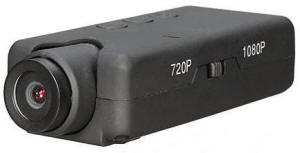 Craig
in Auckland NZ emailed me about the a WLToys camera similar to
the Mobius Actioncam. Maybe it could be used for RC use.
Delivered prices Banggood $43 that is quite a deal if the video quality is good. (Amazon
US$49-US$97) Craig
in Auckland NZ emailed me about the a WLToys camera similar to
the Mobius Actioncam. Maybe it could be used for RC use.
Delivered prices Banggood $43 that is quite a deal if the video quality is good. (Amazon
US$49-US$97) Banggood Link, Amazon Link Comment from Craig - Spotted this on the BangGood consumer website, sure has Mobius design clues, looks interesting, WL Toys are selling this as an add onto to there RC Quads and RC helicopter which currently have WL's clip in camera mount. Their original camera / video was pretty poor image quality wise, SVGA, but worked well and has proven popular. Looks like they have responded with a mobius like clone or maybe a contracted Mobius design ? 720 / 1080 and photo capabilities. as well as the manual controls it can also be turned on / off and video or photo modes selected via the remote controller and hence the cable line (they use the same setup on their current camera system). Lens unit pivots which is a big plus for us RC guys. |
| 120613 808 Webcam Linux |
| 120613 - Webcam with Linux - #3, #8 |
|
Marc-Alexandre from France made these comments about using
webcam mode with the 808 #3 and #8, with Linux. I have several models here and I tried to see if the webcam mode was working under GNU/Linux (any recent distributions). Here is the method I used to switch to webcam mode with the models #3 and #8 1/ Plug in the camera (no microSD card needed). 2/ Type "lsusb" into a terminal --> For the #3 model, it should display the line "04fc:0171 Sunplus Technology Co., Ltd SPCA1527A/SPCA1528 SD card camera(Mass Storage mode)" --> For the #8 model, it should display the line "04fc:3060 Sunplus Technology Co., Ltd" 3/ Simply press the Power button 4/ Type "lsusb" again in the terminal --> For the #3 model, it should display the line "04fc:1528 Sunplus Technology Co., Ltd SPCA1527A/SPCA1528 SD card camera (webcam mode)" --> For the #8 model, it should display the line "04fc:2843 Sunplus Technology Co., Ltd" DONE! The model #3 WORKS out of the box with the softwares Cheese, guvcview and VLC. NO DRIVER is needed. The model #8 DOESN'T WORK with any software. But I suspect a device failure. |
| 120506 - #15 720p AVI MJPG |
| A camera seller in Thailand sent me information about a new 808 720p camera. It is version #15. |
| 120115 - 1080p Jumbo Version | |
| 120217 -
Techmoan has a good review comparison of the #11 720p jumbo, #16
and 1080p jumbo. Manufacturer is HETAI
www.htinter.com. http://www.youtube.com/watch?v=_CZRPhp1eaQ 120215 - Around 120110 the manufacturers of the 808 #16 will release for sale a "jumbo" 1080p camera, with a case and size similar to the #11 jumbo camera. I don't plan to review it or assign it a number because it is not an 808 size or in an 808 case. Tom Frank started a forum about the 1080p jumbo. http://www.rcgroups.com/forums/showthread.php?t=1566331 |
|
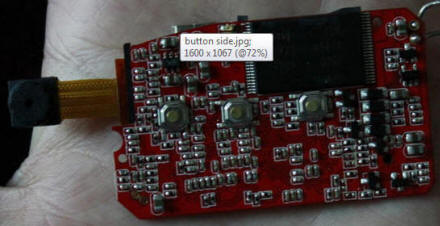 Jumbo 1080p Button Side |
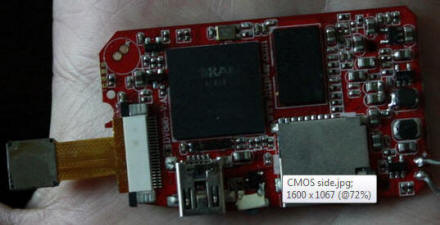 Jumbo 1080p Battery Side |
 |
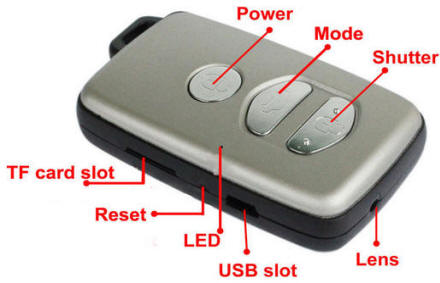 |
| 808LiPo |
| 111231 - 808 Replacement LiPo Battery Module |
| Caution:
There is no switch that disconnects the battery on an 808
camera. If you solder the battery module remember that you
are soldering a live voltage to the circuit board and any short
mishap can destroy the camera. This is the first time that I have found someone selling an 808 replacement battery module (LiPo + protection circuit) of the correct size for much less than the cost of new 808 camera. Sellers on eBay are selling the exact LiPo battery module. eBay - 808 Car Keys Battery Replacement . Three types: ● 402030 with connector for the 808 #16. ● 522540 solderable for the #11 jumbo. ● 402030 solderable for the 808 #11 and most other 808 cameras. 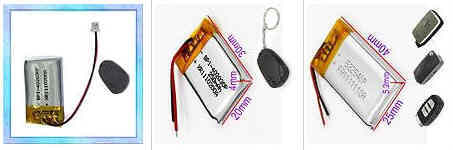 |
| 111204 - Battery Protection Circuit Information | |
| Claudio in
France sent me this great information about his 808 #3 battery
protection circuit. The battery module has a LiPo battery
cell and a protection circuit. All 808 cameras have something
similar. The protection circuit parts include the dual
MOSFET and the DW01 controller. Very interesting. Not all
protection circuits are the same. I had a problem with the battery in that when I left the camera recording until the battery was completely discharged I was not able to recharge it again; as described on your site, "2010 Aug 19 - Dead #3 Camera Revived with Hard Reset", I had to disconnect the battery terminal (i.e. the actual battery terminal, not simply the wires soldered to the PCB) and reconnect it again and then I could charge the battery normally. On the small battery protection PCB there are a dual mosfet KI8205T, http://www.kexin.com.cn/pdf/KI8205T.pdf and a battery protection IC DW01, http://www.ic-fortune.com/upload/Download/DW01-G-DS-10_EN.pdf ; interestingly enough its datasheet has a note saying that when a battery is connected for the first time the IC might not enter a normal state... known design flaw ?? The protection schematic is exactly as the "Typical application circuit" shown on the datasheet. |
|
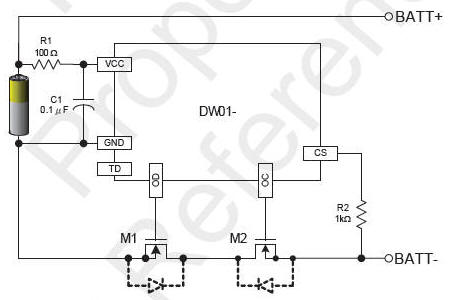 Typical application circuit - DW01 |
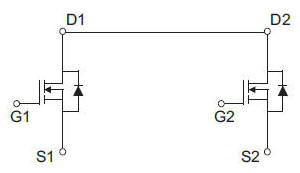 KI8205T dual MOSFET |
| 111201 - Another Different 808 |
|
This different 808 is now the #14. See the
#14 page.
|
| 111113 - Crackdown on China Export of Surveillance Cameras like the 808 |
| 111114 - See
this note from Tom Frank who moderates the 808 #11 forum.
In China "some who are involved in manufacturing or selling spy
cameras have
been arrested!"
111113 - Chinavision.com has been selling micro cameras. This comment from aeronca11AC explains that many cameras from China are being export blocked. |
| PEDProductsActionCam |
| 111110 - ActionCam |
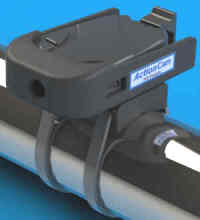 111110
- PED
Products makes the ActionCam camera and mounting accessories
for the 808 camera. Kits are sold
with or without a camera. PED Products sent me a sample mounting kit (without
camera) and I am reviewing it. Photos will be posted. 111110
- PED
Products makes the ActionCam camera and mounting accessories
for the 808 camera. Kits are sold
with or without a camera. PED Products sent me a sample mounting kit (without
camera) and I am reviewing it. Photos will be posted. A kit without a camera that holds the standard shaped camera is about US$20 to US$25. A kit with a camera and flash card is available. With a 720p camera and flash card the kit is about US$120 to US$150. With a 480p camera and flash card the kit is about US$90. I don't know what 808 version PED Products is delivering. Contact PED Products about that. 110622 - Vince emailed me about this. ActionCam seems to be an 808 720p camera with a mounting kit. http://ped-products.com/index.php?dispatch=products.view&product_id=121 |
| 1110125CXUnknown | |
| 111025 - Another Version ? | |
| Luis of
Spain sent me this information about an 808 that seems to have a
syntek processor. I’d like to share with you my knowledge about my version of 808 camera. I have 2 devices and this is the information of both: Device name shown by thePC: Syntek USB MSDC device, Hardware ID is 05E1 0B02 as External HD, Hardware ID is 05E1 0B01 as WebCam. Chipset: H55028G-1022 (device 1), H52690A-1018 (device 2) ROM (both): W986416EH-7 Motherboard (both): SZ-M E305905 LTD I2_V1.1 date 13.03.2010 I think it’s similar to the so-called “808 Syntek HD Variant” on your web. Video is 1281x960 and “upscaled”. Date and time is green on transparent background in lower-right corner. I’ve sent an email to Syntek asking for the processor datasheet, and i’m waiting for the reply. |
|
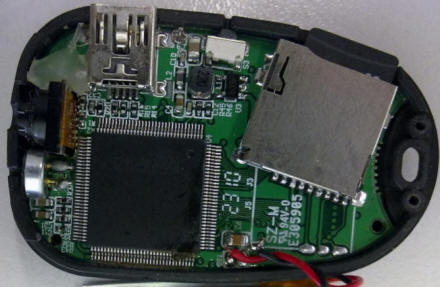 |
|
| 111017Unknown808 | |
| 111017 - Unknown Anyka 808Camera - Internal Flash, XviD, 352x288, 15 FPS | |
| Mark received
a very different 808 camera from eBay seller need2u_2. Mark
says "it definitely seems that the camera doesn't match the
advertised spec at all (8GB, 640x480 video, 1280x960), but hey
I'm not really surprised! The package it arrived in is labelled
na-chuan.com".
The features of this 808 are: CAMERA - internal 1GB flash memory that holds the firmware and the created AVI and JPG files. The circuit board is not marked with a model number. There is a system mode that lets you access the flash memory partitions like the 808 #1. VIDEO - AVI XviD, 352x288 CIF, 15 FPS, one sample video is 3741 Kbps (about 24 MB per minute, about 40 minutes of recording), Except for the first 6 frames there are no missing frames. The video date time stamp is white in the upper left in the format "1999-03-25 11:56:36" IMAGE - JPG, 640x480 AUDIO - 8000Hz, 16 bit, 128 Kbps. Sound quality is poor. Internal Parts: 16X16SDRAM - The part labeled SDRAM is the RAM chip. All 808 cameras have a RAM chip. HYNIX HY27UU088G5M - 1GB, 8 Gb flash memory chip. That is 8Gb (8 gigabits), so maybe the seller didn't understand bits and bytes, or maybe they just lie. Anyka AK3671Q14403 - Processor. This processor was used in the CX611S camera. This camera might use the CX611s firmware. Not sure. Links to some Anyka firmware is available here #LinksFirmware  Video Date Time Stamp, Upper Left |
|
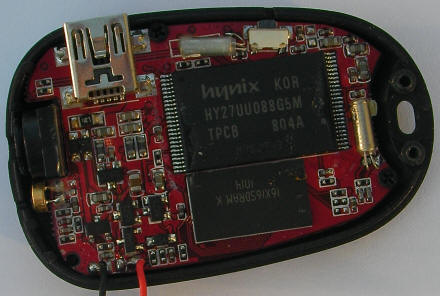 111017 Unknown 808 Camera |
 111017 Unknown 808 Camera |
| 111012CX911 | |
| 111012 - CX911 | |
| 111011 - Luke
received this camera from
Hobbyking with an Anyka processor (Labeled ANYKA
AK3751B10001 FS03C11) and the circuit board is labeled
CX911v2.0 2011-03-31. CHARACTERISTICS: 640x480 video, 30 FPS, Sample AVI is MJPEG 33 MB per minute. Audio is PCM 128Kbps 8000Hz 16bit. Cyan date time stamp in the lower right. The 8-pin chip labeled 625Q80 is probably a SPI flash chip, where the firmware is stored. Eazzydv seems to the OEM for the CX911 camera. http://www.eazzydv.com/c371.html. The AK3751B is also used in some versions of the MD80 camera and is discussed in Russian with translate here The CX911 seems to be similar to the 808 #7. |
|
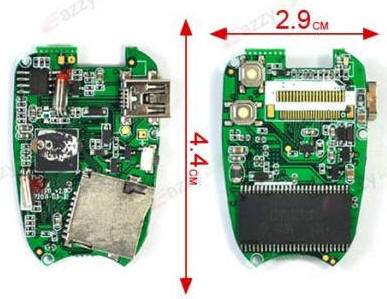 Eazzydv CX911 http://www.eazzydv.com/c371.html Note that the button side photo is a mirror image. |
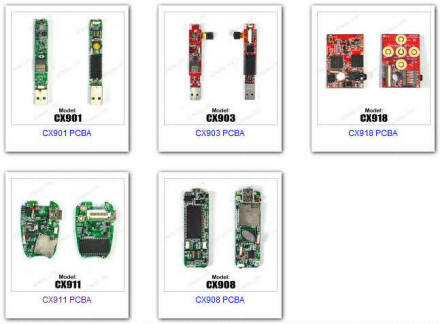 Various Eazzydv OEM cameras http://www.eazzydv.com/cs-pcba.html |
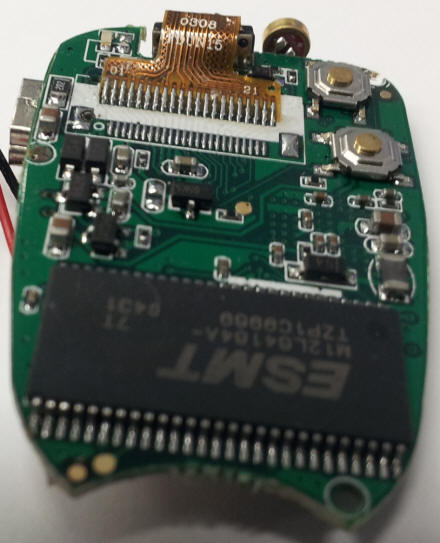 Luke photo of his CX911. |
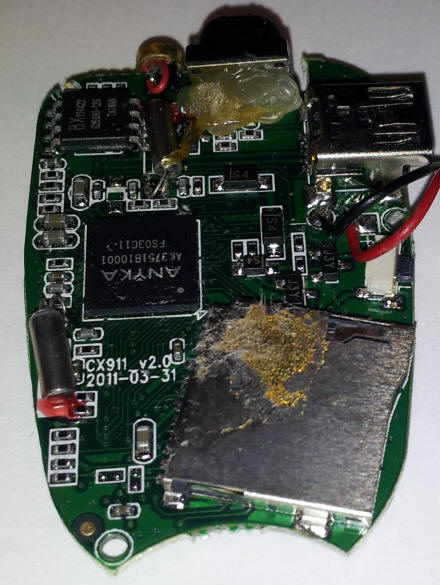 Luke photo of his CX911. |
| CaseDimensions | |||||||||||||||||||||||||||||||||||
| 110906 - 808 Case Dimentions | |||||||||||||||||||||||||||||||||||
| If you are mounting an 808
camera or making an enclosure, you care about the 808 plastic case dimensions. Not all 808 cameras have exactly the same plastic case dimensions. ● There are at least two 808 plastic cases, and each has a slightly different length, width and height. ● The hole for the lens is offset in some cases but not in others. ● The power and mode button have a different shape in the thin and thick cases. I speculate the height difference is to accomodate a thicker battery in some cameras. |
|||||||||||||||||||||||||||||||||||
|
Case Dimensions
Here are the empirical dimensions of two 808 #3 camera cases in popular use, and there might be other case sizes. When you buy an 808 camera, you usually don't know which one you will get.
|
|||||||||||||||||||||||||||||||||||
|
Lens Centered or Offset
This issue will probably only interest people who
are creating an 808 camera enclosure.
Looking at the lens, the lens hole is either centered or
offset to the right about 1.5mm.
Here is my inventory of cameras:
|
|||||||||||||||||||||||||||||||||||
| NintendoWii |
| 110405 - Playing 808 files on the Nintendo Wii |
| 110405 - If you put an 808
video or photo file (AVI or JPG) on a full size SD card, some
files can be
played on the Nintendo Wii using the Wii photo viewer. I have a Wii and tried these 808 video file versions
#3 plays very well, video MJPEG, audio PCM.
#7 does not play, video XviD, audio PCM
#8 starts to play, all of the audio plays, then the video
freezes, video MJPEG, audio ADPCM u-law
Nintendo specifies that these photo, audio and video formats will play: http://www.nintendo.com/consumer/systems/wii/en_na/sdCards.jsp#file_types |
| 110208 - Extending the Camera Module Flat Cable |
| See 808 Car Keys Micro Camera Review - Extending |
| 110125 - Mod - Clever Charger Replaces the Dumb Charger | ||
| 110208 -Tomáš in The Czech Republic has this message: Hi, I just want to confirm that clever charging mod works. I have done it on my cam #8 and tested it with help of Artur who is the author of this mod. I would like to thank Artur for sharing this mod and you for running the website. | ||
110125 - Artur in Lithuania created this mod to his 808 #8 camera to charge the LiPo battery to the maximum, increasing the video record time by up to 30 minutes. The camera charging circuit is "dumb" and only charges the LiPo battery to about 70% of capacity. This mod replaces the camera charger circuit with the Microchip MCP73831-2 /OT LiPo Charge Management Controller chip. This mod uses the SOT-23 6-pin 4.20V version. It fully charges the LiPo battery. Digikey has the MCP73831 for about US$0.68 plus shipping. Artur bought an MCP73831 2ACI/OT in a Lithuanian radio store for about 1.5$ Mouser has the MCP73831. Only someone with advanced electronics experience should attempt this mod. It should be thoroughly bench tested to insure that it works and is safe. LiPo batteries can catch file or explode if not charged, discharged or handled properly. Since all 808 camera charger circuits are not the same, any adapting of this mod to your camera is your responsibility. Questions about this mod should be forwarded to Artur at plartur@gmail.com ====== Comments from Artur ======= You also can buy the 8 pin variant of the IC, it is practically the same, except pinouts. If you’ll buy it, you should solder it according to the datasheet. Temperature range – don’t care. We are not using MCP73831 on its max currents, so there shouldn’t be overheat problems. Option: AC and AD will be the best choice. AT in some cases can charge battery only to 95-99% of its capacity. DC is the same as AC, but without precharge (you will need it if your battery voltage will be lower than about 3V) ===== The following are Artur's instructions ===== This is my instruction how to mod 808 Car Keys Micro Camera (#8) by installing "clever charger" Clever charger involves: ● Automatic charge control. When battery is charged by 100%, current is off, and you can leave your cam with charger connected as long as you want. It will not overheat, or be damaged in other ways. ● If the battery is too discharged, it starts charging with small current, avoiding battery damage. ● It will not be damaged because of over current. ● You will be sure that your battery is charged by 100% when you disconnect charger after a few hours of charging. Yes, charging takes a bit longer (about one and a half hours), but camera also works longer. After an hour battery is charged for about 80%. About all of the functions of this charger you can read in datasheet. You must have good soldering skills to do this mod, because parts you have to solder is surface mounted, and not very easy to solder. 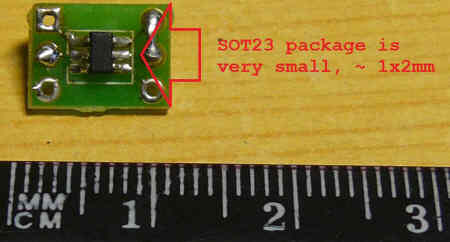 Some schematics. 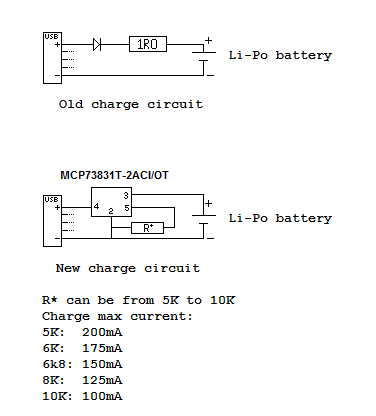 The smaller R* resistance -> Bigger charge current -> Shorter charge time. R* can be set up to 2K for 500mA current, but your battery can be damaged, because there is not recommended to set charge current over 1C (C - your battery capacity, mine is 160mAh, and I’m using 6K8 resistor (6800 Ohms)). If you are not very good in understanding schematics, this is graphical illustration of what we have to do. 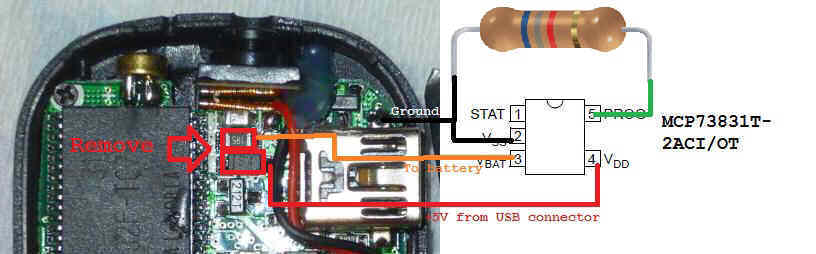 You can solder IC directly to the PCB (like I did), also you can just use some wires to connect pins of the IC to the PCB and resistor. You can do it in the way you want, but you must connect them correctly, otherwise your camera, battery, IC and PC can be damaged. There is how my cam looks like now: 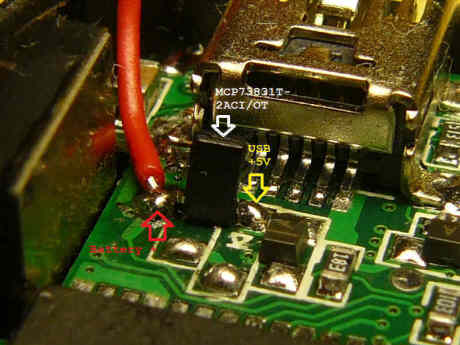
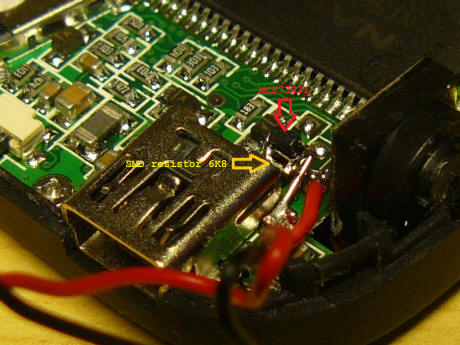 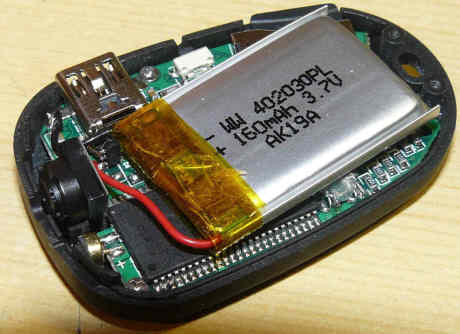 BEFORE this mod my cam worked for about 50 minutes, AFTER - more than 1h 20min. Can't run test longer, because I don’t have normal memory card larger than 4GB. |
| 101219 - D011 Flight Recorder |
 I
don't review this D011 camera but the electronics are similar to
the 808 #3. It seems that
EKEN makes the
D011 and the 808 #8 (D006).
It comes with a mounting kits for the windshield and handlebars.
The battery is about 3 times larger than the 808 battery.
It records in 5 minute AVI file increments, with about 2 seconds
lost between files. When the micro SD flash card is full the
D011 starts replacing old AVI files, so it operates a s flight
recorder. It has a real on off switch (off also resets the
date time) and one button for all photo and video operation.
It can be USB connected to charge the battery and take video at
the same time. The 808 can't do that. Available in
black or silver. Sold on eBay (example) and elsewhere
(example) for about US$30. I
don't review this D011 camera but the electronics are similar to
the 808 #3. It seems that
EKEN makes the
D011 and the 808 #8 (D006).
It comes with a mounting kits for the windshield and handlebars.
The battery is about 3 times larger than the 808 battery.
It records in 5 minute AVI file increments, with about 2 seconds
lost between files. When the micro SD flash card is full the
D011 starts replacing old AVI files, so it operates a s flight
recorder. It has a real on off switch (off also resets the
date time) and one button for all photo and video operation.
It can be USB connected to charge the battery and take video at
the same time. The 808 can't do that. Available in
black or silver. Sold on eBay (example) and elsewhere
(example) for about US$30.Here is a great YouTube review by techmoan http://www.youtube.com/watch?v=8o2P_mxRWiY |
| 101206 - Button Align Problem |
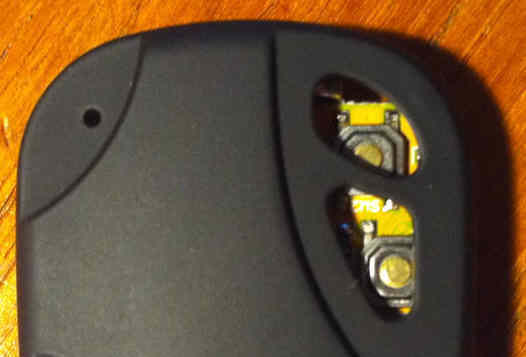 #9 camera with misaligned buttons. "It felt like I was pressing them, gave tactile feedback as expected, but never actually pushed the button. Although it looks like the power button is aligned, I believe that it is hitting the plastic button on the hollowed out area of the button! I have modified the buttons by filling them with glue." |
| 2010 Nov 16 - 808 With External IR Filter |
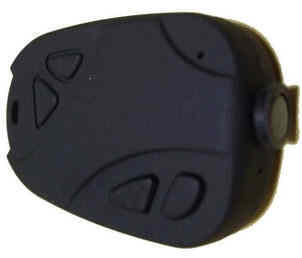 PN
in Thailand reported this 808 camera for sale.
http://www.moshimo.com/article/463067/337947 PN
in Thailand reported this 808 camera for sale.
http://www.moshimo.com/article/463067/337947All 808 cameras have an infrared blocking filter in the lens assembly. It is required because the CMOS sensor sensels are sensitive to infrared light, but the human eye is not. This camera is being sold without an internal infrared blocking filter. It comes with a set of three external infrared blocking filters (640,700,820 nm set). At about US$250 the price is outrageously high. |
| 2010 Nov 15 - SunPlus Source Code |
| 101115 - Update
comment from LPDP. I believe at 99% that this code is derived from a toolkit licensed by SunPlus to camera manufacturers that use the SPCA processors family in their design. That means that there are a lot of common code both in the 808 firmware and the mentioned source code. For example, i found that the file dbg_str.c has been compiled and linked inside the 808 firmware. That sounds good, because it verifies the suggestion that the 808 executes MCS-51 (8051) code. I found other several matches among the source files and the 808 firmware. What I plan is to install the keil C51 IDE (which is used to compile that source code), then put some debug mark inside the interesting parts of the code; i.e. when the place and format of the timestamp is defined, and look up with an hex editor in the compiled version, the debug mark and the chunk of code linked to it, search that chunk of binary code inside the 808 firmware, and if any match found, modify the source according to my testing (for example, change the place of the timestamp to the right bottom), then what is modified in the chunk of compiled code, replicate it in the binary code of the 808, upload the modified code to the cam, and see what happens. |
| 101004 - The SunPlus processor is
used in the 808 camera versions #3, #6 and #8. Here is a link to some SunPlus source code. It is from a Google code project called sdvsdv. I'm not sure what it is. It is the only SunPlus code I have seen. These links are the same project, in different forms. http://www.google.com/codesearch/p?hl=fr#QB7s9X15wr8/trunk/ - Google CodeSearch http://sdvsdv.googlecode.com/svn/trunk/SDV/ - GoogleCode It includes ● Source code (*.c, *.h) ● SPCA 1528 release notes ● fw.bin, and 1528.bin, which are probably the firmware for some camera ● wav files with a shutter and ring tone sound ● graphics files for a camera or cell phone |
| 2010 Nov 08 - Reset Switch Problem |
Paul in The
Netherlands reported this problem with interference between the
reset switch and the case of a #8 camera. This problem
could occur with any version of the 808 camera.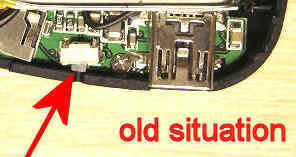 The camera did go on at all.
Not even with your USB trick on
The camera did go on at all.
Not even with your USB trick on "2010 Oct 28 - #8 problem - Camera Won't Turn On". SYMPTOM: The camera can't be turned on. The LED is off and pressing any button or the reset will not turn the camera on. PROBLEM: I found this cause. The reset buttom won't expand enough in its original position after pressing it.  SOLUTION:
Remove some plastic cover at the place where needed. SOLUTION:
Remove some plastic cover at the place where needed. |
| 2010 Nov 04 - SPCA1528 SPCA1527 Promotional Page - #3 #6 |
| The SPCA1528 SPCA1527
processor is used in the #3 and #6 camera. Here is a link
to a promotion datasheet PDF (not a specification) , then a
Google Translation. Promotional datasheet of the SPCA1528 SPCA1527 |
|
Page 1 2010, with Europe and the United States economic recovery, low-end DSC / DV will have a relatively large export market growth, coupled with the level of the domestic market acceptance of products Improvement, I believe the overall growth of more than 20% in 2009. In response to this demand, good product line compile Group Products AUO, General Plus, Icatch(SunplusMm)、SETi、Richpower、Winbond, (CDSP、SPI flash、power Icatch (SunplusMm), SETi, Richpower, Winbond, a series targeted at the low end of DSC / DV application solutions (CDSP, SPI flash, power,IC, TFT, CMOS sensor, Audio AMP, ITOUCH, SDRAM), in order to meet customer needs.
|
| 2010 Nov 02 - Quality Video using a Micro Camera |
| Bobtheflyer from
Brixham, England made this very good 10 minute video using his
808 and MD80 micro cameras. The YouTube video might
not be playable in some countries because of music copyright. Bobs comments: I just put together a 10 minute 'proper' movie made entirely with an 808 and MD 80 with jelly lens. I think it's quire remarkable. The quality of the 2.2 gig original AVI file was very good even on a 32 inch LCD screen. I compressed the AVI to 240 MB using Virtual Dub, and the XviD mpeg 4 codec, and logoaway to remove the date/time stamp. http://www.youtube.com/watch?v=pmO8zs1DhAU or http://vimeo.com/16423360 |
| 2010 Oct 28 - 808 Storage Battery Life | ||||||
|
Q. What is the shelf life of the camera battery charge when the
camera is off (standby)? A. The simple answer is: Nominally, in about 3 months the battery will be discharged to the point that the camera will not work and would need to be re-charged. The more complicated answer is: When off, the power used by the LiPo battery self-discharging is much more than the power used by the camera. So the shelf life will depend on the manufacturing quality and the number of charge-discharge cycles. ========== My #3 camera with a PQi 4GB class 6 micro SD card uses:
Your results might differ depending on the power used by your micro SD card. The Wikipedia LiPo article claims 5% per month self-discharge. 3 months - Shelf life with self-discharge 5% from 4.2V to 3.6V (the 808 minimum). 22 months - Standby time at 0.009 mA and no self-discharge. What I don't know is: How much self discharge is there typically in an 808 new or old LiPo battery? How many charge cycles does a LiPo battery have and what battery properties degrade with each charge-discharge cycle? What is the mA usage of each 808 version? |
| 2010 Oct 28 - USB Emergency Charger |
 This
USB emergency charger can be used to charge the 808 battery.
It uses two AA batteries (alkaline work best), has an A type USB
connector, also functions as a flashlight, claims to supply up
to 500 mA and is available from China for less than US$3.
Electronically it is a 3V to 5V DC to DC converter. This
USB emergency charger can be used to charge the 808 battery.
It uses two AA batteries (alkaline work best), has an A type USB
connector, also functions as a flashlight, claims to supply up
to 500 mA and is available from China for less than US$3.
Electronically it is a 3V to 5V DC to DC converter.I have used it to charge my 808, iPod Nano, and Garmin GPS. It will also fix the 808 #8 problem where the camera will not turn on. SWITCH - The switch has three positions (LED, OFF, USB) and is too easy to accidentally move, so I put some tape over the switch when not in use. Leaving the switch in the USB position will discharge the batteries in a few weeks. Size: 83x35x20 mm. Weight with two alkaline batteries: 71g (2.5 oz.). On eBay search for "USB emergency charger". I use one like this: http://cgi.ebay.com/ws/eBayISAPI.dll?ViewItem&item=110548165875 Measured AA battery current from my bench test: 460 mA - switch in USB position, while charging the #3 camera. 210 mA - switch in USB position, while connected to a fully charged #3 camera. Protection circuit disconnects the LiPo. 6.69 mA - switch in LED flashlight position. 1.98 mA - switch in USB position, nothing connected, red power indicator LED is on. 0.06 mA - switch off. |
| 2010 Oct 21 - 808 Syntek HD Variant |
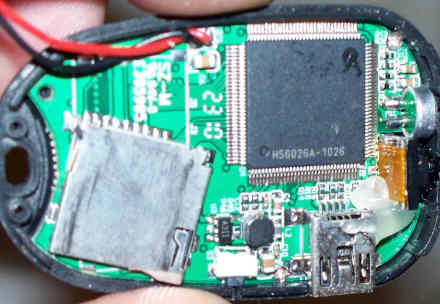 Scott sent me photos and sample AVI from a
variant of a Syntek processor 808
camera. Uses a micro SD card. Scott sent me photos and sample AVI from a
variant of a Syntek processor 808
camera. Uses a micro SD card.The video is like the #4. Analysis of a video frame shows that it is upscaled from 640x480 (VGA) to 1281x960. As expected the missing frame rate is terrible at about 66%. The processor is labeled HS6026A-1026 (? 26th week of 2010). Video date time stamp: Green on transparent, lower right, format 2010.10.20 20:46:41 The audio is like the #2 and #5. |
| 2010 Oct - Time Lapse 808 Camera Mod, No Micro Required | ||
|
CAUTION - This
project requires removing the Lipo battery from the 808 camera.
Do not attempt this mod unless you understand the fire and
explosive risks of using a Lipo battery. Be sure to do a
thorough user monitored bench test. CAUTION - Disconnect the NIMH battery pack before connecting the 808 camera USB cable. Connecting the USB cable with the NIMH pack connected will damage the camera, the NIMH batteries, or worse. Bob Moore from the UK (BobFlyman on YouTube) has created a time lapse photo project using his 808 camera. No microprocessor or programming required. This mod periodically takes a photo for many hours. 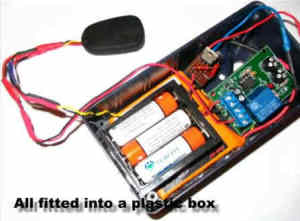 The hardware consists of an 808 camera, an
off-the-shelf
555 relay
timer, a voltage regulator and some battery packs to run the
timer and extend the on time of the 808 camera. The hardware consists of an 808 camera, an
off-the-shelf
555 relay
timer, a voltage regulator and some battery packs to run the
timer and extend the on time of the 808 camera.Here is a description and bob's YouTube video. Note - When on, the camera will draw about 150 mA, so the 2800 mAh NIMH batteries will expire in about 18 hours, or when the camera voltage gets below 3.6V. |
||
|
Bob Moore's Time Lapse Project (silent video) |
||
| Bob's comments: As I don't have access to a pic programmer (or really understand them?) I used a relay timer from RapidOnline which is a simple kit you just have to solder the components to the board. It's based around a 555 timer. The time interval is adjustable between 1 and 60 secs, and the duration of the pulse adjustable as well. A one sec pulse will fire the shutter. (A 3 sec one will turn on video record mode as you know.) To power it I use two 2s lipos, say 8 volts each , in series 16 v and I made a small 12v regulator circuit with an LM317 and 2 resistors to give me 12 volts to power the relay board. Timer can be set to intervals from 1 sec to 30 secs. I did the mods outlined on your site to connect to the shutter button and internal lipo in the 808. I use three NiMh rechargeables to power the camera, which conveniently gives about 5 volts. Then used a couple of model aircraft lead connectors between circuits/power and camera. The only downside is the max useable interval is really 30 secs or the camera will automatically shut down. I could make an addition timer circuit to turn the camera on, but 30 secs is quite good anyway. It's a lot less complicated than Svens brilliant time lapse solution, or the other solution and doesn't need a pic programmer. Maybe easier for someone with only average electronic skills? One image is about 250 kb's; i.e. 4 images to 1 mb. Which at 15secs is one minute a megabyte. So 60 meg an hour . 1440 meg a 24 hour. Or about 4 gig for 3 days recording. I measured the relay current at 20 mA with a 50 mA spike when the relay operates, so the LiPos will operate it for many days. I'm sure my 2800mA NiMh will also power the camera for a long period though I haven't measured the current. ========== A correction and a few extra things to the time lapse project. Pin layout for the LM 317 (it only needs two resistors , not three. I'd put two in series to get my 1100 ohms!) Circuit diagram for a voltage regulator circuit. Sorry the type is poor on my photo. pic showing where to connect shutter release. Terminal near forward button and the body of the usb socket. Incidentally, I de-soldered the mike to make it easier to solder the button connection but after resoldering it wouldn't work. Fortunately I had another from a dead camera which did work when I soldered it in. I have a pretty crude, not thermostatically controlled soldering iron! Remove the 808 camera LiPo battery. I didn't remove the internal LiPo, I actually connected to the leads as shown in the othe pic. ie to the camera side of the connection. (The camera can still be used as a 'normal' camera. ) I guess this means the camera will operate below the LiPo regulator circuit drop off point of 3.6v? Time will tell. |
||
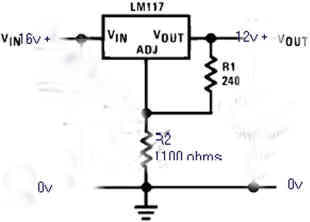 |
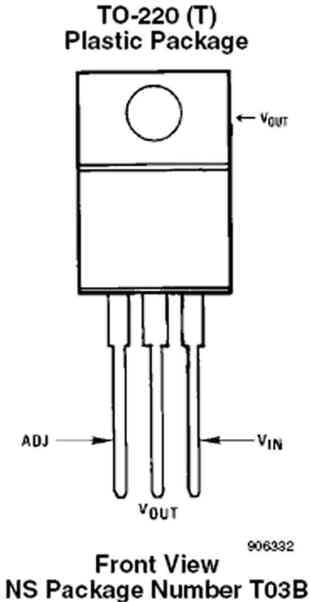 |
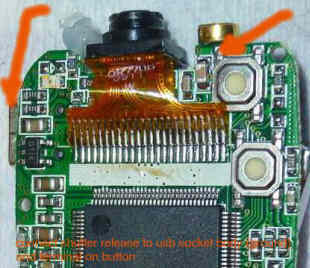 |
| LM117, 12V regulator circuit, 240 and 1100 ohm. | LM117 package, three terminal variable voltage regulator. | Button solder points: USB connector on left (ground) and button pin on right. |
|
I just completed a six hour time lapse of a tree felling near my house and the internal battery of the 808 is still working. (Don't know what voltage is has though). I just re-charged the internal LiPo and test recorded a hour of video with the internal battery, so it appears to be working as before. The 3 Ni Mh cell pack start voltage was 3.92v and now after 6 hours it's 3.75 v. The Lipos started at 16.4 volts and are now 15.8v |
||
|
Sample video from the time lapse project. Tree felling and Brixham Harbor, England. |
||
|
========== The NIMH battery back is not hard wired, as you say that would have created all kinds of problems. Most definitely easily disconnected before connecting the USB by just pulling apart connectors. I have added an annotation to that effect on my YouTube video as well. ( You Tube annotation:. 'You MUST disconnect the external battery pack before connecting the usb to the pc.' ) You could make a note to that effect on the web site too? As in Svens project, to have enough capacity for long duration time lapse it's necessary to have a fairly large external power supply. I assume he disconnects as well, or alternatively one can just remove the micro card and read it with a card reader connected to the pc. (i.e. not connect the camera by usb at all.) |
||
| WideLens180 | ||||
| 110910 - Fisheye, 180 Degree and Wide Angle Lens Attachments | ||||
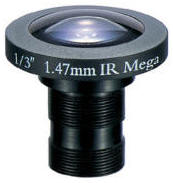 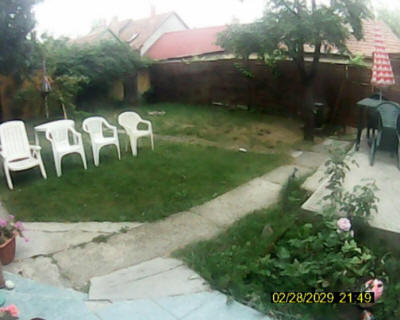 110910
-
János in Hungary ( http://www.butyi.hu ) replaced the battery and the lens of his 808 #8
camera with a FEL147-B wide angle lens from Profitech (Hungarian)
(English). 110910
-
János in Hungary ( http://www.butyi.hu ) replaced the battery and the lens of his 808 #8
camera with a FEL147-B wide angle lens from Profitech (Hungarian)
(English).
Lens Description: PANEL CAMERA LENS • Focal length: 1.47 mm • Brightness: F2 • CCD: 1 / 3 " • Viewing angle: 195 ° • MOD: 0.05 m • Weight: 10.5 gr • Dimensions: átm.25, 5 x 27 mm, M12x0, 5 • Note: IR, Mega Mod description from János: I have forgotten the cleaning of the inside side of lens and the both side of filter glass. I think this is the cause of blurs in the picture. Next time when I have to disassemble I will clean it. I have modified my #3 cam #8 cam. I have changed the lens to a fisheye type and replaced the battery to a biger one. Lens: The source is Profitech. Lens type is FEL147-B. The price is about 30 Euro. I removed the original lens by turning it out. Removed the lenses from the small plastic house. The original hole was drilled to bigger. To almost the size of the original lenses. I glued the empty plastic house to the end of fisheye lens by quick glue. I turned back the threaded lens carefuly to prevent broken of glue. The problem was that (due to missing filter) the colors are missing from the picture, but the light sensitivity was wery good. A table desk light was enough to see everything in the room. After that I have placed back rather the filer into lens-house. Battery: I just removed the original one and soldered in the bigger one by a long (20cm) wire. |
||||
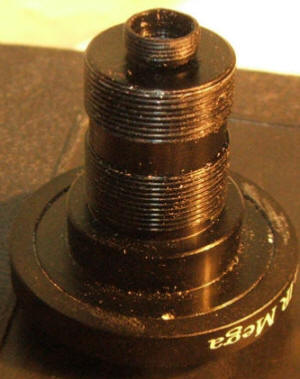 |
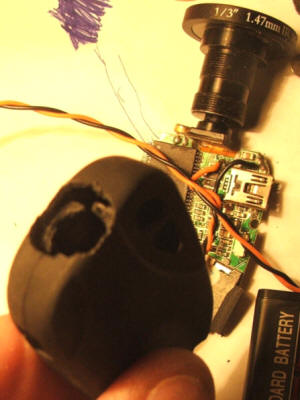 |
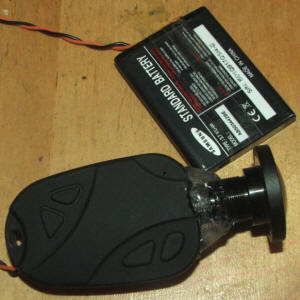 |
||
|
110220 - DaggyMAC in
Stara Lubovna Slovakia, at
RCGroups and Vimeo,
used a fisheye from
Dealextreme on his 808 #11 (real HD) camera and made this
great sample video. RCGroups message and video - http://www.rcgroups.com/forums/showpost.php?p=17355107&postcount=1417 Dealextreme, stiock number 39814 - http://www.dealextreme.com/p/15mm-detachable-180-degree-wide-angle-fish-eye-lens-for-cell-phones-and-compact-digital-cameras-39814 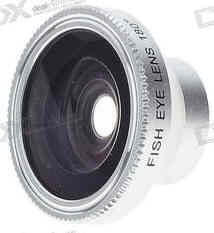 |
||||
|
Here are some frame grabs. |
||||
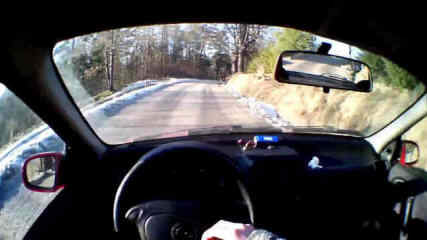 Fisheye on #11 camera, Frame grab, Original was 1280x720 |
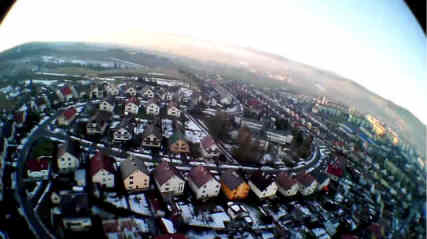 Fisheye on #11 camera, Frame grab, Original was 1280x720 |
|||
|
101012 -
I think the last entry about the fisheye lenses on you pages should be clarified a bit. First of all, the 180° (model FE-12) is NOT the same as the 170° (model FE-50). Check this video, there is huge difference between these two lenses. I’ve recently got he FE-12, and it‘s really superb. I also recommend potential buyers to buy these lenses through dealextreme.com where is certainty that you get the FE-12 plus it‘s cheaper than anywhere else including ebay. Also the notation „wide angle lens“ may be a bit misleading – wide angle lens is something else than fisheye. Classic wide angle lens has smaller FOV (than fisheye) and only small barrel distortion. On the other hand, fisheye lens has extremely big FOV and huge barrel distortion. I’m mentioning this because wide angle lenses could be also bought on ebay or dx. Please do not mix up these two terms. Note: These lenses are NOT waterproof, although you can see some footage taken with them under water. You will experience fogging from inside the lens, which could be hard to get rid of. |
||||
 101004
- Victor
P. sent me this information about a wide angle lens that can be
mounted on an 808 camera. He says the price is low.
It is the same brand as 0.67x but 0.28x and
much cheaper then on eBay. 101004
- Victor
P. sent me this information about a wide angle lens that can be
mounted on an 808 camera. He says the price is low.
It is the same brand as 0.67x but 0.28x and
much cheaper then on eBay.180 degree wide-angle About US$23 170 degree wide-angle About US $22 Might be the same lens. |
||||
|
2010 July 21 - Note that there seems to be a wide
variation in the optical quality of the jelly lens, from OK to
poor. The jelly lens used by Villamany below seems to be
the better version. If you are serious about trying a wide
angle then you are probably better off with the more expensive
0.67X lens. |
||||
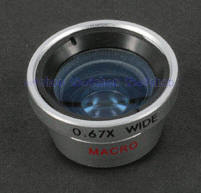 2010
March 30 - Here
is another wide angle lens that can be attached to the camera.
It also functions as a macro lens. 2010
March 30 - Here
is another wide angle lens that can be attached to the camera.
It also functions as a macro lens. Seller description: For Phone Camera 0.67x Wide Angle + Macro Lens - Dimmmensions: 19 x 19 x 11 mm, Weight: 4 g SSSample eBay seller |
#3 camera sample video using the 0.67X wide angle adapter |
|||
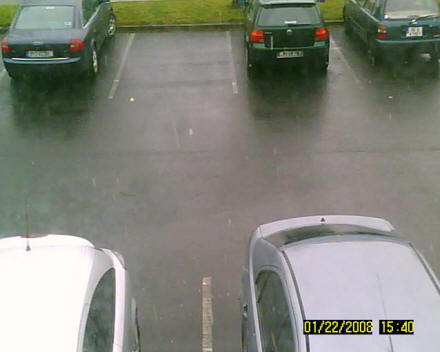 #3 camera sample photo |
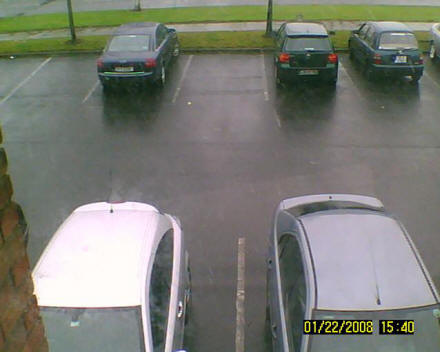 #3 camera sample photo with 0.67 wide angle lens attached |
|||
| Jelly Lens | ||||
 The
Jelly lens can be used to make a micro camera into a wide angle
camera. It mounts with a sticky, washable, reusable jelly-like
silicone adhesive to a flat surface around the lens. Because
the 808 car keys micro camera does not have a flat surface, you
would need to make that flat surface yourself. The
Jelly lens can be used to make a micro camera into a wide angle
camera. It mounts with a sticky, washable, reusable jelly-like
silicone adhesive to a flat surface around the lens. Because
the 808 car keys micro camera does not have a flat surface, you
would need to make that flat surface yourself. The Jelly lens is sold on eBay and Amazon, and elsewhere for about $3. There are various types of jelly lenses. Make sure you get the wide angle one. |
||||
 Click for the YouTube Video. Features of the Jelly Lens (I have no affiliation with fommy.com). |
||||
| Villamany from Spain mounted a Jelly Lens on his MD80 mini camera using mounting adhesive. He painted it with a black CD marker. Here are some photos he sent me: | ||||
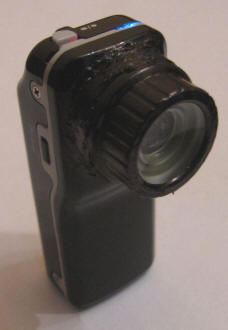
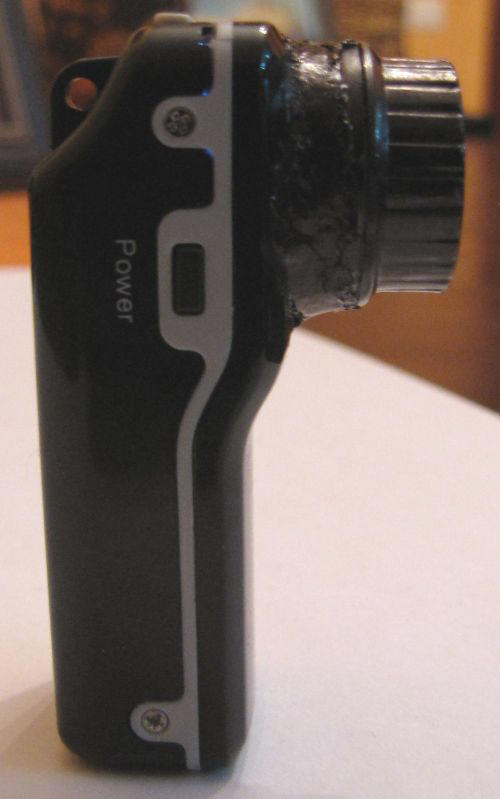
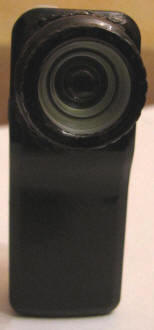 Jelly Lens wide angle glued to an MD80 camera |
||||
 Jelly Lens Wide Angle Photo |
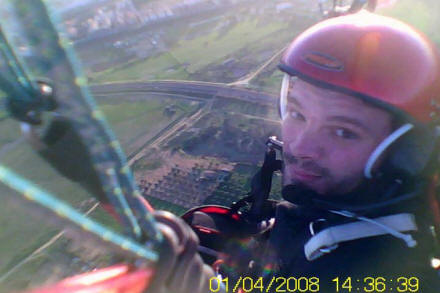 Jelly Lens Wide Angle Photo |
|||
|
#3 camera and jelly lens on an RC airplane, sample video |
||||
| 2010 Oct 06 - EXIF and Avidemux |
| Enrico in Italy has
these tips.
I got a #3 camera from an
eBay auction
that mentioned the correct "cues" about the video and image
size (720x480 and 1280x1024 respectively). It was probably
repackaged by the seller into a #2 package - he went as far
as correcting by pen the tech specs data in the Chinese side
of the manual.
Anyway I noticed the photos taken by
the camera have
EXIF data.
Among others, there is a camera vendor
tag "SunplusMM" and model "Spca1528", and more interesting,
a program name
tag that is "V233-00-01" in my camera ... this may be
of any significance for a #3 camera firmware census?
I'd like also to suggest Avidemux
instead of
VirtualDub to repackage, scale, convert, rotate avi
videos because it is easier to use, supports more output
formats (notably h.264 in a mp4 container), and it is
stand-alone, that is, just download, unzip and run.
Find it here:
http://fixounet.free.fr/avidemux/download.html
|
| 2010 Oct 03 - Possible SunPlus Tools | ||||||||||||||||
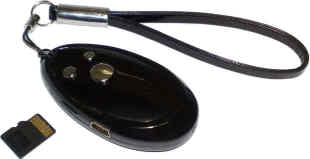 SirWo
at
Cheapen4U.com
in Thailand send me a link to some files for the MIQI Q7 camera.
This camera uses the Sunplus processor. SirWo says: SirWo
at
Cheapen4U.com
in Thailand send me a link to some files for the MIQI Q7 camera.
This camera uses the Sunplus processor. SirWo says:
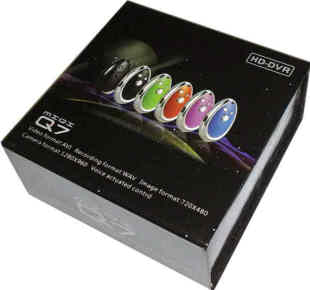 download
link: download
link:http://www.ziddu.com/download/11914470/Driver.rar.html These files include Sunplus tools that seem to be ISP tools (In-System-Programming / In-Circuit-Programming tools). These tools probably allow you to load bin files into the camera processor flash and the serial SPI flash chip. There is no known way to dump the camera flash memory to a file. Included are bin files that might be firmware files for the MIQI Q7, and from looking at the hex, the contents seems to include data that might be fonts. CAUTION - These bin files are for the MIQI Q7 camera, not the 808. If you program your 808 camera with these tools the 808 might be left permanently inoperable. A hackers feast - It is interesting to open the bin files in a hex editor to see the strings and data in there. There are four folders in the Driver.rar file.
|
| 2010 Sep 26 - SPCA533A Specification Sheet | |
 SPCA1527A
- The #3 and #6 808 cameras use the SunPlus SPCA1527A processor.
I don't have the specification for this part. SPCA1527A
- The #3 and #6 808 cameras use the SunPlus SPCA1527A processor.
I don't have the specification for this part. SPCA533A - Roberto emailed me this link to the SunPlus SPCA533A specification. The 533A is probably similar to the 1527A and might be a valuable read. Roberto points out that on page 123 the 533A has a video out mode. Some 808 camera users have requested this. So maybe the 1527A also has a video out mode. http://www.mediafire.com/?14xmqflxe7f31or |
|
| 2010 Sep 23 - Another 808 Version, or just a #2 ? |
| 100915 Stoil sent me a
photo of his 808 camera with a Samsung processor kF9806T.
Since I have not seen this processor before it might be a new
808 version, or it might just be a #2. It has an internal
flash card like the #2 camera. Hardware ID is usb\vid_05E1 & pid_087E 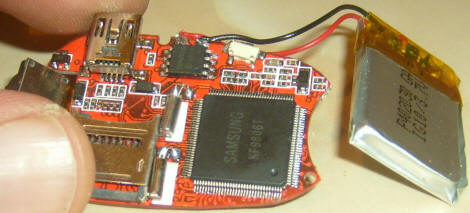 |
| 2010 Sep 23 - Notes about intermediate Video Files |
| While the #3 or #6 camera
is recording video, it has intermediate files open.
Normally you never see the AAA and BBB files. The
directory entry shows them to be zero length (although they are
not really zero length) until the video ends gracefully, then
the AAA and the BBB files are deleted, and the AVI file is a
compliant video file with a normal length. AAAAAAAA.AAA BBBBBBBB.BBB SUNP0001.AVI or MEDI0001.AVI I discovered this when I was trying some "unusual conditions" to see what the camera would do. I started a video and then while recording I removed the flash card. Three files were left on the flash card. I did not analyze the files but I can sort of guess what they are. You can Wikipedia "AVI format" to lean about AVI format. An AVI file has one hearer section, one section for interleaved audio and video "chunks" and one section for an index table. Each chunk is either a video frame or an audio chunk (that can span multiple video frames). See my discussion of zero length files for an example of this. My guess is that one file (AVI) is the video and audio chunks, one file is the first part of the index table and the other file is the second half of the index table. If the video ends gracefully the camera appends the index tables, to the video and audio, and closes the AVI file and deletes the index table files. If you have a video/audio file with no index table, you can use virtual dub to reconstruct the index table. If you find these files on your flash card, and you want to try to recover the video then here is what you can try: See the section about how to recover zero length files and try to recover the AVI file. Next reformat the flash card and try it again in the camera. If the camera still does not work try "Camera is dead but works fine on the USB cable" under https://www.chucklohr.com/808/#CommonProblemsAndSolutions |
| 2010 Sep 23 - Another Crystal Soldering Problem |
| Carlos in Spain
reports this problem with a #3 camera that had a badly soldered
crystal. SYMPTOMS: The camera turns on, normally. The LED comes on. Photos can be taken OK. Starting a video the LED flashes 3 times normally. Then if I press mode button, the camera blocks itself, LED stays on. If I press any button (including RESET!!!) it doesn't work. Then, after 1 minute, the camera shuts down (turns off the LED), but it doesn't work for a while. When passed 2-5 minutes, it works again, but the video does not work as before. It is not working also as a webcam, because Win tells that the USB dispositive i's faulty or not working OK (the message in Spanish is "No se reconoce el dispositivo USB"). Pressing the power button changes mode, but I get the same message from Windows. REPAIR: I opened the case, cut battery wires for security reasons, and inspect the mother board and find that one oscillator crystal was not good soldered by a leg. I take my SBC soldering Iron (although it's almost too fat for the little components of the keychain), and soldered the leg of the crystal. Tested with a Samsung mobile battery(3.7V), and works! Tested also the webcam function, works OK. Isolated with some adhesive tape, and closed. 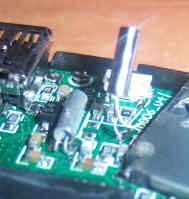
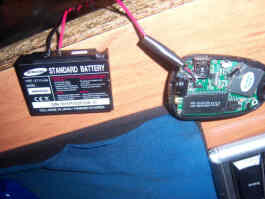 |
| 2010 Sep 03 - JEILIN Controller |
| Scott S. wrote me with a
link to the
JEILIN JL2008A Low-cost Mega Pixel Digital Still Camera
Controller which, to my knowledge, is not used in the 808
camera. This part is interesting because the system
functionality and the pin name functionally is similar to the
controller shown in the Anyka schematics (808 cameras #1, #7). The Anyka
controller has more pins (145 pins are named on the 611s
schematic). The JL2008A is a 128 pin part, just like the SunPlus and the Syntek processors. It is currently unknown
if there is a connection between JEILIN and SunPlus, Syntek or
Anyka. The JL2008A is a system on a chip with an 8051 core, 12 M pixels per second encoding, 8 bit 64 Kbps audio encoder, camera interface, flash interface, USB, SD card, SDRAM interface and a 64KB mask ROM. |
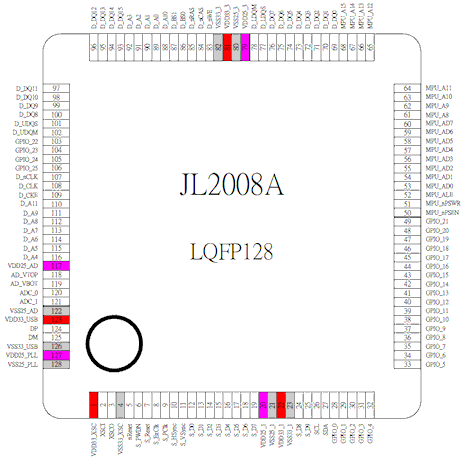 |
| 2010 Aug 31 - USB Cable Mod for External Charger |
| AF in the UK has
modified a USB cable so that he can attach an external battery
charger. But he points out that this will not work with
all external smart chargers. In some cameras there is a
diode and 4.7 ohm resistor in series with the USB power.
The external charger might not work correctly with this
arrangement. I don't know if someone has already done this, but I made a charging lead from one of the USB leads that came with the #3 camera. 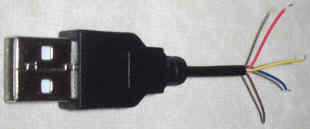 I cut the computer-end part of the lead off, and then determined which of the 4
wires were the positive and negative. In my case, the positive was red,
the negative was brown ( the other 2 wires were blue and yellow). I have
attached a couple of photos to show the cut-off end of the USB lead, and my
charge lead. I cut the computer-end part of the lead off, and then determined which of the 4
wires were the positive and negative. In my case, the positive was red,
the negative was brown ( the other 2 wires were blue and yellow). I have
attached a couple of photos to show the cut-off end of the USB lead, and my
charge lead.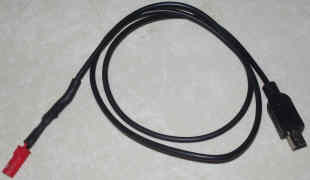 I then soldered a JST plug on to the positive and negative wires so that I could
charge from my Schultz Chamaleon Li-Po charger, set up for 1 cell Li-po and
100mA. I then soldered a JST plug on to the positive and negative wires so that I could
charge from my Schultz Chamaleon Li-Po charger, set up for 1 cell Li-po and
100mA.I found that the initial voltage shown on the charger was about 0.7V in the case of the #3 camera, and about 3.5V for the #7 camera. After a short while, however, the volts display appears to show the battery voltage, and it charges normally. From time to time, the voltage rises to about 4.6 volts and then return to battery volts again - could this be the camera battery protection circuit kicking in and out? In any case, I can charge the cameras by this method, and know the amount of charge that the camera has taken, and the end voltage. I can't see why this shouldn't work for the other camera numbers. One note of caution - I tried the lead on one of my other chargers (Turnigy Accucell) and it switched itself off during the intitial transient voltage stage, so it may not work for all chargers. |
| 2010 Aug 30 - Two Mods - Camera Mount and Battery Switch | ||
| Roger in
the UK has made these two mods. One is a way to mount and
hold the camera. The other hard resets the camera and
battery protection circuit. I've recently modified my 808 key to include a manual switch which allows the hard reset of the battery. I read on your site that sometimes a hard reset (unsoldered battery then re-solder it back again) is required if the 808 completely stops working. I have noticed that during my time of charging the 808, if I forget that I've left it plugged into the charger for more than an hour, something holds the battery to below 3.1v. I measured this by touching the circuit board contacts with the battery still soldered onto the board. As soon as i unsolder the battery and measure its voltage, it measures 4.1V. When i re-soldered it to the PCB and then measure by touching the PCB contacts, it measures 4.1V. The 808 is now able to be switched back on again. This is why I did the mod, I was fed up of having to keep on dismantling the unit and unsolder and re-solder the unit, hence why I added a manual switch which will basically cut off the battery supply to the board and reconnect it by opening and closing the switch :). I've also made an accessory. It's a hand held trigger mount. I made this because while away on holiday and taking recordings, the video jumps around a lot because of my unstable hand and my attempts at trying to keep my hand as well as my arm steady. What i have done is cut the end off a aerosol gun trigger, these are mainly used to assist in holding paint spray cans for spray painting your car. i purchased mine from a car accessory sales shop but you can also find them in DIY stores too. Mine has the name 'Spraymaster' imprinted into the plastic. The silver mount is from a mini camera tripod. I just unscrewed the top half from its legs, drilled a 5mm hole in the plastic trigger and screwed the silver mount to the trigger. To hold the 808 in place I've used Velcro. It works a treat, now i can hold the 808 steady as well as using it as a good line of sight because of my hands and arms holding it like it was a small pistol. |
||
 |
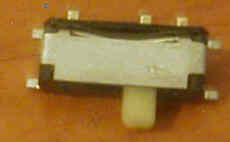 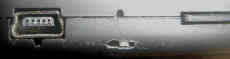 |
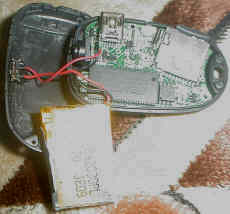  |
| 2010 Aug 25 - Syntek Tools |
| Use These Syntek Tools at Your Own Risk |
| 100825 - Here is a collection of system
tools that can be used with the Syntek cameras (#2, #4, #5).
I have not tested them (I don't have a Syntek camera) but Mark
has a Syntek camera, found these tools and has run them.
Comments from Mark: I recently bought a key fob camera from DealExtreme sku.41643 ; I haven't popped it open yet, but externally it appears quite similar to 808 key fob #4. The LED is red/blue, the date stamp is orange with a white border in the lower right and it can't be turned off. The STK02N v2.3 drivers work great with that fob.) The fob did not come with drivers and so in my search for a driver, I came across a great set of power user STK camera tools at http://www.elecday.com/video/CAM-CLOCK-001/CD DRIVER. "STK02NC web camera view.exe" for instance is actually far more than a viewer; it has some deep engineering tools too! The options dialog has tabs to examine and/or modify all memory, all registers, send i2c commands, update the firmware and directly set the onboard clock. Similarly "STK02NS.exe" provides an engineering level tool to examine the imaging chip and adjust gamma and test for hot/dead pixels. Hopefully tools like this in the hands of you and your dedicated readers will unlock more features in the STK line. |
| 2010 Aug 25 - Misc |
| 100825 I am starting
a wish list of features for the 808 camera. 1. NO STAMP - Ability to disable the date time stamp from videos and photos. 2. WIDE - Wide angle lens. 3. LOW LIGHT - More low light capability. 3. DISTORTION FREE - Keep the AVI at 640x480. Stop distorting the AVI video at 720x480. 4. HARD RESET - Some way to hard reset. The reset button does not reset the protection circuit on the LiPo. 5. MOUNTING BRACKET - Provide a light weight aerodynamic mounting bracket that allows the camera to be mounted and pointed in different directions. 6. REMOVE PHOTO MODE - Simplify the user interface by removing the ability to take photos. 7. EXTERNAL POWER - Some way to externally power the camera. Maybe through the USB connector but still able to take video. 8. FEWER MISSING FRAMES 9. WEBCAM AUDIO - In webcam mode provide an audio driver. 10. SMART CHARGER - Ability to fully charge the internal LiPo battery, or a connector for an external smart charger. 11. DUMP/UPDATE TOOLS - Ways to dump and update the firmware. 100823 Lawrence Sheed from ComputerSolutions.cn is in Shanghai China and has this interesting blog about his Anyka 808 camera. http://www.computersolutions.cn/blog/2010/08/firmware-hackery-on-keychain-spycams-ak36xx-based/ |
| 2010 Aug 20 - New Camera Version? |
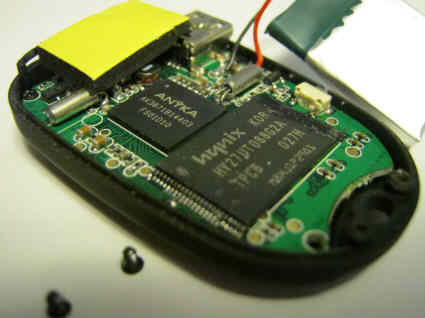 100828
- Duane successfully updated the firmware to version 1.15 100828
- Duane successfully updated the firmware to version 1.15(180-30-611S_VGA_V1.15-4_16sdrm.rar). 100820 - Duane in Texas bought a camera from dailysteals.com. This was a one day only sale. He sent me this information about the camera. Like a #1 and #7 it has an Anyka processor, 640x480 video, burntool mode and webcam mode. Like a #1 it has internal flash memory, no card slot, and system mode with multiple partitions. Like a #7 it uses the XviD video codec. Preliminary video, audio and photos seem better than the #1 and #7. The camera seems to be a Anyka 611S. The Anyka processor is labeled AK3671B14403 FS01D10 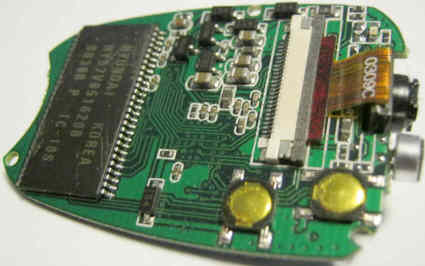 Here is a link to various versions of the firmware
http://www.readerme.com/html/html/CX611S.html Here is a link to various versions of the firmware
http://www.readerme.com/html/html/CX611S.htmlTo update the CX611S firmware follow the directions for the #1 camera. This file contains schematics of many Anyka cameras including this one (http://www.readerme.com/html/software/相关产品原理图,贴片图/相关产品原理图,贴片图.rar) Related Products schematics, patch map Based on the position of the parts this camera is the CX_DR611 parts map. In the 611s folder the schematic seems to be in the pdf file named 汽车锁摄像机原理图1.0.pdf I hope someone can identify who this camera can be bought from since dailysteals does not sell it anymore. |
| 100810 -
dailysteals.com has a one day sale on an 808 camera with 8GB
card for US$25 with shipping. Because of the date time
stamp in the upper left of the sample video (partly cropped in
the YouTube sample), it is probably an Anyka processor and is
similar to a #7 camera or might be a #7 camera. The audio
in the sample video is much better than the typical #7 camera.
Ships to the USA only and no returns. |
| 2010 Aug 09 - tic tak Box 808 Mount | |
| 100809 -
Bonscha in Germany created this mod. He wanted to film a
paint ball match with the cam. He used a tic tak box, cut
holes for the lens and camera buttons, attached a wide angle
jelly lens with hot melt glue and covered the box in Velcro pile.
He inserted an 808 camera inside and now he can easily mount
the camera to anything that has Velcro hook material. The 18g tic tak box is being replaced by the 29g box in the USA. So, stock up! There is also another, different, mod on YouTube by smithmodell: http://www.youtube.com/watch?v=FceY7JgENRg |
|
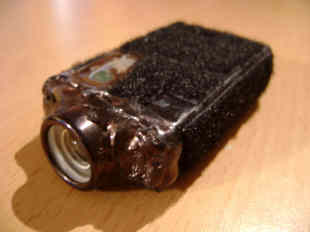 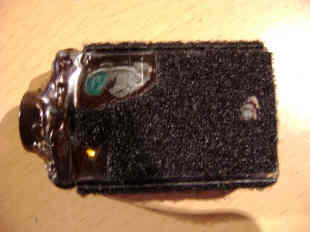 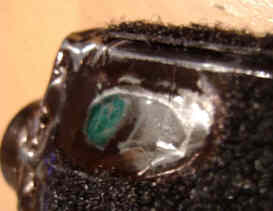
|
|
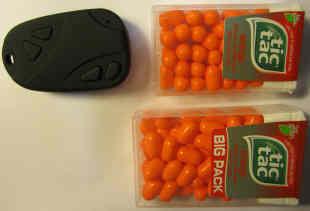 Comparison of 808 camera and tic tak box, 18g and 29g size. The camera fits in either. |
 808 camera and an 18g tic tak box. |
| 2010 Aug 07 - How to Compress the AVI with VirtualDub |
| 100807 -
Basic instructions about how to use VirtualDub to
compress an 808 video file. Assumes a 720x480 AVI MJPEG video
from a #3 camera. These instruction use the XviD video codec. XviD is one of many video codecs you could use. It is very good, widely used, encodes fast and is free. Download the latest XviD video codec for Windows and download VirtualDub 1.9.9 (or later). Install the codec. Unzip VirtualDub. http://www.koepi.info/xvid.htm http://virtualdub.sourceforge.net/ 1. Run VirtualDub 1.9.9 (or later) 2. Open an AVI file. Menu/Video - Select Full Processing mode. Menu/Video/Compression choose XviD MPEG-4 Codec. Press the configure button. Profile @ level home. Target Quantizer 4.0. (press Target Quantizer button to see Target Bitrate). Target Bitrate kbps 1800 (very good quality). Makes video about 75% smaller. Menu/Audio - Select Direct Stream Copy. Audio remains unchanged at 353 kbps PCM. 3. Press F7 and choose an output filename. Press Save and encoding begins and ends. 4. Playback the output filename to test it. If desired, repeat the above steps with a higher target bitrate for higher quality and larger size, or lower target bitrate for lower quality and smaller size. If desired do the options below. Optional additions to step 2. Menu/Video/Compression - Press the more button and set maximum i-frame interval to 60. During playback, this makes random access faster. Menu/Video/Filters. Press Add... Choose resize. This will resize the #3 camera distorted 720x480 to undistorted 640x480. New Size Absolute 640 x 480 Aspect Ratios Disabled Filter Mode Precise Bicubic A=0.75 Do Not Letterbox or Crop Codec-Friendly Sizing Do Not Adjust Press OK, Press OK. Menu/Audio - Select full processing mode. Menu/Audio/Compression - MPEG Layer-3 56 kbps. This makes the audio about 85% smaller. |
| 2010 Jul 30 - 16GB Micro SD Card Works |
| 100730 - Allan reported
that his 16GB class 2 card works in his #3 camera.
The #3 definitely shoots better videos (specially in low light) compared to my other camera #6. So far I can say that the #3 takes pictures faster that #6. It also starts video recording faster by about 2 seconds. When charged via USB, #6 LED blinks when charging and stops blinking when charged. #3 LED stays on so quite difficult to tell if it's already charged. The LED opening in #3 is smaller so it's more discreet when you turn it on. #3 should be turned off when inserting to USB. If turned on, the SD card does not mount on my Mac. |
| 2010 July 29 - Sunplus SPCA 1528 Webcam Driver Works with 7-32 and 7-64 |
| 100729 - Carlos reports:
I've successfully installed the SPCA1528 Webcam Driver on Windows 7 64Bits and 32Bits, and it works just great. Driver Link: http://www.ziddu.com/download/8271466/SPCA1528.rar.html |
| 2010 July 29 - Does the 808 have Four Processors ? | ||||||||
100729 - Most 808 cameras
probably have 4 processors.
|
| 2010 August 04 - Ways to Recover Zero Length AVI Files |
| After recording a video you
discover that some of your AVI files are zero length. An emailer told me that while the camera is recording, it creates
two files: video/audio data file and index file.
Normally when the AVI terminates these files get resolved into
one file. When something goes wrong and these files don't
get closed correctly the file system gets corrupted. These
files can sometimes be recovered. I know of two procedures that have successfully recovered AVI files. One procedure is (A) easy and one (B) difficult. First copy anything off the card you want to save, just to be safe. Run Windows "error-checking" on the flash card with "automatically fix file system errors" selected. You must select "show hidden files and folders". You must unselect "hide protected operating system files". If there is anything recoverable, windows will have created some hidden system folders like found.000, found.001, etc. in the root. There is another way to create these folders. Insert the micro SD card into your smartphone and the phone might create them for you automatically. The hidden system folders will contain hidden system files like file0000.chk, file0001.chk, etc. (A) Rename the file name extension from "chk" to "avi". Now try to play the files. (B) If (A) does not work try this. This procedure is probably not exactly technically correct, but it worked for me, and allowed me to recover a 1.6 GB AVI file. You need to be a techno geek and have intuition to understand and try this. It requires binary editing and concatenating files. You will need a good hex file editor and VirtualDub. I recommend the excellent free Windows hex editor HxD. VirtualDub is free. You are going to concatenate a good AVI header to a video/audio section. Then you will fix it (reconstructs the index table) by running it through VirtualDub. 100820 - Florian in Germany makes this comment: The good AVI file header must come from a file that is as big as the corrupt one, or, better, bigger, otherwise you get the following error in VirtualDub: "Invalid AVI file: The main 'movi' block is missing." Where "...." is any 4 bytes, an AVI file has a header section, a video/audio section and an index section. The header section begins RIFF....AVI LIST....hdr1 The video/audio section begins LIST....movi The index section is don't-care because the index will be re-constructed in VirtualDub. Study the data below to get the idea. Find A Video/Audio Section - Open chk files to find one that has a video/audio section. Some chk files don't have it. Find and Prepend a Good Header - Copy the header section from any good AVI file that was created by your 808 camera and prepend it to the video/sound section. Write the concatenated sections to a test1.avi. It will probably not play. Use VirtualDub to Fix - Open test1.avi in VirtualDub. If successful, VirtualDub will open test1.avi and reconstruct the index. Set video to "direct stream copy" and audio to "direct stream copy". Then SaveAs test2.avi. Then try playing test2.avi. |
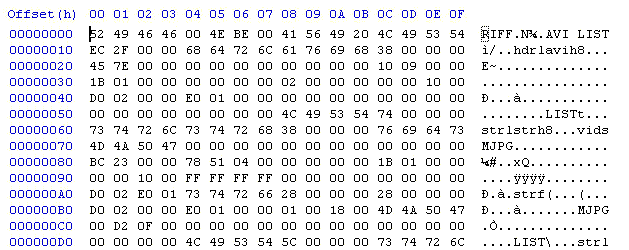 |
|
The AVI file header section looks something like this. It
begins RIFF....AVI
LIST....hdr1. In this example it ends at 0x2FFF (before
the video/audio). |
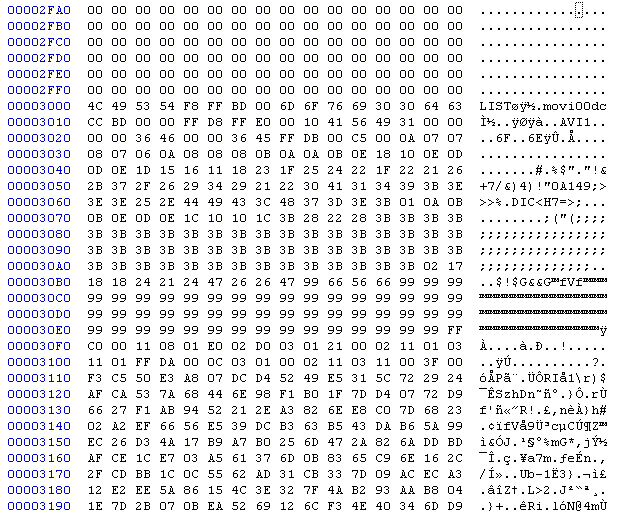 |
| The AVI file video/audio section looks something like this. It begins LIST...movi, at 0x3000 in this example, and looks like random data. In this example everything from 0x3000 to the end of the file is the video/audio section (also contains index table). |
| 2010 July 20 - PC Virus, Camera Virus |
 2010
July 20 - Gaetano in Italy reports that he bought an 808 camera
(maybe a #4) and it was delivered with a virus, and it infected
his computer. Even though he was running the
Avast!
5 anti-virus program his computer still got infected.
The root of the camera flash memory had the virus file DCIM.EXE.
He cleaned his pc with
combofix, it found a rootkit and several issues. 2010
July 20 - Gaetano in Italy reports that he bought an 808 camera
(maybe a #4) and it was delivered with a virus, and it infected
his computer. Even though he was running the
Avast!
5 anti-virus program his computer still got infected.
The root of the camera flash memory had the virus file DCIM.EXE.
He cleaned his pc with
combofix, it found a rootkit and several issues. "Before reconnecting the keycamera, I Googled for DCIM.EXE, and found a tool (flash disinfector) that apparently was able to access and clean my camera." The eBay seller was fassionbollys. The camera has an internal 8GB flash and no card slot. The seller agreed to send Gaetano a new virus-free camera. |
| 2010 April 21 - PC VIRUS - Like any mass
storage device, a camera can be exploited by a virus infected PC
to transfer a PC virus to the camera. The camera can then
transfer the virus to another PC. People have reported
buying a new 808 car keys micro camera with a PC virus on it.
When they connected the USB cable, their anti-virus program
detected the virus. To be safe, don't connect a camera to a PC
without an anti-virus program. A virus infected PC could
damage or destroy photo or video files on the camera. CAMERA VIRUS - There is no known "camera virus", that is, a virus that runs on the 808 car keys micro camera and damages it. |
| 2010 July 19 - Pen Video Camera Without the Case | |
| An eBay seller
(covert_stuff88)
in China is selling the guts of a pen video micro camera. It's
not the 808 and the processor is unknown and not shown. The
seller does not have great eBay feedback so I'm not recommending
anyone buy this, but it's interesting that someone is parting out
this video camera. |
|
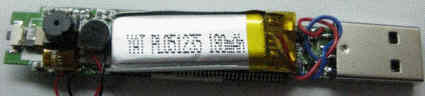 |
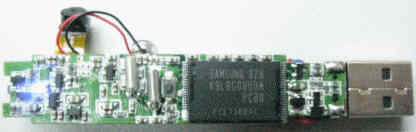 |
| 2010 July 16 - #3 vs #7 - Comparison | |
|
The #7 camera (2.04 firmware) has been adjusted to operate at 20 FPS because the missing frame rate is best (lowest) there. |
| C3UnderwaterMod UnderwaterMod | ||
| 2010 July 15 - Underwater Camera Mod | ||
| George from
Romania created an underwater enclosure for the 808 camera from a
wide-mouth bottle and a watch crystal. He
has these construction notes, construction photos and sample
video. George used a #3 camera but any version could be
used. Materials List: ● plastic (pet) bottle with large opening and the cap ( from juices or teas) ● drill bits, use the small one than medium and large for making a 10 mm hole into the cap ● watch glass with diameter less than 300 mm ,I used 297 and 298 mm ● silicone used for making aquariums ● abrasive paper will be used for making the inside of the cap more adherent to the silicone. ● zip tie. Zip tie is very important ! Has to be tight enough on the neck of the bottle but you have to be able to rotate it. After starting camera and putting it inside the bottle neck, I fix the end of the zip tie facing the front of the camera. This allows me to know when making the movie, the position of camera only by feeling this end with the finger. In this way I avoid making upside-down movies. ● polyethylene sponge used for fixing most of the electronics into the boxes when new. Cut 2 pieces of sponge the same shape as camera. Make a sandwich from the sponges with the camera in middle. The top of the sandwich must be trimmed at the buttons area. Otherwise when pressing the "sandwich" into the bottle neck,buttons could be pressed by force and could stop the movie. Any other kind of sponge can be used but this one is stronger. When finished make a "no load test" (without camera) with the "container" in order to check if water does not go in. Sample YouTube videos http://www.youtube.com/watch?v=iJqcl0NRw4k http://www.youtube.com/watch?v=NfeZp2sh45U http://www.youtube.com/watch?v=v9ufvDGl_ks |
||
|
Sample YouTube video from underwater camera |
 Video frame capture from underwater cam |
 Video frame capture from underwater cam |
 Video frame capture from underwater cam |
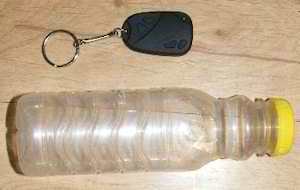 Choose a wide mouth bottle that will fit the camera. |
 Watch crystal |
 Drill hole in bottle cap |
 Sand paper inside of cap so silicone glue will stick. |
 Bead of silicone glue inside cap. |
 Watch crystal glued inside. |
 Tie wrap attached. Indicates "up". |
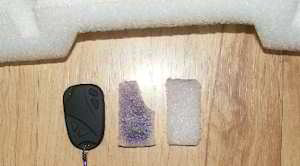 Foam cut to fit the shape of the camera. |
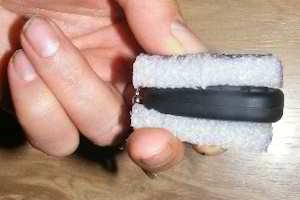 Foam attached to camera to insure tight fit in bottle. |
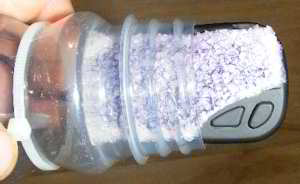 Camera inserted in bottle neck. |
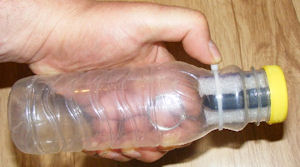 Bottle and camera assembled, watertight. Tie wrap rotated so that thumb on the tie wrap indicates video upright. |
| 2010 July 11 - 5MP Micro Camera ? |
| I have received email
asking me if I know of a 5 megapixel, light micro camera for use
on RC airplanes or helicopters. I do not. The problem is that a 5MP camera module produces 16 times more data than VGA 640x480, and would either require more RAM, a more powerful processor, or run much slower. ========== The 808 micro cameras have a VGA (640x480) native resolution, and many of them upscale this to a higher resolution in the AVI or JPG file. The processor is barely able to keep up with the internal camera module video data throughput or 12 to 24 megabytes per second. There are 5MP sensors like OmniVision OV5632, OV5630, and Samsung S5K3E2FX, but they are usually used in cell phones where the processor is much more powerful. The processor needs to be much more powerful to support the much larger data stream and that will increase the cost, battery requirements and weight. |
| 2010 July 02 - Helmet Cam Mod - External Microphone | ||
|
Burns Hudson modified his #3 camera to replace the internal microphone with an external microphone. This was done so that he could use the camera inside his helmet and have the microphone correctly positioned. The result is a driver-eye view and excellent audio. The full construction details and photos are
here. |
||
|
YouTube video, taken from the camera and microphone in the helmet.elmet.elmet. |
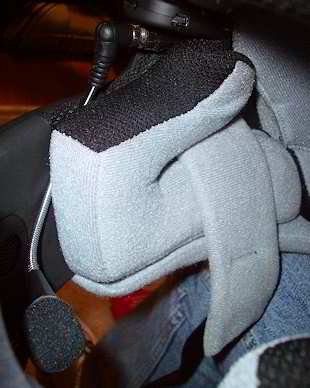 Helmet Cam - Camera, connector and microphone assembly positioned in helmet. |
 Helmet Cam - Camera positioned in helmet. |
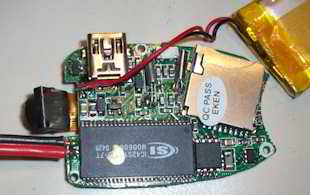 Helmet Cam - Microphone removed and replaced with two wires. |
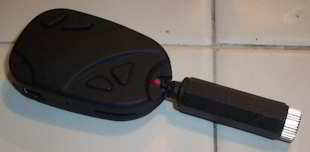 Helmet Cam - 3.5mm audio connector connected through a hole (the wire flexes there) in the back of the camera case. |
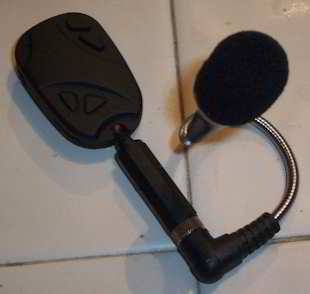 Helmet Cam - Camera, 3.5mm audio connector and microphone assembly. |
| 2010 June 28 - External Battery Mod |
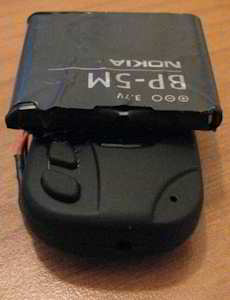 Because
this mod alters both the the camera and a lithium battery, it
could be dangerous. I won't recommend anybody do it, but I
would take that risk. Because
this mod alters both the the camera and a lithium battery, it
could be dangerous. I won't recommend anybody do it, but I
would take that risk.Ilias modified his 808 camera with an external battery. This battery has a required protection circuit.* The buttons, USB connector, reset switch and card slot are still accessible. 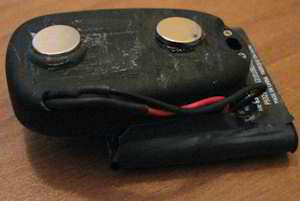 I
wasn't pleased with the performance of the internal battery.
I couldn't record more than 6 min video each time without
turning off. I wanted to record my motorcycle trips So this was
not enough. So I opened it up, removed the original
battery, and soldered a Nokia BP-5M Battery with 1000mah
capacity. It wouldn't fit inside, so I glued it externally
with fast-dry epoxy. I also had to drill a hole for the
cables. Finally I added 2 "rare earth" neodymium magnets
on the bottom with epoxy so that I can attach it and de-attach
it fast on the handle-bar. Now the camera can stay on for
hours. Unfortunately it fills the memory card after 1 hour
of footage, but now I can at least put a fresh card in without
having to recharge in the middle of nowhere. I
wasn't pleased with the performance of the internal battery.
I couldn't record more than 6 min video each time without
turning off. I wanted to record my motorcycle trips So this was
not enough. So I opened it up, removed the original
battery, and soldered a Nokia BP-5M Battery with 1000mah
capacity. It wouldn't fit inside, so I glued it externally
with fast-dry epoxy. I also had to drill a hole for the
cables. Finally I added 2 "rare earth" neodymium magnets
on the bottom with epoxy so that I can attach it and de-attach
it fast on the handle-bar. Now the camera can stay on for
hours. Unfortunately it fills the memory card after 1 hour
of footage, but now I can at least put a fresh card in without
having to recharge in the middle of nowhere.Update 2010 July 01 - I asked Ilias these questions: Did you parallel the internal battery or remove it? I completely removed the internal battery and connected the BP-5M in its place. How are you charging the external battery? With an external charger, or charging it through the USB connector? It now charges through the USB connector normally.  How did you connect to the BP-5M battery. Did you solder
directly to the battery recessed tabs, or did you dismantle the
battery and connect to the internal wires? How did you connect to the BP-5M battery. Did you solder
directly to the battery recessed tabs, or did you dismantle the
battery and connect to the internal wires?The recessed tabs weren't helpful at all. There's no way to solder them without melting the plastic around them and making a mess. I nabbed the plastic top with pliers and removed it completely revealing the IC chip. I then removed the original contacts, and soldered directly on the chip. I then covered the chip and the connection with black insulation tape, and glued back the BP-5M wrap-around sticker for decoration. |
| *Most protected battery modules like the battery module in the 808 camera, the Nokia BP-5M and the Canon NB-4L contain a lithium battery and a protection circuit. If you replace the internal 808 camera battery module and you plan to use the USB connector, then the replacement battery module must have a protection circuit. This is because the USB powered charging circuit in the camera will pull the battery module voltage above 4.2V. Without a protection circuit the battery will overheat and might catch fire and explode. |
| 2010 June 22 - Anyka Schematic Jackpot! The first schematic of an 808 Camera! | |
| Here is a link to schematics and component maps of the following cameras with Anyka processors: 308, 311, 320, 503s, 601s, 602s, 607, 609s, 611s, 615, 618. This list includes the 808 car keys micro camera versions #1 (CX611) and #7 camera (CX311). | |
| 1101 It seems that readerme.com has removed the schematics. software/相关产品原理图,贴片图/相关产品原理图,贴片图.rar |
|
If you are doing a hardware mod on any versions of these 808 cameras, these schematics might give you some insight into some of the circuits. There is still no source code, but the #7 binary is in the firmware updates available at CX311. I hope someone tries to crack the binary and blank the video date time stamp font. The font is already disabled in some versions of the firmware. I don't have any schematics, firmware or source code for the SunPlus cameras (#3, #6) or the Syntek cameras (#2, #4, #5). |
|
Here is a company name on the #1 camera (CX611s) schematic: http://www.superstring.com.cn SUPERSTRING ELECTRIC SCIENCE & TECHNOLOGY (Shenzhen Superstring Electronics Co., Ltd. - Shenzhen Professional Design Video Products) Address: Futian District, Shenzhen , Guangdong , Shenzhen Hongli West Road, Hua Maoxin Park Ginkgo Court 21E Zhan Xiaobu Address: Futian District , Shenzhen, Electronic Technology Building, Room 8092 , Block B Postcode Post Code: 518000 Tel Phone Number :0755-83683853 / 82974581 Fax Fax Number :0755-82974908 Contact Linkman: Mr. Jiang E-mail 1 Email1:cp1999@tom.com http://www.pc01.cn/Shop45/Sec485/U242441/index.htm |
|
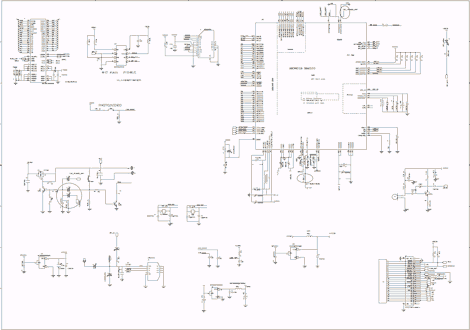 #7 Camera, CX311c v3, Schematic |
 #1 Camera, CX611s, Schematic Title |
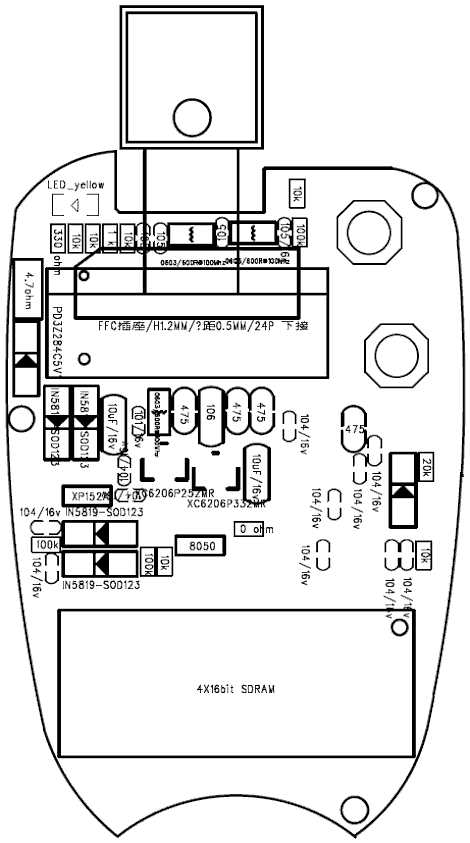 #7 camera, CX311c v3, top, button side |
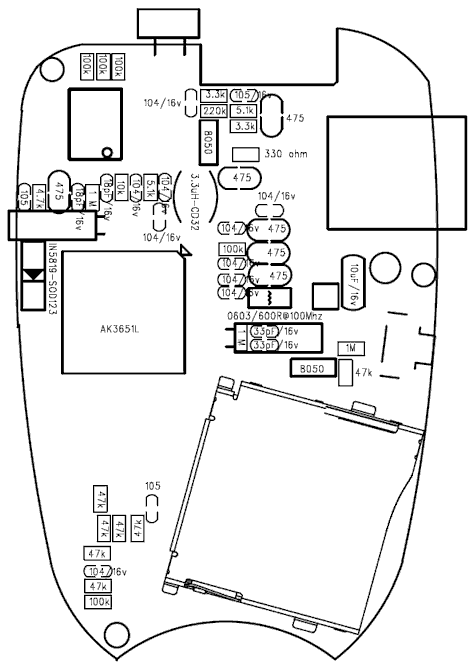 #7 camera, CX311c v3, bottom, processor / flash side. |
| 2010 June 21 - Using LogoAway to Remove the Video Date Time Stamp - #3, #6, #7 Cameras | ||||||||||||||||||||||||||||||||||||
| This YouTube
video shows the result of using VirtualDub and the LogoAway filter
to remove (effectively blur) the date time stamp from the corner
of a video. This video shows 15 seconds with the date time stamp
and 15 seconds without. |
||||||||||||||||||||||||||||||||||||
| Update 110927
- JT sent me the #9 settings. Update 100623 - Al sent me LogoAway properties for his #7 camera. VirtualDub V1.9.9 is a free AVI video editor / converter. http://virtualdub.sourceforge.net LogoAway V4.01 is a free plug-in for VirtualDub. The logoaway.vdf file must be copied to the VirtualDub plugins folder. http://voidon.republika.pl/virtualdub In VirtualDub configure the LogoAway filter:
For the #3 and #6 camera the resize filter is configured for aspect ratio: disabled, absolute pixels: 640x480, filter mode: precise bicubic A=0.75. NOTE -- LogoAway will not work if the logo border position and logo border size are not within the dimensions of the video. Use the preview and the visible border to make adjustments. |
||||||||||||||||||||||||||||||||||||
| 2010 June 19 - Spying with the 808 |
 Someone
in the surveillance business approves of the 808 as a spying
device. He has these comments: Someone
in the surveillance business approves of the 808 as a spying
device. He has these comments:The 808 Camera is great for Spying or Surveillance, at least
in the manner that I use it. My co-workers have used it as well,
and we love it so far. It is obviously not the best quality
device, but I have used devices that cost much more, require
wireless transmitters/receivers, separate portable DVRS. All of
those device add too many complications, and setup. I have
wasted hundreds of dollars in the past trying to find "the
answer" to the problem I end up with at work occasionally... |
| 2010 June 18 - Mercedes Key Fob - Like the #3 Camera | |||
| Victor from
Moscow reports that his Mercedes micro camera takes video just
like a #3. Similar to
this eBay listing . "Casing looks very very close to original MB key. Camera is much lighter then MB key. Tried disassemble it - failed. Case is very nice quality." |
|||
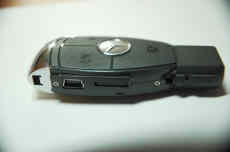 Mercedes camera |
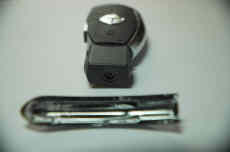 Mercedes camera |
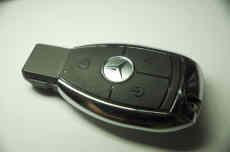 Mercedes camera |
 Mercedes camera - video frame |
| 2010 June 15 - No Composite Video in the 808, But ... | |
V7950NTSCompositeVideoSignal.png) |
120810 - The 808 #16v2 and the #18 do have composite video
output. The
internal camera module outputs parallel byte data to the SOC. If you need a tiny camera with a composite video output, they do exist. They are mostly used as 12 volt "automobile backup cameras". Some camera modules have an image sensor that has a composite video output signal. The Omnivision OV7950 is a CMOS sensor chip and video processor with NTSC composite video 75 ohm output. Here is a datasheet. You could look for a camera module using that chip and proceed from there. There is also a PAL version. |
| OmniVision OV7950 NTSC Composite Video Signal Output | |
Links to some OV7950 cameras. Google search. http://www.fpvhobby.com/51-u-can-do-ov7950-camera.html http://www.amazon.co.uk/gp/product/B001M6MAPY/ref=olp_product_details/279-5582149-5745031?ie=UTF8&me=&seller= http://www.tobeeasy.com/nightvision-cmos-car-rearview-camera_p1086.html http://www.007spycamera.com/wireless-car-rearview-system.html http://www.tradevv.com/chinasuppliers/Topccd2008_p_21655/china-Car-CCTV-CMD-camera-OV-7950-sensor-fixed-len-from-Korea-waterproof-resistance-IP67-68.html http://www.tradevv.com/chinasuppliers/Topccd2008_p_21634/china-Car-rear-view-CMD-Camera-OV-7950-PC1030-sensor-optional-IP67-68-waterproof-resistance.html http://shop.omejo.com/productsshow.php?id=239 |
|
| 2010 June 07 - Misc |
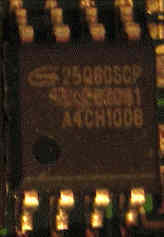 Camera
#6 contains a 6-pin 25Q80scp chip. This is probably a 1 megabyte
serial flash chip where the firmware is stored. Camera
#6 contains a 6-pin 25Q80scp chip. This is probably a 1 megabyte
serial flash chip where the firmware is stored.Note that the second line on that part has been removed. The part might have failed parametric tests but still functions. |
| 2010 June 04 - Measuring Missing AVI Frames | |
|
What is a missing frame, simple description?
When an AVI MJPG file is played, a perfect file will display
about 30 unique images per second, called frames per second
(FPS). If the AVI is not perfect, a missing image
frame occurs when two or more sequential images in the AVI file
are duplicate, or if one or more sequential images are missing
from the AVI file the player will display a previous good image
to make up for the missing images. What is a missing frame, technical description? An AVI MJPG file contains a frame period parameter like 33333 us (30FPS), JPG image chunks and an index table. The index table is an array of pointers to the image chunks. At each frame period, the video player plays an image chunk in the order specified in the index table. There are at least 3 ways that a missing frame can occur: 1. If two or more sequential chunks contain the same image. 2. If two or more sequential pointers point to the same chunk. 3. If a pointer points to an empty chunk. What does a missing frame look like when played? When an AVI file is played, the player displays the image from each frame. If there is no image in a frame, usually a previous frame is displayed. Missing frames cause the displayed video to stutter or jitter. Missing frames are hardly noticeable if less than 10%. When a player allows single frame stepping, some players (VirtualDub) step once for each frame and some players (KMPlayer) skip a frame with a missing image. This skipping makes it difficult to measure the missing frame rate. What is the missing frame rate of 808 cameras? The worst 808 cameras have 50% or more missing frames. An 808 #3 camera normally has up to 10% missing frames. The 808 #16 has no missing frames. The missing frame rate is usually higher if the subject is dark (indoor or night lighting) or complex(lots of camera or subject movement). How and why does the camera produce missing frames? The internal camera module image sensor makes a stream of about 30 new images per second. The processor (CPU or SOC or camera multimedia processor) compresses the images. Each image is stored as a "chunk" of data in a frame in the AVI file. Normally there would be about 30 unique chunks per second corresponding to 30 frames per second displayed. The goal is to put every image into a chunk in the AVI file. Sometimes, due to some type of timing problem, the CPU can't deliver a new image to a chunk. Then the CPU will either write a previous good image to a chunk, or write a short (0 to 6 byte dummy) to a chunk, or write no chunk. The timing problem could be an underpowered CPU, an SD flash card that is busy and not ready to write, or something else. Is there an automated way to accurately measure the missing frame rate? Not that I know of. There are programs that will work if the missing frame has a missing image. They don't work if the missing frame contains a duplicate image. Missing Frame Image - The SunPlus and Anyka cameras (#1, #3, #6, #7) insert a 0 or 6 byte image chunk. Some cameras insert nothing (insert no image chunk) and then duplicate a pointer in the index table. Duplicate Frame Image - The Syntek cameras (#2, #4, #5) insert a duplicate of the last good image chunk. The #7 camera uses AVI XviD. Cameras with AVI MJPG produce a stream of frames where each is a whole JPG image. Cameras with AVI XviD normally periodically (every 90 frames) produce a whole frame image, and in between are partial frames (smaller B and P frames). Many ways to measure missing frames. |
|
|
1. VirtualDub - Step
frame by frame. This is the recommended method. |
|
| 1.
Open an AVI file in VirtualDub and step through one frame at a
time. When the frame image does not change, that is a
missing frame. 111227 - Here is the easiest and usually the most accurate way to measure missing frames for one specific sample with resolution of 2 frames. • Open the AVI file in VirtualDub. Lets assume that the video is more than 100 frames. • Step (right arrow) to frame 50. This ignores the first frames of the file that often have a string of missing frames. • Step from frame 50 to frame 99 (50 frames) while you watch the frame image and count each time the frame does not change. • Then double that count. That is the percentage of missing frames. |
|
| 2.
Run VirtualDub. Go to MENU / TOOLS / HEX Editor. In the HEX editor open an AVI
file. Press ctrl-R. The RIFF chunk list widow displays.
Expand this line: [LIST:movi... Example - Lines with 00dc are stream 00 video frames with the size in bytes indicated. Lines with 01wb are stream 01 audio data and can be ignored. Frame (chunk) 12, 14 and 15 are missing frames (size is 6): 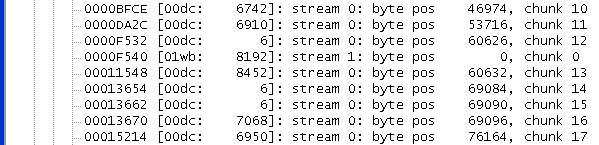 |
|
| 3.
VidTrace (by
John McGowan) is a DOS program. It outputs a listing of the
contents of the AVI file including the frames (chunks).
Here is a command example that puts the results in a file called
sunp0005.txt: C:\>vidtrace sunp0005.avi > sunp0005.txt Example - Lines with 00dc are video frames with the size in bytes indicated. Lines with 01wb are audio data and can be ignored. The frames of size 6 are missing frames: |
|
|
00dc (11424)
|
|
4. If you have a new version of
VirtualDub (i.e. 1.9.9 or newer) and an AVI from a SunPlus or Anyka camera
(#1, #3 or #6) then
this will measure the total number of missing frames in the AVI
file. (Does not work with very old versions of VirtualDub)
|
| 2010 May 27 - #3 Camera, Another Solder Problem Fixed |
| Willy from
Italy sent me this photo of his not working #3 camera, which he
fixed by re-soldering. "I saw that there were signs of a hand soldering on the edge of SAMSUNG component (lower part in picture). So I decided to redo soldering of all pins on this side of component and... NOW IT WORKS :-)))"  Camera 3, RAM chip, lower pins needing re-solder |
| 2010 May 26 - #3 Camera, Card Reader Bug, Full Flash Card |
| Thomas notified me
that when using the 808 camera as a card reader it reports the
device size wrong. It is not OK to format the micro SD card in the 808 camera because it will "shrink" the device with each new partitioning. Summary: The implementation of the card reader functionality of the 808 mini camera is defective. If the card is fully written one needs to unplug the card from the 808 camera and read it with a different (non-buggy) card-reader. The 808 camera reports the device size wrongly. It somehow calculates the device size (cylinders/heads/sectors) of the SD card from the partition size. This approach is wrong. It always reports too less bytes. This leads to a problem with operating system. There can be files written by the 808 camera that are not accessible once you use it as USB-storage. I have had the problem, that always I couldn't read the last video that was recorded. I investigated and I saw that the operating system complained about the partition being larger than the device size. So I repartitioned my SD card inside the 808 camera. At the next disconnect/reconnect cycle the operation system again complained, showing now even smaller device size for the SD card. Also unplug the card from the 808 camera didn't help. When I connected the SD card with a different reader the original device size was reported. |
| 2010 May 26 - Possible Recovery for #3 Camera, Bad USB Cable |
| Cosmin sent me this
note about a bad USB cable and about how he revived his "dead"
#3 camera. Emphasis mine. On the second day of my camera experience I have downloaded all that I had filmed the previous day and let the camera recharge for about 1 hour. When I disconnected the camera from the PC the indicator light went off. Any attempt to make it turn on were futile. The behavior was as if the battery was dead. It would work fine in both mass storage and webcam mode when connected to a pc but would appear dead when disconnected. Several resets and long/short key presses later I had declared it useless. While reading a few forum pages on this topic I have identified a few other users with the very same issue and one of them was successful on reviving it by plugging it into the PC without a TF card and then pulling it out after a few seconds. I tried that to no avail. What did help me, though, was trying the same procedure but unplugging it while keeping the ON/OFF button pressed. That kept the camera on while disconnected, the led started blinking asking for a card, I put the card in and now it works. I have recently bought a version 3 camera from www.buyincoins.com. I can confirm that this seller also ships it with a defective USB cable, quite a dangerous one in fact as it got extremely hot in a very short time just by being plugged into the computer. I have assumed it has a short-circuit somewhere and tossed it in the trash. I would advise anyone to just throw the included USB cable as soon as they get it to avoid computer/camera or more serious damage. I considered it a real fire hazard. |
| 2010 May 21 - Resizing the 720x480 AVI file of the #3 Camera | ||||||||||||||||||||||||||||||||||||||||||||||||||
  The
oval graphic demonstrates the distortion in the
720x480 AVI file of the #3 camera. A circle will look like
a wide oval when the AVI file is played with square pixels (the
default). The camera module takes a 640x480 AR 1.333 (Aspect Ratio)
image and distorts it to 720x480 AR=1.500 in the AVI file.
(1.5 / 1.333) = 9 / 8 = 1.125. The original circle is
12.5% too wide in the AVI format. The
oval graphic demonstrates the distortion in the
720x480 AVI file of the #3 camera. A circle will look like
a wide oval when the AVI file is played with square pixels (the
default). The camera module takes a 640x480 AR 1.333 (Aspect Ratio)
image and distorts it to 720x480 AR=1.500 in the AVI file.
(1.5 / 1.333) = 9 / 8 = 1.125. The original circle is
12.5% too wide in the AVI format. It is ridiculous that the 808 camera upscales the video to 720x480, and it is probably done for marketing purposes. But if you intend to convert the video to DVD MPG2, there is no need to rescale. 720x480 AR=1.5 is a compliant NTSC DVD dimension. Make sure that the MPG2 display aspect ratio (DAR) property is 4/3. Many people re-encode the AVI file just to crop the date time stamp. The date time stamp of the #3 camera is located in the lower right corner and is 30 pixels high. The table below is designed to show the optional ways to resize the AVI format.
|
| 2010 May 13 - 808SetClock | |
| Martin
Schlosser from Germany has written 808SetClock, a
program to create the date time file for you. Source code
available. You specify the type of camera you have (#1, #2, #3, #4, #5, I'm not sure) and it creates the file with the correct file name and data. The "hide date/time" checkbox will add the Y or N to the format if your camera supports that. If you select "I'm not sure" then all the file names are created on you camera, and your camera will use the one it wants. |
|
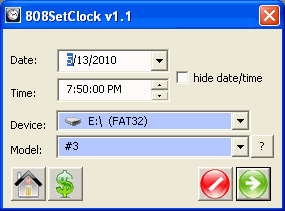 808SetClock |
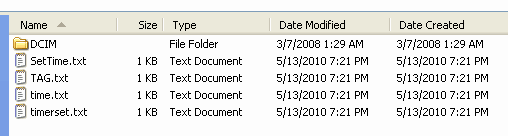 808SetClock - Windows Explorer showing the files that get created if you specify Model "I'm not sure". |
| 2010 May 11 - Batteries, Charging and External Power | ||
| I am going to
make some comments about batteries and chargers. I am no
expert, so use your own judgment and proceed at your own risk..
The battery can be a dangerous thing. If charged or
discharged incorrectly the battery can be rendered useless.
It can, explode, get very hot, or shower you with sparks and
poison gas. So be careful. |
||
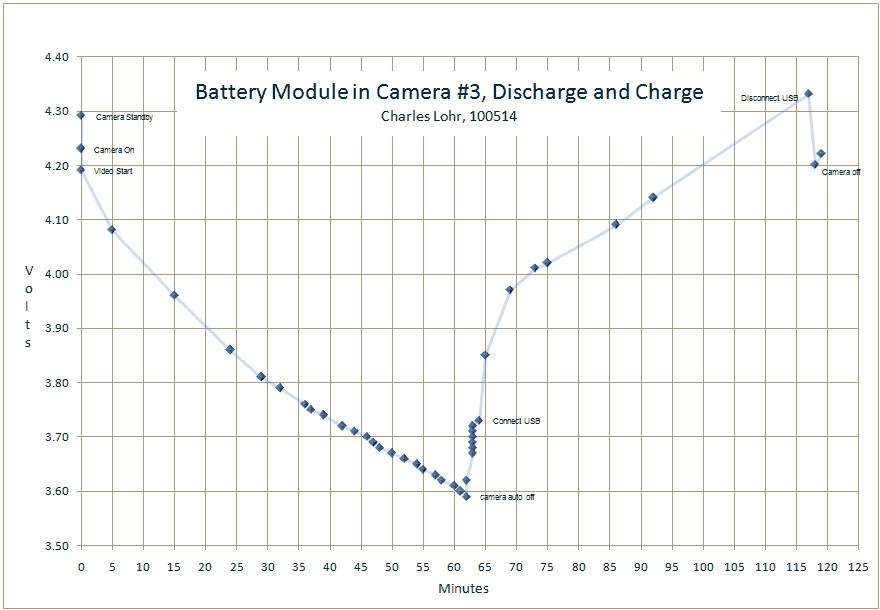 |
||
Camera #3, Battery Module, Discharge and Charge
- The #3 camera battery module (battery and protection circuit)
was charged using an external LiPi battery charger before this
test. The battery is labeled HT402030PL, 3.7V IL12 (4.05mm
thick).
The micro SD card is a SanDisk 8GB class 2. The camera was
turned on, the video mode started, the battery module voltage
was monitored and the voltage slowly dropped. Note that
the battery is on the other side of the protection circuit and I
did not monitor that. Between 3.0V and 4.2V the battery
module voltage and the battery voltage should be the same.
The camera was stationary and continued to take video until the
camera detected low voltage at 3.59V. The camera closed
the current AVI file. Without the video load the battery
slightly recovered to 3.73V. The USB cable was connected
and the voltage immediately increased to 3.85V. The camera
began charging. At 4.33V the USB cable was disconnected
and the voltage dropped to 4.20V. The voltage rose
slightly to 4.22V and the camera was turned off.
2004628984, 30:00. 1941255688, 30:00. 0155295048, 2:20. Preliminary conclusions, comments - ● I am very surprised that the camera does not operate below 3.6V. The usable charge (power) from 3.0V to 3.6V goes unused, however, the "knee" would be expected at about 3.5V, so operation below 3.5V might not be desireable. ● The audio motor boating seems to be an artifact of low voltage. I have received emails about cameras that continuously motor boat, or have low audio or no audio, so maybe low voltage is related. ● Once the battery module voltage goes above 4.2V, I assume the the protection circuit is limiting the voltage at the battery to 4.2V. ●62 minute video discharge to video termination at 3.6V. Normally my longest video has been 50 minutes (about 20% less). My guess is that the external LiPo charger put more charge into the battery than the camera USB charger. More research is needed. ● 35 minute USB charge from video termination to 4.2V. To correctly charge a LiPo battery the voltage need to be held at 4.2V until the current drops 90%. If the USB cable is kept connected that might happen, but what terminates the charge cycle? Continuously charging the battery at 4.2V might not be good. |
|
I get this question: Q. Is there a way to power the camera externally through the USB connector, like from a 12V vehicle battery, so that I can take a very long video? A. There are two problems with this. The 12V would have to be converted to a lower voltage. Recording video while supplying USB voltage (5V) at the USB connector does not work with the 808 camera. Some other small cameras, like the MD-80, can record while the USB is connected. The USB voltage will charge the battery, but while connected the 808 camera will not permit video or pictures to be taken. It might be possible to use a LiPo battery charger that runs on 12V connected to the camera battery. I am collecting some data to try to answer this question better. Here is some preliminary charge and discharge data. Battery - From a #2 808 car keys micro camera, PL382030 (3.8mm x 20mm x 30mm dimensions include the protection circuit, measured 3.78mm thick). Probably a 120 mAh battery. Charger - SG-IC032 LiIon/LiPo battery charger. This charger is available on eBay and is designed to charge a single sell Li Ion Canon NB-4L battery. This charger is cheap (less than US$5) and takes 100-240VAC 50/60Hz, and 12VDC, and some have a 12V car adapter. This charger is not UL ITE certified. The charger only connects to the + and - battery terminals. By contrast the Canon charger and battery has three terminals. The third (center) terminal is probably for a battery temperature sensor (thermistor, nominal 10K ohm). Load - A 25 ohm resistor (measured 26.4 ohm) was used as a load to simulate the camera taking video. A 25 ohm load was selected because Philippe measured the battery load at 145 mA while recording video. So (3.7V/0.145A) is about 25 ohms. In the following tests the battery is not in the camera. Volts vs. minutes. |
|
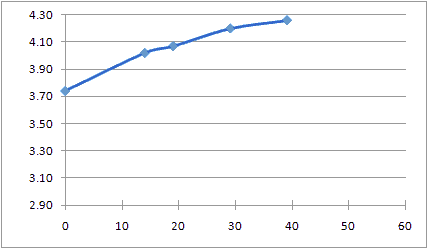 |
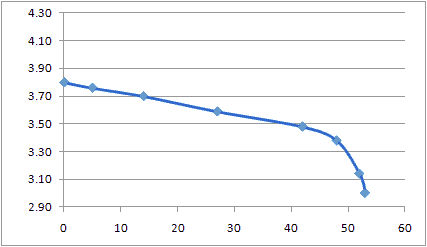 |
|
Charging - Charged to Charged Initial unloaded voltage?, Final voltage off the charger 4.20V. |
Discharging - Charged to Discharged, 26.4 ohm Initial unloaded voltage 4.02V. Load 26.4 ohm (25 ohm resistor 10%). Load removed at 3.0V. Final no-load 3.28V. This is consistent with the 50 minutes of video recording I got from my #3 camera. |
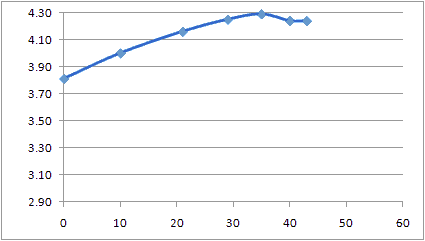 |
 SG-IC032 Li Ion Battery Charger for Canon NB-4L Battery. Takes 100-240 VAC or 12VDC. |
|
Charging - Discharged to Charged Initial unconnected battery 3.40V. At 0:40 minutes the charger LED went from red to yellow. At 0:43 minutes the charger LED went to green. Final unconnected battery 4.20V. The charger should hold the voltage at 4.2V until the current drops 90%, and that seems to have happened. |
|
| 2010 May 06 - Why 808? | ||||||||
There is no technical or business reason that I know of, for
naming this camera the 808. But the Chinese character for
happiness looks like an 8, and double happiness looks like 88. Eight is a
lucky number in Chinese culture. Why the zero in
between? I don't know.
Read more here:
http://en.wikipedia.org/wiki/Numbers_in_Chinese_culture#Eight
|
| 2010 May 05 - Strange Color Problem | |
 120909
- Here is another example of this problem in an 808 #9 120909
- Here is another example of this problem in an 808 #9http://www.youtube.com/watch?v=02rTFrcNAQQ This problem can be due to a weak solder connection that went bad due to mechanical shock or thermal shock. The problems could be the ball grid array on the image sensor, the flat cable can be cracked or the SOC processor ball grid array. Image data moves in parallel bytes between the image sensor and the SOC processor. When a bit opens, that kind of distortion happens. You can open the case, put the camera in webcam mode, watch the image and poke around with a wood toothpick (not metallic) trying to find a bad connection that changes the image. Even if the problem is found, it is unlikely to be repairable. 100505 - Pavel sent me this image from his #3 camera. I split the channels (RGB, HSL and CMYK) in order to attempt to diagnose the problem. This is not the raw data coming off the internal camera module. The JPG compression has been applied. So the problem is more difficult to diagnose. The analysis photo shows the RGB (red green blue), HSL (hue saturation brightness) and CMYK (cyan magenta yellow black) separations. Observations: The histogram shows that there is a very large number of pixels with a yellow-green color at RGB 188,208,74. The saturation (of HSL) is 100% for a large part of the image, but not all of the image. The blue (of RGB) is 0% for a large part of the image, but not all of the image. |
|
 Still image with strange color, #3 camera |
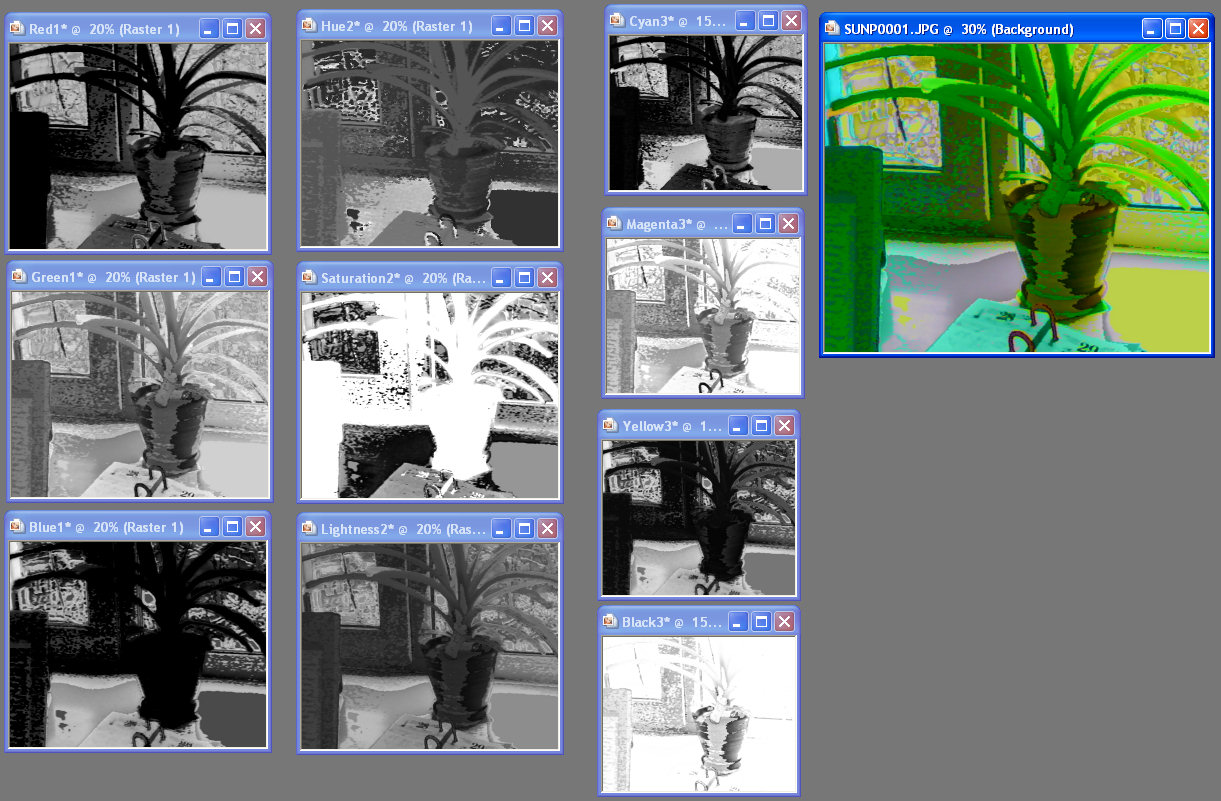 Analysis photo. RGB, HSL and CMYK Channel Split, Camera #3, Click for full size |
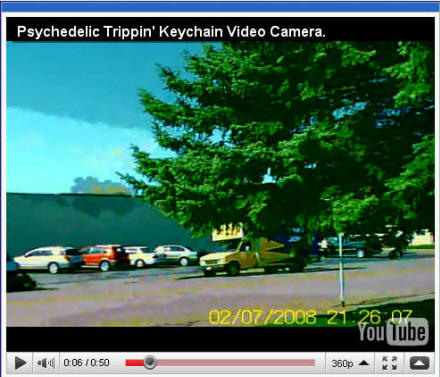 YouTube video by of similar strange colors. |
|
| 2010 May 05 - Bad Solder Joint, Dead Camera | |
| I am getting
more reports of bad solder joints in cameras. The camera
works for a while, then dies. When the power button is
long pressed either the LED comes on shortly, or nothing
happens. When the USB cable is connected either nothing
happens or Windows wants to load a driver. Most of the diagnosed problems have been bad hand soldered parts like the crystals (silver cans). There have also been some bad surface mount reflow solder problems. Even if re-soldered, the camera might not work if the solder short damaged something else. Solving these problems require very keen solder skills and tiny tools. Since the battery voltage is live on the circuit board, even when the camera is off, avoid shorting anything. Cut a battery wire before trying to re-solder something. |
|
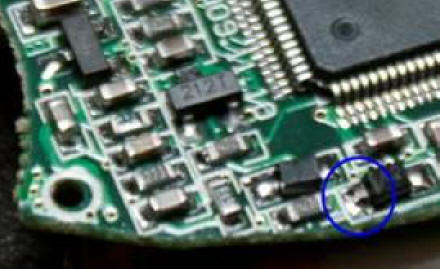 Darrell found this bad surface mount solder joint on his #3 camera. |
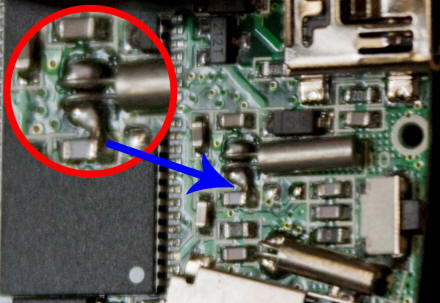 Darrell found this solder short from a bad hand soldered joint at the crystal leads, #3 camera. |
| 2010 April 26 - Swell Battery |
| Rick sent me
this photo of his camera LiPo battery with this note: "After transferring videos off the camera I forgot the camera plugged into the computer for 10 hours. This is what the battery looks like now. The battery ballooned up and the case can't fit anymore. It's not leaking or anything but at the same time I don't want the battery to explode while in my pocket!"
|
| 2010 April 23 - High Lead Content | |
| The lead content in the
plastic clam shell case of the 808 car keys micro camera is
high. Nathan measured his #3 camera with an Innovative XRF
Technologies handheld XRF scanner. Nathan reported "It
has about 1500+ ppm of lead, well over the acceptable limit". Everybody has to decide this issue for themselves. The 1500+ ppm number came from a camera owner (thank you), not a government agency or a lab. Without regular testing on every batch of products from China there is no way to know if the next batch of camera is 150 ppm or 15000 ppm. There are some micro cameras (not the 808) in a painted metal, not plastic case, like the MD-80. But then you would need to test the paint. You can buy a lead test kit at a hardware store.. Are there any plastic case micro cameras with low lead? I don't know. The ppm lead levels are set for children under 12 years old. I would not let kids handle the camera. In most cases, the allowable levels for adults are not regulated. As I understand it, the concern is ingested lead, where stomach acid will dissolve it, an it gets into the body. Kids put their hands, toys and other things in their mouth. I have used solder throughout most of my adult life. Lead solder is about 400000 ppm lead, so occasionally handling a 1500 ppm micro camera is no big deal to me. I wash my hands. The U.S. Consumer Product Safety Commission reports this:
By February 10, 2009, products designed
or intended primarily for children 12 and younger may
not contain more than 600 ppm of lead. Children’s
products that contain more lead than 600 ppm are banned
in the U.S. after February 10, 2009, and the sale of
those products can result in significant civil and
criminal liability. The statute provides that paint,
coatings or electroplating may not be considered a
barrier that would make the lead content of a product
inaccessible to a child. After 1 year from enactment, or
August 14, 2009, products designed or intended primarily
for children 12 and younger cannot contain more than 300
ppm of lead. The limit goes down to 100 ppm after three
years, or August 14, 2011, unless the Commission
determines that it is not technologically feasible to
have this lower limit. |
|
| 100410 - Camera Module Datasheets |
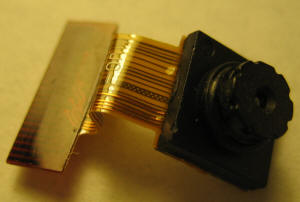 130710
- The 808 #11 and #18 camera module are the same and can be
bought on eBay. 130710
- The 808 #11 and #18 camera module are the same and can be
bought on eBay.Inside the 808 car keys micro camera is a camera module (CCM-Compact Camera Module). Truly is a company that makes CCMs . They publishes datasheets for their CCMs and the CMOS chips used inside the CCM. It is difficult to get datasheets for these CMOS chips. If you want a good education about the capabilities of these cameras, read some of these CMOS chip datasheets. 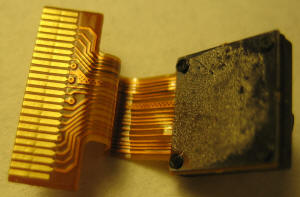 Millions of these CCMs are made for
cell phones, laptops and webcams. The CCM usually
consists of a CMOS chip, a lens mounted in a lens barrel screw
so that it can be focused, an infrared blocking filter, a housing, and a multi-pin connector
like a flat cable or plug. The CMOS chip is usually a Bayer
filter (Red Green Blue) over an array of sensels, and an image
processor. Millions of these CCMs are made for
cell phones, laptops and webcams. The CCM usually
consists of a CMOS chip, a lens mounted in a lens barrel screw
so that it can be focused, an infrared blocking filter, a housing, and a multi-pin connector
like a flat cable or plug. The CMOS chip is usually a Bayer
filter (Red Green Blue) over an array of sensels, and an image
processor.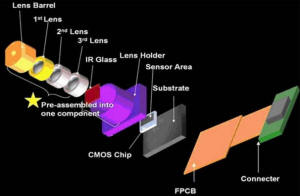 OV is OmniVision. OV5 is 5MP (QSXGA). OV3 is 3MP
(QXGA). OV9 is 1.3MP (SXGA). OV7 is 0.3MP (VGA).
S5K is Samsung. MC is MagnaChip. S1V is SET. OV is OmniVision. OV5 is 5MP (QSXGA). OV3 is 3MP
(QXGA). OV9 is 1.3MP (SXGA). OV7 is 0.3MP (VGA).
S5K is Samsung. MC is MagnaChip. S1V is SET.S5KA3DFX, MC501CB, S1V100B, OV7725, OV7950, OV7680 and OV7670 are 640x480 camera modules of the type that might be used in the 808 car keys micro camera. |
| 2010 April 09 - SanDisk Dethroned |
| I no longer recommend
SanDisk over any other brand. Their random write speed is
unpredictable just like every other card. The class of an SD card is the sequential write speed. The 808 car keys micro camera requires fast random write speed to avoid problems like flashing date time stamp, long strings of duplicate frames, and audio video/sync problems. SanDisk random speed performance has been great. In general they were better that the rest. But not any more. Some recent SanDisk micro SD card have just mediocre random speed. So I can't recommend them over any other brand. The profit margins in the flash card market have been cut to the bone, and SanDisk has probably been putting slow (cheap) controllers in their cards, to be cost competitive with all the competition. Anders from Sweden has a #3 camera with a strange shifting date time stamp problem. The camera is using an 8GB SanDisk micro SD card. A Crystal Disk Mark benchmark of the card shows a slow 512K random write speed (1.054 MB/s, and less on subsequent benchmarks). Anders contacted SanDisk vie email to verify that the card was authentic and ask about the slow random write speed. SanDisk recommended the ATTO bench32 program to benchmark the card. Bench32 does not measure random speed. SanDisk said the card is compliant based on the bench32 measurement. |
| 2010 April 07 - Connector for External LiPo Charger |
| Gerhard from
Germany has modified his #3 camera with a connector to the
internal battery. This lets him fully charge the battery
with an external LiPo battery charger he usually uses for his
helicopter battery. With the USB cable the camera was
charging the battery to 3.8V. A full charge is 4.2V. "After the charging on USB stopped I plugged the #3 to the external charger. I was able to put about 100mAh into the battery, so the running time will be much higher than with charging on USB. I checked the capacity after 30 minutes filming, my charger had put 65mAh into the battery." |
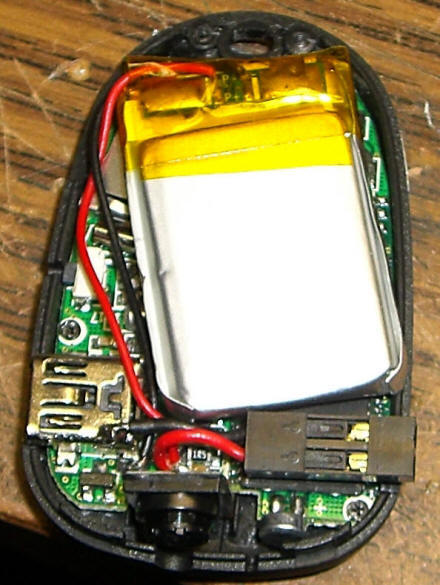 #3 camera with connector for external LiPo charger |
| 2010 Mar 31 - Solution for the #3 Camera Zero Length AVI File Problem |
|
Problem - When recording and the battery dies,
sometimes there are AVI files with zero length, and sometime
the micro SD card appears full.
Solution - Jaco emailed me this solution which he tried twice, and both times it worked: The problem with blank files occur when you plug the camera into the PC without turning the camera on. To resolve this just press and hold the power button for a few seconds till the light comes on (using whatever remaining power is in the battery) and THEN plug it into the PC. |
| GalleryOf808Mounts | |
| 2010 Mar 31 - Gallery of 808 Camera Mounts | |
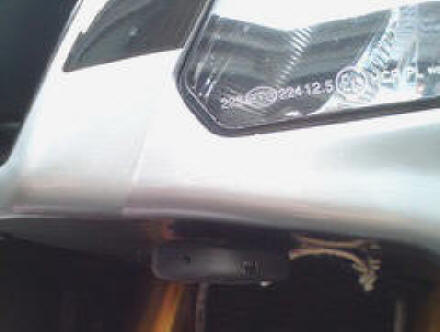 Mounted under the nose cone, under the headlight, Velcro and safety string, RSV motorcycle, by samgoon, Wales 100428 |
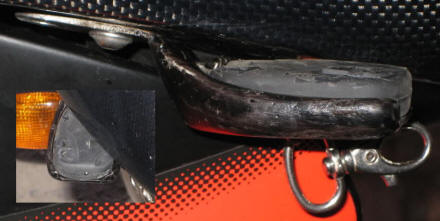 RSVZone Aprilia RSV series motorcycle, fabricated bracket, by IanG, Wales 100428 |
 BobFlyman from Devon UK. (100413) http://www.youtube.com/watch?v=hqGvZMypgrE |
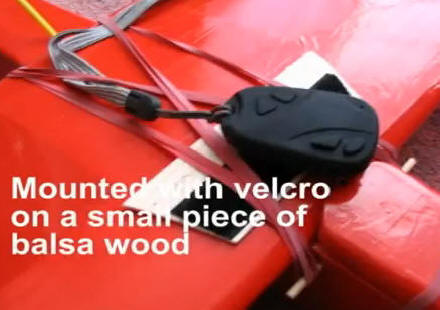 |
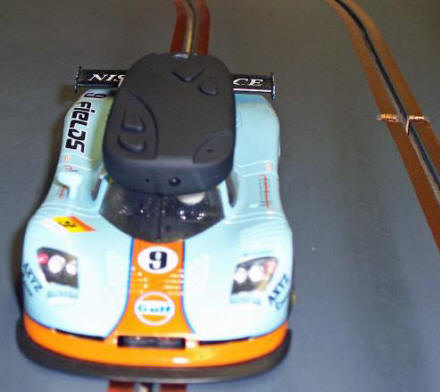 Brian from Norfolk England. Slot car mount. |
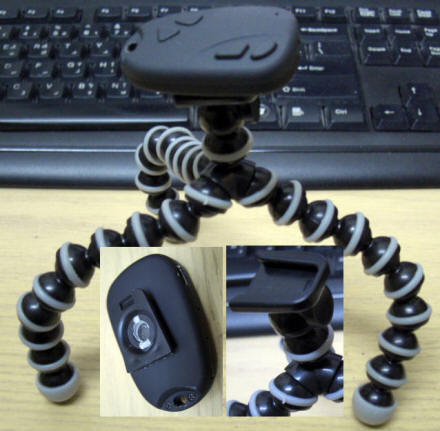 Blayde bought a gorillapod ($4 dealextreme), removed the camera screw and used 3M double stick tape to attach the camera to the shoe. (100422) |
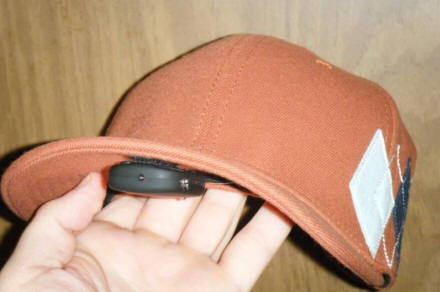 Link - cisc0box - A $12 Ebay keychain camera + Velcro + a free hat = a cheap way to record decent quality video of your flights. I can then remove the cam and place it on my plane via Velcro for aerial video as well. |
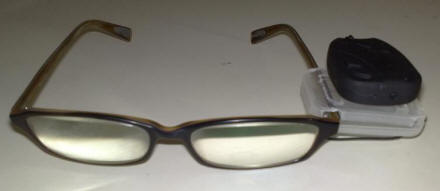 Link - Franko73 - I have another one ordered so Ill try that first as Im happy with my mic holder mount for the keychain cam. I found another use for this cam if it is caused by a dodgy connection due to vibration, I can use it as a line of sight camera. I used the small plastic case that comes with the micro sd card and just cut two slots for the arm of my specs, works quite well..... |
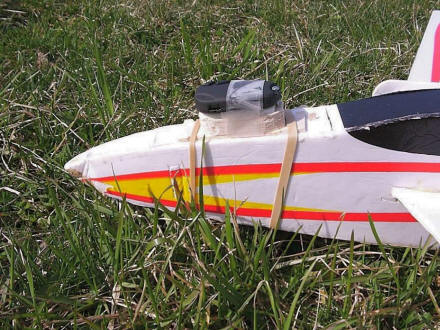 Link - Chophop - Here's my camera plane and how I mount it. A 1/2 inch balsa block padded with 1/8 inch DuBro 514 foam and held on with aviation straps (rubber bands). ... |
 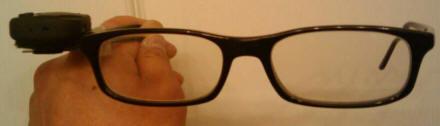 Link - nerdc0re79 - here's the pics on my eye glasses or sunglasses keychain cam mount. better than sticking the cam on your hat.so the cam's focus is lined up with your eye's focal point(plane) IMHO |
 Link - Kenpilot - Hat Cam. Some pics of my simple yet versatile keychain cam mounting system. |
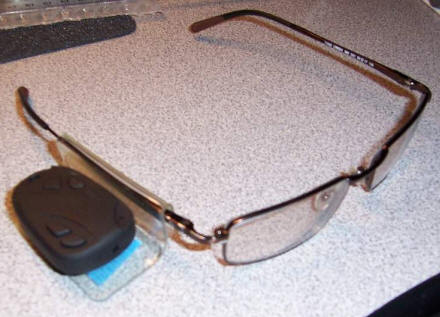 Link - Hunter850 - A couple pics using the eye glass camera mod. Excellent idea took about 1 min to make. Works great. ... |
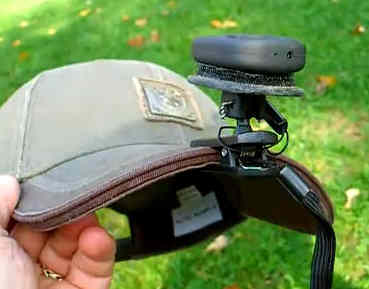 110119 Joe C. made a hat brim 808 camera mount and a YouTube video about it. http://www.youtube.com/watch?v=0bfyThhsgWE |
|
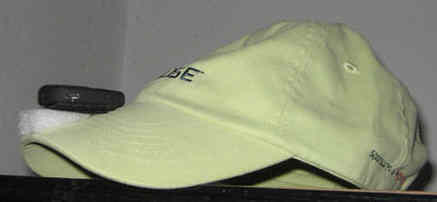 110307 - Martin in Germany made this mount for his 808 camera. |
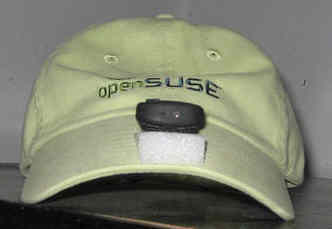 110307 - Martin in Germany made this mount for his 808 camera. |
| 2010 Mar 18 - Gallery of Other Small or Hidden Video Recorders | ||
| All of these are video recorders. The 808 car keys micro camera and
these video recorders often use the same or similar electronics. Sorry, but I don't have the time to review these. Much of the 808 car keys micro camera review applies to these cameras. |
||
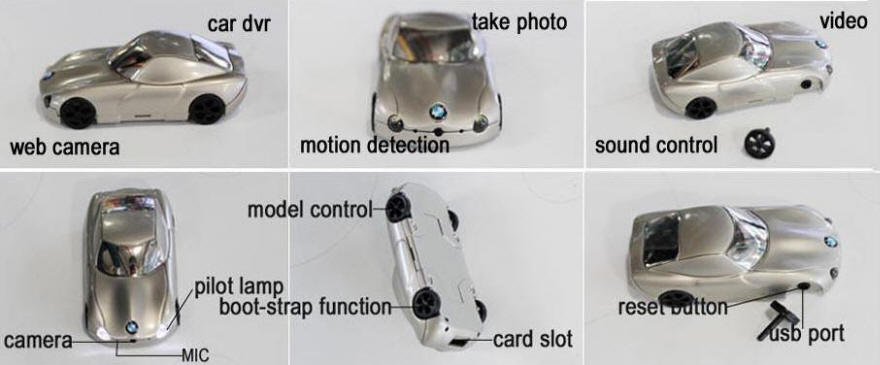 Mini CAMERA BMW Car DVR Hidden Video 1280*960 B1 |
||
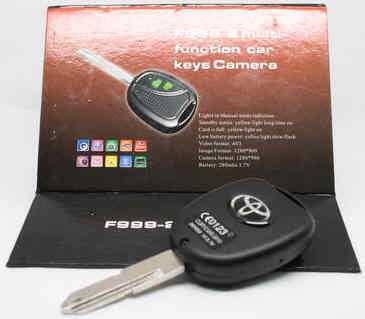 F999-2 |
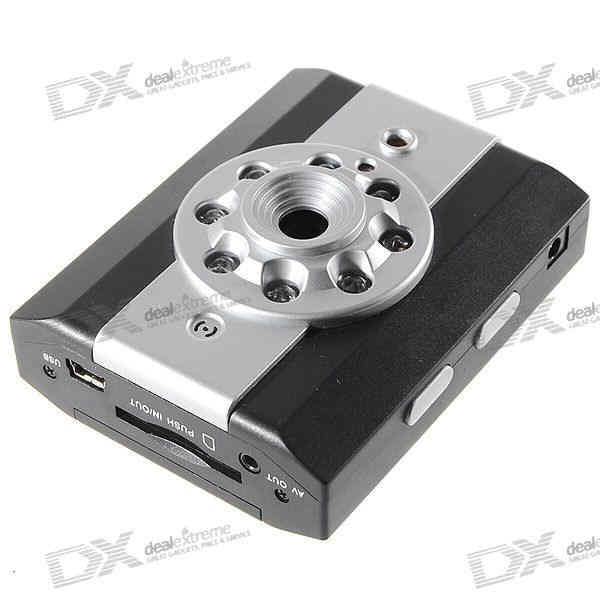 Night Vision Video Recorder |
 Calculator Camera |
 Mini DV RD52 Camera |
100714 RD52 Photos from L.S. MD-80-like-cam. video 720x480 MJPG FPS: 30.988336 Audio: 353 kbps. Removable 200 mAh battery. Motion activated mode.  RD52 |
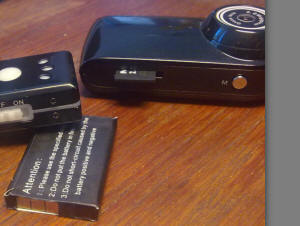 RD52 |
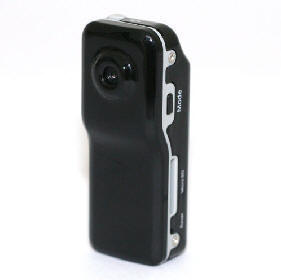 |
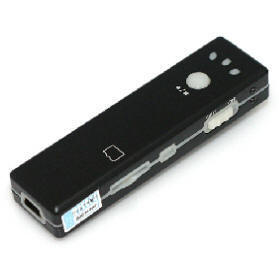 |
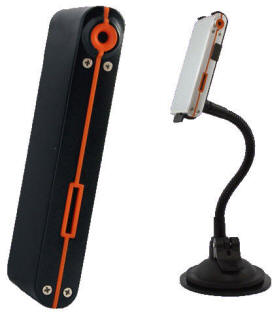 |
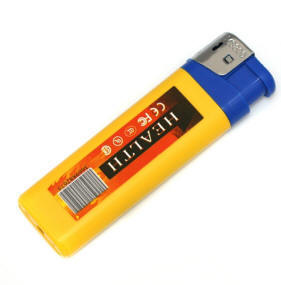 |
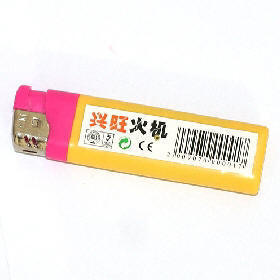 |
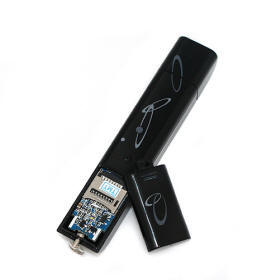 |
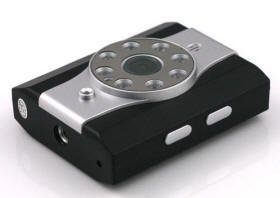 |
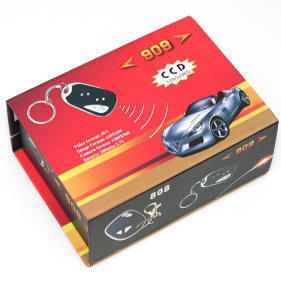 |
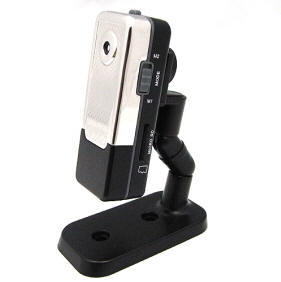 |
 |
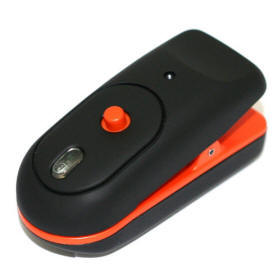 |
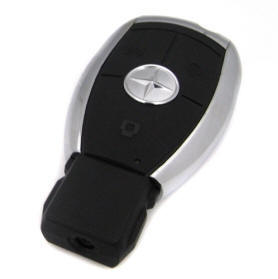 |
 |
 |
 |
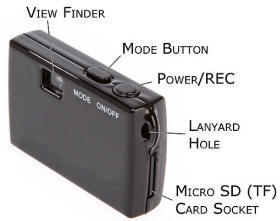 |
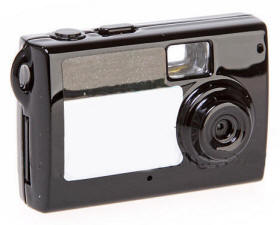 |
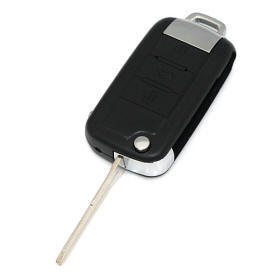 |
 |
 |
 |
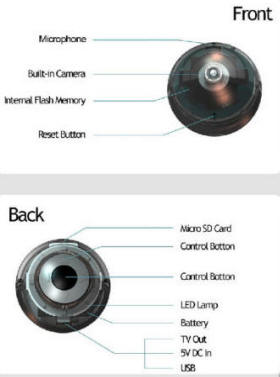 |
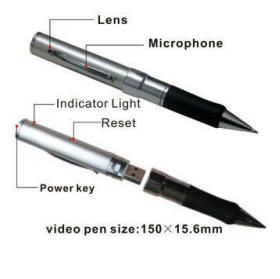 |
 |
 |
 |
 |
| 2010 Mar 14 - MD‑80 / #3 Camera Timestamp Remover |
| George from "Air
Command Rockets" has written a VirtualDub filter
"timestamp.vdf" to remove the video
timestamp from the AVI file of the MD‑80 and #3 camera.
The filter properties can be modified to remove the
timestamp from other cameras based on color and location.
It seems to be better than the
Logoaway filter. Here
is the link to the filter, and a comment about how to drill out the camera to make
the LED easier to see.
http://home.people.net.au/~aircommand/md80clone.htm |
|
YouTube Example of timestamp.vdf |
|
2009 Nov 06 - Removing the Date Time Stamp by Blurring it Out Nobody has been able to figure out how to get the camera to disable the date time stamp in the video corner. VirtualDub and Logoaway do a pretty good job of removing that annoying date time stamp in the lower right corner of the AVI video file of my #3 camera. Actually it does a smart blur, but it is very effective. Logoaway is a plugin for VirtualDub. The Logoaway properties are in the YouTube comments. You can adjust the Logoaway properties if your video date time stamp is in a different place or size. This plugin is VERY CPU intensive and might take a long time to encode. Which is worse, the annoying time stamp or the blur? The video aspect ratio was also corrected to 640x480 in VirtualDub. |
|
Fifteen seconds with the time stamp, and fifteen seconds without |
| 2010 Mar 12 - #3 Camera with Cross Threaded Lens | |
| Bob from Brixham UK sent me this interesting story about a #3
camera that he recently bought. Only the lower right corner of the
image was in focus. Bob disassembled the camera. The camera
module lens tube
had been cross threaded. He corrected that problem and
refocused the lens. "I also noticed before fitting the lens that somehow I'd got a speck of dust on the CCD. My puffer wouldn't move it, so I just left it. I put a couple of tiny blobs of superglue on the lens thread so I wouldn't be tempted to take it off again, and it won't move.. (Quit while you're ahead!) At least it is usably focused now! It has left a small blur on the image, but not very noticeable." |
|
 #3 camera with cross threaded lens tube. The lower right corner is in focus. The thread pitch is 0.35 mm. |
 #3 camera after fixing the cross threaded lens. |
| 2010 Mar 04 - Flash Performance Comparison | ||
100620 - Have you used more than one flash card in your camera and can testify that one card works better than the other? If they pass h2testw, please benchmark them with Crystal Disk Mark and send me the results. The SD Association minimum sequential-write speed is 2 MBps (million bytes per second). That is a class 2 card. Random-write speed is usually not specified by the manufacture, is less than sequential-write speed, and is often the most important specification. The size of the random blocks has a huge impact on the write performance. Sequential write is the fastest way to write a flash card. On some cards, sequential write is 5X faster than writing random 5KB blocks, and 500X faster than writing random 4KB blocks. I don't know if the 808 car keys micro camera (808CKMC) writes sequentially. I believe that some 808CKMC problems are due to flash that is either bad, or the random-write performance is too slow. Sometimes reformatting the card will temporarily correct the problem. Here are some problems that have been caused by a slow flash card: video out-of-sync with audio and excessive missing frames. What speed is too slow to work in an 808CKMC? I don't know yet, and it probably depends on which camera you have. Some cameras have much higher data rates than others. AVI data rates from 0.3 to 1.3 MBps have been measured . A #3 camera has a maximum data rate of 1.3 MBps (80 megabytes per minute). Here you can read more about a tear down of micro SD cards: bunnie's blog. The Kingston flash card you buy today and a month from now, can be a completely different card. Crystal Disk Mark is a disk performance benchmarking tools. It also measures the suitability of flash for Microsoft ReadyBoost (minimum 1.75 512KB Write, 2.5 4KB Read). This is not a flash benchmarking site. This information is shown for reference only. I have standardized on the crystal disk mark program. Other benchmark programs will give different results. If I use two readers, I usually list the better results. Flash is difficult to benchmark for a number of reasons. The age of the card, how many write cycles it has had, the format age, the format, the brand, the internal controller, the benchmark tool, the reader, the block size, the sequential or random method. |
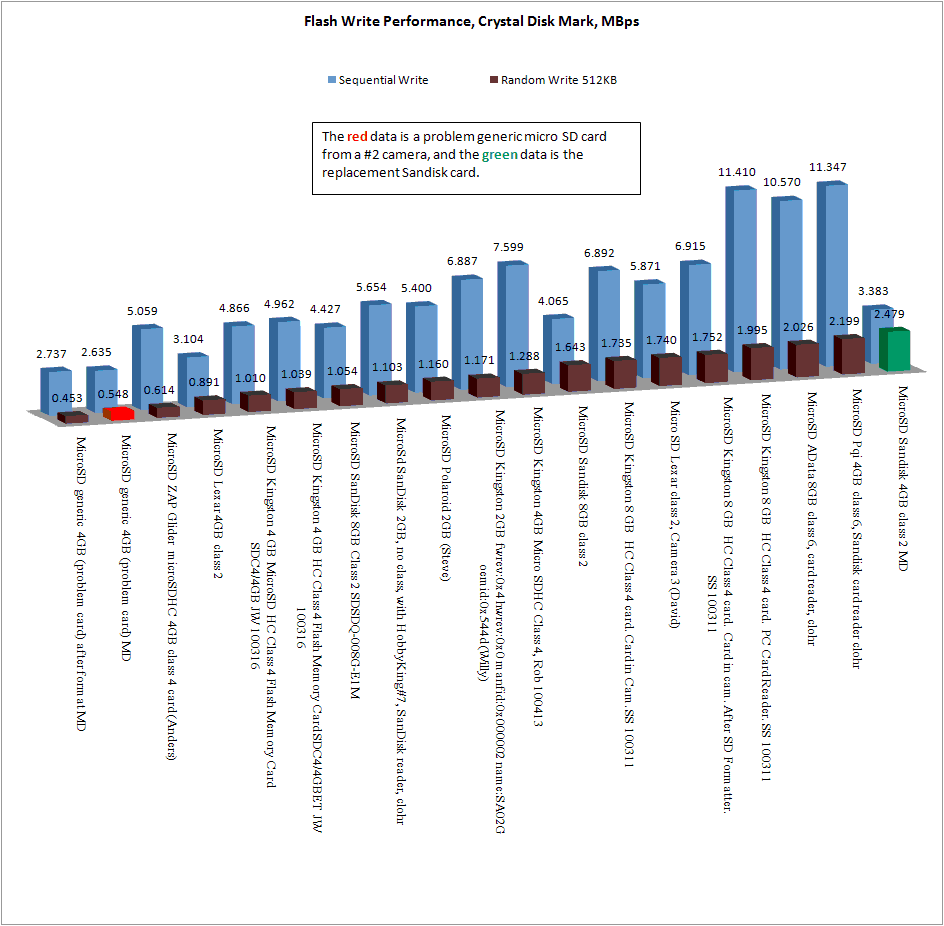 Flash write speed, Crystal Disk Mark. Sorted by random write speed. More is better. |
| 2010 Mar 02 - Be Suspicious of Generic Flash Cards | ||
| MD emailed me about problems with
his new #2 camera that was delivered with a generic 4GB micro SD
card. He reformatted it and it passed the h2testw test.
The AVI had a strange problem where the sound was out of sync
with the video. He replaced the generic card with a
locally bought Sandisk 4GB class 2
card, and the problems went away. Here you can read more about a tear down of micro SD cards: http://www.bunniestudios.com/blog/?p=918 MD tried both the generic card and the SanDisk card in his #3 camera. The generic card caused a series of duplicate frames, but no sync problem with the video/audio. This long string of duplicate frames at the end of the generic video probably indicates that the camera is taking a long time, nearly a second, to close the file. I think this problem might be related to some reports of corrupted AVI files when the battery dies during a video. The camera probably does not have enough time to close the file properly, because the time to write the final blocks to the flash can't complete while the battery dies. Here are the duplicate frame maps for two sample videos. "." is a frame, and "D" is a duplicate frame. I used VirtualDub to measure this. Generic card,30.725FPS,227 frames, 7.38 seconds ...............................DDDDDDDDDDDDDDDDDDDDDDDDDDDD.D................... ............................D......................D............................ D.............................D...................DDDDDDDDDDDDDDDDDDDDDDDDDD SanDisk card, 30.763FPS, 155 frames, 5.038 seconds .......................................................................D........ ......................D................................D................... |
||
 Crystal Disk Mark Benchmark of Generic micro SD card. MBps. Poor random write performance. |
||
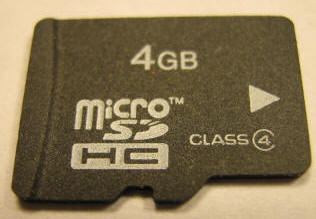 Generic Micro SD Card |
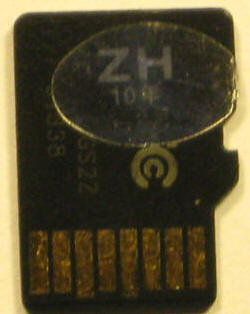 Before the sticker was scratched off |
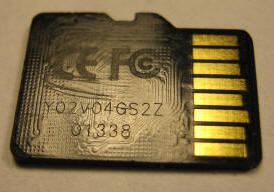 After the sticker was scratched off |
| 2010 Feb 28 - #2 Camera Native Resolution might be 320x480 |
|
The CMOS sensor is probably made up of 640 sensels (sensor
elements) per line. It probably uses a Bayer Array of 25% red, 50% green and 25% blue sensels.
So far, testing has shown that a camera module (lens and the
CMOS sensor) outputs 640 or 1280 bytes per line, and 480 lines
per frame. The exact format of these bytes is unknown, and
how they are interpreted by the processor is unknown.
The #2 camera module outputs 640 bytes per line. This might be one byte per sensel that the processor interpolates into pixels. Each byte is probably not one pixel. The #3 camera module outputs 1280 bytes per line. This might be sensel data with two bytes per sensel that the processor interpolates into pixels. Another possibility is that the CMOS processor is interpolating the sensels and outputting pixel data in RGB555 format (each 2 byte word is 5 red bits, 5 green bits, 5 blue bits). Each two bytes might represent one pixel. The #3 camera also has the highest AVI data rate. I am not sure if the following analysis is correct. The native resolution of the #2 camera is probably 320x480, not 640x480. Based on #2 camera oscilloscope data take by Dimitri, the camera module is outputting 640 bytes per line. 640 bytes per line is not enough data to represent 640 pixels per line. Each pixel is probably represented by two bytes, maybe in RGB555 format. This means that only 320 pixels are output per line. This can be confirmed by this simple test: Capture a 640x480 video frame. In a graphics program, resize the frame to 320x480, and then resize it back to 640x480. Does the new frame look different than the original video frame? If not, then the original resolution was probably 320x480. We will have to do this analysis for the the other types of cameras to see if they are really 640x480 resolution. |
| 2010 Feb 27 - #2 Camera, More Technical Information | |||||||||||||||||||||||||||||||||||||||||||||||||||||
| Thank you to Dimitri
who provided
me
with this detailed technical information about his #2 camera.
The camera has an internal microSD card, a Syntek
STK1262BLQG processor, an 8 MB SDRAM and the firmware is in the 25L8005M2C
1 megabyte SPI serial flash
chip. |
|||||||||||||||||||||||||||||||||||||||||||||||||||||
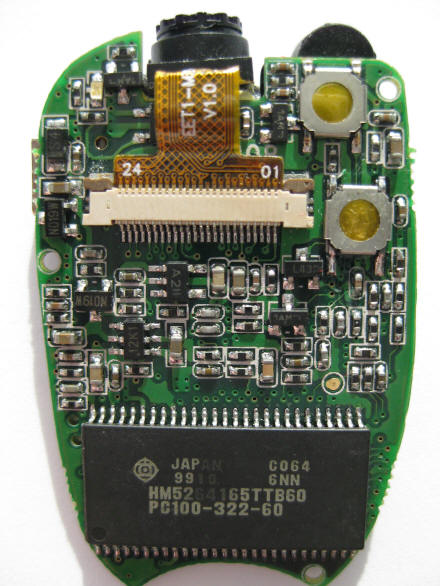 #2 camera top, 8 MB SDRAM, camera module, camera module compression connector, LED, buttons |
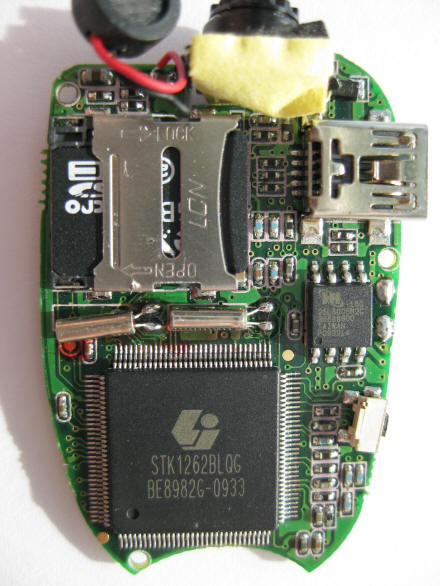 #2 camera bottom, Syntek processor, microSD flash card, mini USB connector, microphone, camera module, reset switch, SPI serial flash chip. |
||||||||||||||||||||||||||||||||||||||||||||||||||||
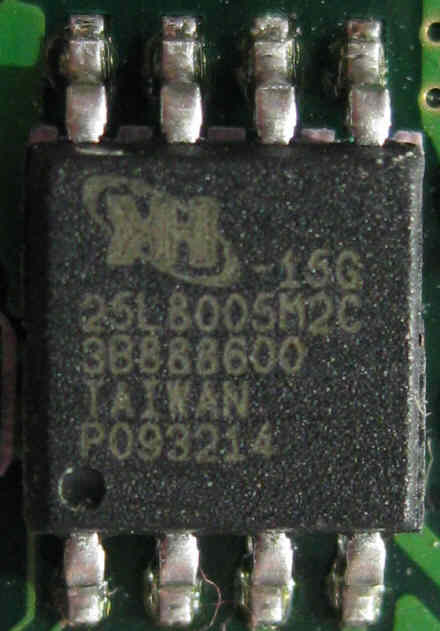 #2 Camera, the 25L8005M2C 1 MB SPI serial flash chip. 86 MHz, 6 to 20 second program time. |
Dimitri reports these signals
on the camera module 24 pin flat cable
|
||||||||||||||||||||||||||||||||||||||||||||||||||||
| The following scope images were taken from the 24 gold pins of the internal camera module. The camera module is outputting 640 bytes per line at 11.9 million bytes per second. Each frame is 480 lines. | |||||||||||||||||||||||||||||||||||||||||||||||||||||
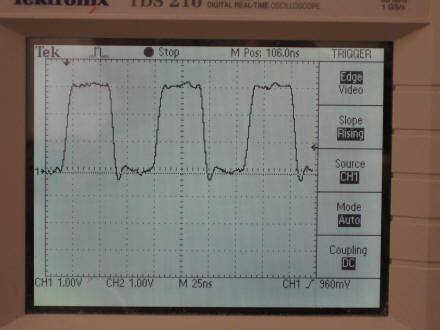 Pin 1 - Data Sync (84 ns) |
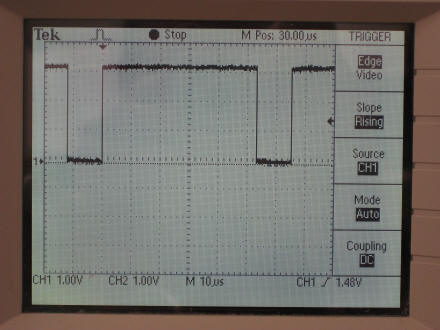 Pin 2 - Line Sync (about 65.5 us) |
||||||||||||||||||||||||||||||||||||||||||||||||||||
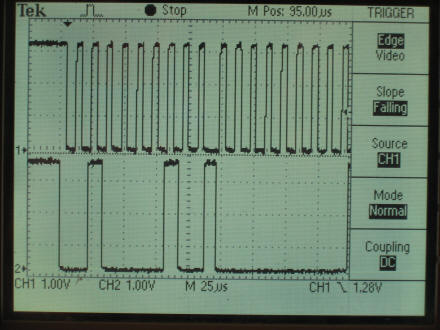 Pin 18 - I2C Interface |
 Pin 7 - Frame Sync ( about 33.3 ms) |
||||||||||||||||||||||||||||||||||||||||||||||||||||
 Pin 2a - Line Sync for a Frame |
 Pin 9 - clk from CPU (42 ns) |
||||||||||||||||||||||||||||||||||||||||||||||||||||
| 2010 Feb 22 - #1 Camera - Another Software - Different, Not Better | ||||||||
 Here is another #1 camera
update that works with my #1 camera. My #1 camera has a AK3631B
CPU, so the AK3671B might perform better. Here is another #1 camera
update that works with my #1 camera. My #1 camera has a AK3631B
CPU, so the AK3671B might perform better.AK3671B Platform Software 30 611S_VGA_V1.02 (with time) (4_16sdrm)
|
| 2010 Feb 14 - Laboratory Removal of the Video Date Time Stamp | |
| A laboratory method of removing the
video date time stamp from the gumpack (#3 camera) has been
discovered! But there is no user ready fix yet. Philippe, with the help of Bill W. and spinner, have been able to locate the font in the memory dump from the internal serial flash chip. |
|
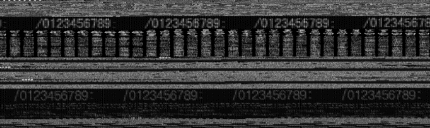 |
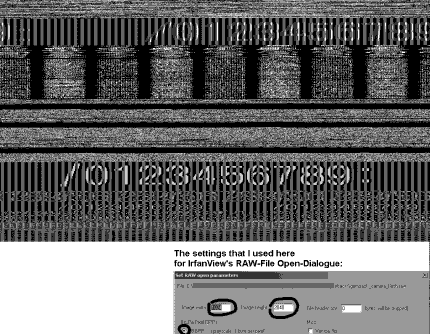 |
Images recovered from the memory dump by Bill W. and spinner Philippe remove the "2" from the font. As a test Philippe removed the 2 from the font, and wrote the memory dump back into the serial flash memory chip. It worked. With the font blanked, the modified memory dump was written back into the serial flash chip. A test video confirms the removal. http://www.dailymotion.com/video/xc8e15_no-timestamp-at-all-from-my-gumpack_tech Here is Philippe's website with some details of what happened. This research has been done on a gumpack camera, that is very similar to the #3 camera. However each of these two cameras have a different CPU. This discover would have to be repeated on the #3 camera to dump the memory map, find the font, remove it, and write the memory map back. Also, there might be various revisions of the #3 camera software resulting is different memory maps. So the font could be located in different locations of the map and a different solution for each revision. At this time there is physically no easy way to do this fix. It requires the serial flash memory to be de-soldered from the camera, read, modified and re-written with specialized tools, and then the chip re-soldered back into the camera. |
|
| 2010 Feb 07 - Hardware ID (VID PID) and Webcam Drivers | |||||||||||||||||||||
|
Some cameras support a webcam driver, some don't. To
find a webcam driver for your camera, you need to know the
Hardware ID of your camera's webcam mode, then you can look for
a webcam driver to match the Hardware ID. Here is how to
do that.
(The mass storage device mode of your camera has nothing to do with the webcam Hardware ID) The Hardware ID consists of a Vendor ID and Product ID (VID and PID).
#1 camera webcam driver USBANYKA AK36361B平台PC Camera驱动.
How to determine the Hardware ID of your camera. Enter webcam mode, Not the #1
camera - There are two ways: If there is no installed webcam driver, Windows will display "Found new
device" and open a a
popup window "Welcome to the Found New Hardware Wizard". Don't
close the popup window. |
| 2010 Feb 02 - Possible Manufacturer |
| TGF Group in china is one of the possible
manufactures of the 808 car keys micro camera. Company Name :TGF Group Co. Limited Company Address :No12 ZhongXin Road, BuJi Town, LongGang District Shenzhen, Guangdong, China 518114 Here is the webpage of their TMP808 camera. None of the cameras that I have reviewed take 1024x768 photos. TGF claims: Format: AVI/VGA video format, 640x480 pixel; JPEG photo format 1024x768 pixels. |
| 2010 Jan 28 - The Best Version of the #2 Camera - Toshiba CPU |
| Conclusion - The #2 camera with the Toshiba CPU
(about 0 duplicate frames per second) is the best #2 camera. The #2 camera also comes with an mTec CPU
(about 5 duplicate frames per second). See duplicate frames. Matt has had two #2 cameras; A Toshiba CPU version and an mTec CPU version. The Toshiba version was damaged in an RC crash. Matt disassembled both cameras and moved the Toshiba camera flash card to the mTec camera. He took a test video with the mTec camera to see if the better performance followed the flash card. It did not. The test video averaged 5 duplicates per second. I don't know the size and speed rating of the flash cards. From this experiment I conclude that the flash card from the Toshiba CPU #2 camera did not improve the performance of the mTec CPU #2 camera. |
| 2010 Jan 22 - Cool. Silent. Winter. UK. RC Glider. #3 Camera. |
| Here is a very cool quiet RC video taken with a #3 camera at Richmond Park by JonyEpsilon. See this DLG (Discus Launched Glider) thread FlyQuiet.co.uk. "It is possible to achieve launch heights of greater than 140 feet (43 m), with the top fliers exceeding 200-foot (61 m) high launches". |
14-16-18].JPG)
14-21-19].JPG) Click Photo for the YouTube Video |
| 2010 Jan 21 - Speculating about Software Architecture | ||||||||||||||||||||||||||||||
|
Here is my speculation about the software architecture of the 808 car keys
micro cameras. This is controversial because at this point nobody knows for
sure what the architecture is. This is pure speculation, and I
expect some differing opinions. If you know the software architecture,
or have documentation including engineering drawings or specifications, please
contact me by email. From the tear down photos, I know that the #2, #3 and #4 cameras have an 8-pin chip, unlabeled in many cameras. In the #2 camera this chip is a 1/2 megabyte serial flash memory chip with a SPI interface. In the #3 camera this chip is a 2 megabyte serial flash memory chip with a SPI interface. The other 8-pin parts are probably the same. This is a lot of non-volatile non-executable memory to put in the camera. The system software BIN files of the #1 camera are about 15 megabytes, so all of the system software would probably not fit in the serial flash chip. I speculate that this serial flash chip part holds part of the system software in the #2, #3 and #4 cameras .Every CPU has some internal executable RAM. Every camera has an external 8 megabyte executable SDRAM. The RAM is used to buffer the video frames from the camera assembly, buffer the microphone ADC audio, and buffer the writing of video frames to the AVI file in the flash memory file system, at a rate of 0.4 to 1.3 megabytes per second. The software consists of a number of subsystems:
Camera #1 Software ArchitectureFactory - The factory connects the USB cable and initiates system mode.
The BIN files are loaded into the BIN partition of the internal flash memory
chip. The camera user should never need to use system mode. Camera #2 #3 #4 Software ArchitectureFactory Scenario 1 – Before the camera is assembled, the application software
is loaded into the serial flash memory chip. The camera is
assembled. There is no system software to install. |
| 2010 Jan 14 - Test Video Comparison of the #1 and #3 camera |
| Jamie took side-by-side videos from a #1 and
#3 camera and combined them side-by-side in this video. My experience has been that the #1 camera automatic exposure is is very washed out in bright outdoor light. Sometimes with indoor light the exposure is much better. With post processing you can adjust the brightness, contrast, and gamma to eliminate some of this exposure problem. |
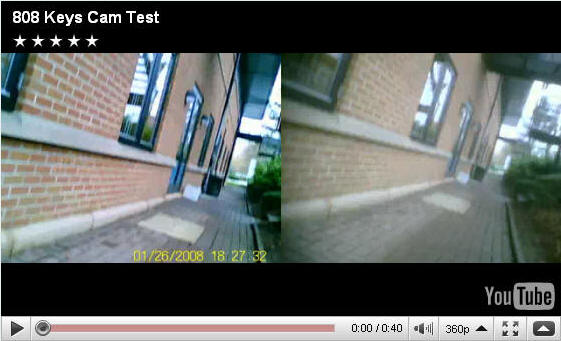 Click for the YouTube Video |
| 2010 Jan 11 - Speculating about chips and software |
| I would like to know about the #3 camera
chips including the camera processor. The #3 camera processor is marked mm "SPCA1527A-HL091, WQOT 959.1, 0937". mm is the logo of Sunplus mmedia  . ."evgen26" from Russian website RCDesign.ru has reported that this chip is a 32 bit ARM926EJ, 168 MHz. This site claims the same. The #1 camera has a ANYKA AK3631B14402 processor. In 2007 ANYKA licensed ARM926EJ technology. So is the #3 processor also an ANYKA processor? Does anyone have any more information? Please send it to me. |
The #2, #3 and #4 cameras have an 8 pin SOP-8 package chip. 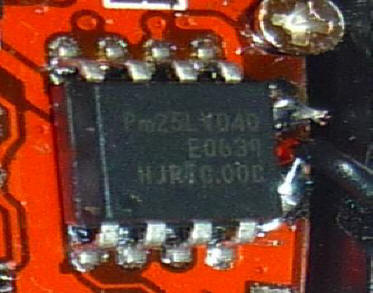 On the #2 it is labeled Pm25LV040, which is a 512K byte SPI serial flash memory. On the #3 camera it is sometimes labeled cFeon (Eon Silicon Solutions) and F16-100HIP, which is a 2 megabyte SPI serial flash memory. This is not executable memory since it is serial. What is the purpose of this much non-volatile memory? Hypothesis - This serial flash memory contains the camera software, or part of it. The bootstrap loader loads the software from the serial flash chip into part of the 8 megabyte SDRAM chip where it is executed. Most of the SDRAM is used as a video buffer. The video data rate is about 800 K bytes per second and needs to be buffered in the SDRAM before it is written into the flash memory card. What do you think? |
| 2010 Jan 08 - Tear Down Photos of a New #2 and #3 | |
| Matt supplied these tear down
photos of his #2 and #3 cameras. His RC videos are at
http://www.youtube.com/user/mdamttc199. Matt has had two #2 cameras. The first #2 had a Toshiba processor and died in a horrible RC crash. It does not work well because some internal parts are damaged. He bought a second #2 from a different seller (ezmobileshop) in China that showed a sample video with a green time stamp in the lower right. The camera he received has the normal orange time stamp, but the processor is an Mtec and the the internal micro SD card holder is flimsy. Also, the new #2 camera flash memory came with a virus (? viruscleaner ?), that his anti virus program caught. The new #3 camera came from Singapore and it has a Samsung SDRAM chip, and seems decent so far. ---------- A sample video from this Mtec #2 camera measured 28.821 FPS, and 5 duplicate frames per second. Matt's original Toshiba #2 camera had no duplicate frames after the first second. A photo was used to measure the AOV (angle of view) to be 40.7 degrees. The photo has a date time stamp on it. |
|
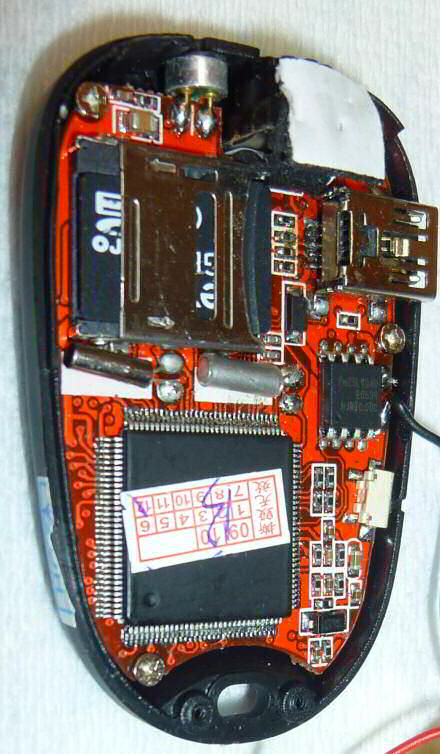 #2 Camera. Internal micro SD card with flimsy card holder, Mtec processor, microphone, USB connector. Foam in the upper right corner to stabilize the camera. The 8 pin chip in the SOP-8 package is a Pm25LV040 chip which is a 512K byte serial flash memory. |
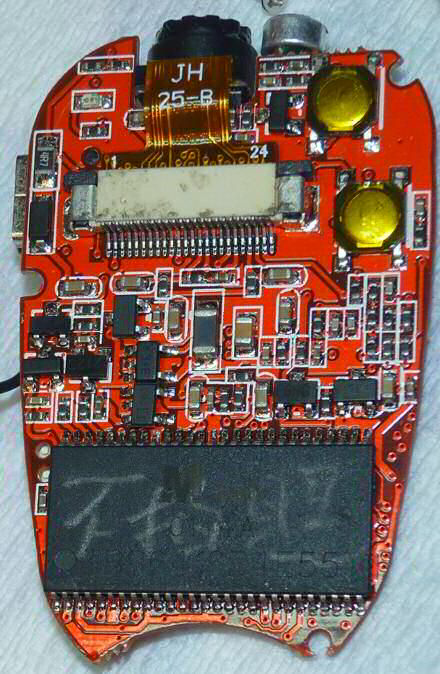 #2 Camera. Socketed camera assembly, power button, mode button, RAM chip, LED. |
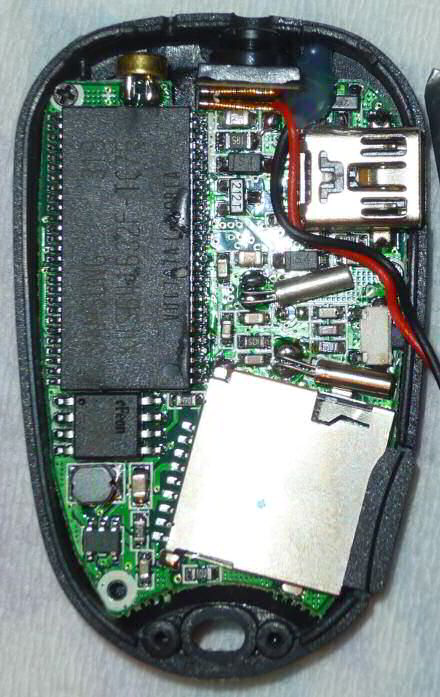 #3 Camera, 8 megabyte SDRAM, the 8 pin SOP-8 package marked cFeon (Eon Silicon Solutions) is probably a |
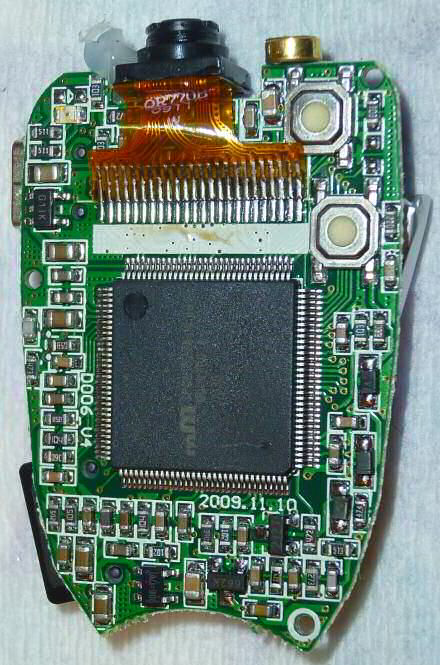 #3 Camera, soldered camera assembly, power button, mode button, processor, LED. |
| 28 Dec 2009 - Notes about the CMOS camera module | |
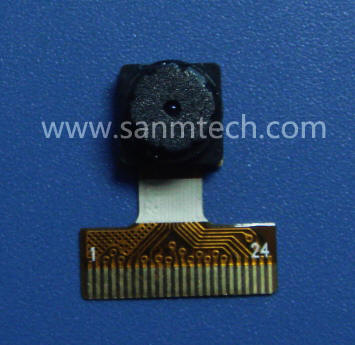 Sanmtech camera assembly |
I have been searching for more information about the camera
module used in
the 808 micro camera. I found this China company
Sanmtech that
makes a number of CMOS camera modules including this one that looks
very much like the one used in the 808 micro camera. Their description: FPC + Golden finger, VGA/1.3M This model can avoid camera module radiation influence signal by brushing silver ink on FPC, and connected with mobile phone mainboard by golden finger. If someone has a spec sheet for this camera assembly, or the camera assembly in their 808 micro camera, please send it to me, so that I can share it with everyone. |
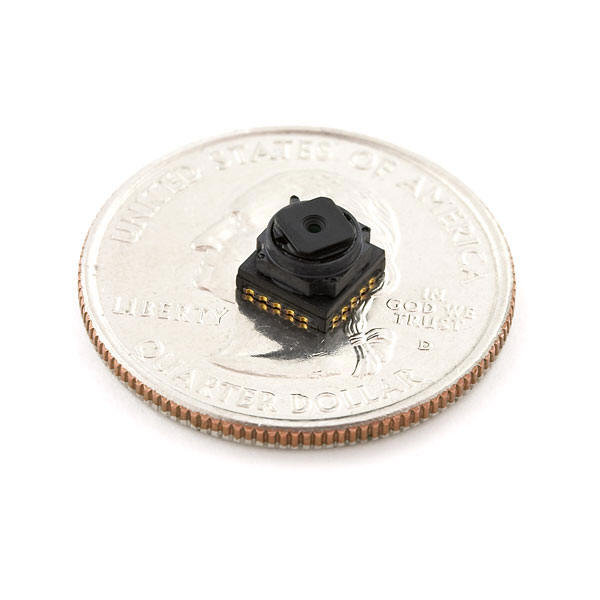 Toshiba TCM8230MD 640x480 color camera assembly |
For those of you contemplating
a project with a micro camera module, you might want to
consider this
Toshiba TCM8230MD 640x480 camera. It uses an I2C
interface,has a
spec sheet, and is affordable ($10). This and other
higher resolution camera assemblies are available at
sparkfun.com. Here is a technical note about interfacing to this camera assembly. |
| 16 Dec 2009 - #3 Tear Down, V2 and V4. Internal Short Circuit Problem. | |
| Photos and comments from Michael503. He provides these interesting tear down photos of two variations of the #3 camera. The two different circuit boards are marked V2 and V4 respectively. The older V2 camera died due to a short circuit as noted on the photo. Click images for full size. | |
 |
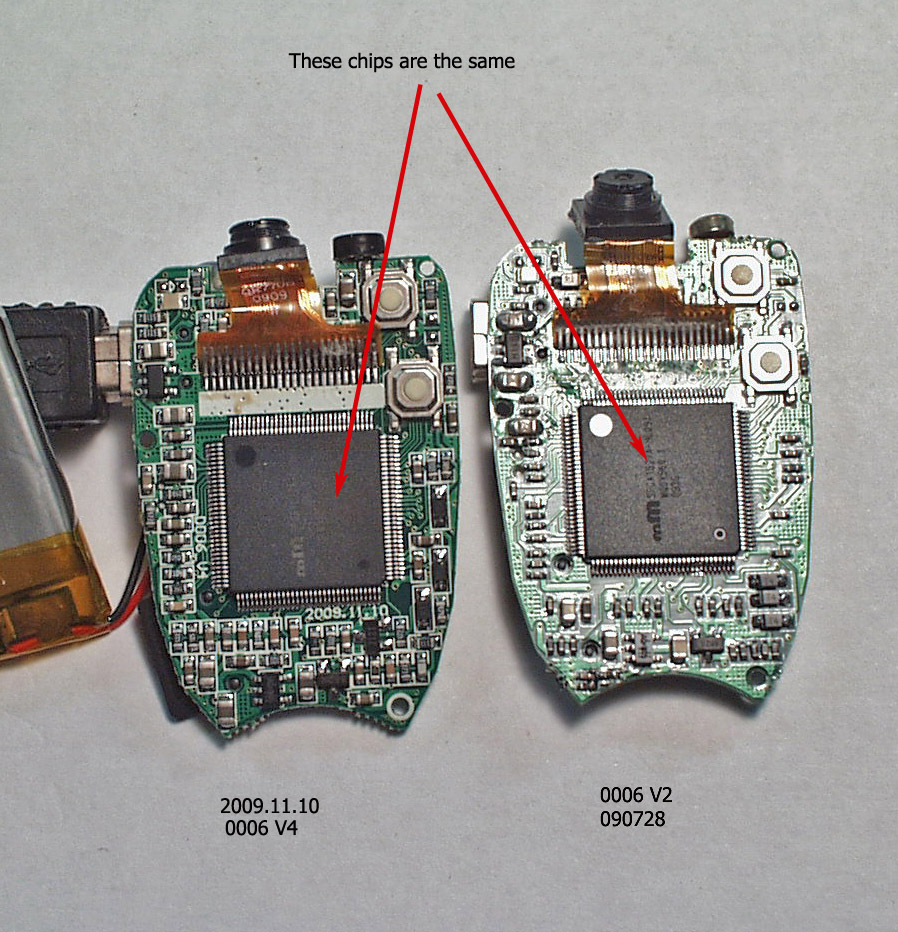 |
| Back side of two #3 cameras: 0006 V2 and 0006 V4. Shows two different component layouts. | Front side (the button side) of two #3 cameras, 0006 V4 and 0006 V2. |
|
My first camera was a #3, red tinted lens, although the tint changed once you got it out of the case. It died after about 10 mins of video. I suspect the battery wire, which were attached close together and directly behind the camera shorted out on the metal back of the camera due to the vibrations it encountered mounted on my Trex 500. They were soldered haphazardly. It had a 200ma battery inside, the battery was labeled. I ordered another one from a different vendor and the lens has a blue tint. As you can see, the components on the board have been rearranged. The number codes on the boards would seem to indicate production dates. Audio quality seems a tad better with the new one, which has a plastic cover on the mic. The camera came with a generic charger. The battery has some stock numbers, but is the same size as the 200ma battery in the other camera. I pointed out the flaws I saw when I opened the second one up. I have since corrected those. The cameras are not secured to the circuit board. A small dab of hot glue holds them in place so you can get it into the case, but once there, they are free to rattle around a bit. There are indexing standoffs cast into the case that hold the camera, but it's still loose. I added a very small amount of foam packing to secure it better. This should help with areal videography a bit. ---------- The coating on the lens may appear as different colors when viewed at different angles. It's possible that the lens position in the lens housing has something to do with this. When charging via computer, the LED never flashes (even when transferring files) and the LED never goes out. There is no way to tell if its fully charged or not, at least none that I have found. When charging via the supplied charger (there seem to be a number of these so I can only speak for the one I have) the charge light on the camera never goes out, but the charger has 2 LEDs, one that indicates it has power and one that indicates charging. I assume it registers current flow. My charger is rated at 5V +/- 5% and 300-400ma. After a bit, the charge LED goes suddenly very dim, indicating a cutoff of some sort in the camera, probably fully charged. Oddly, when using this charger, if you touch, or get a finger very very close to the dummy buttons on the camera, the light will go off on the camera and the charge light will dim a slight amount. I attribute this to some sort of RF shielding/capacitance thing. It does not do this when it's connected to a computer. The power is probably cleaner from a computer power supply. This charger doesn't have much inside it. |
|
| 07 Dec 2009 - Gumpack Camera |
 John
R. sent me these comments about his gumpack camera. It is
similar to the #3 camera.
The drivers for the camera are the same. The
supplied disk was corrupt. The drivers from the Thai
website were
used with Vista. Both the English and the multilanguage were
tried. They are the same but multi gives the choice between
English and Chinese. Webcam operation: with the camera
off, connect the USB, one quick push on the mode button
gets it working as a cam. As a webcam it doesn't show as a disc
drive. Lipo batteries... are used for r/c..they will die
when discharged below a certain voltage and it's not
recoverable..they will damage if overcharged too much..
and prolonged storage when fully charged also gives
problems..
So the main problem is the discharge ..don't run them
flat..
Date and time problems: John can set the date time
for one video, but it resets to 2008 after each video. John
R. sent me these comments about his gumpack camera. It is
similar to the #3 camera.
The drivers for the camera are the same. The
supplied disk was corrupt. The drivers from the Thai
website were
used with Vista. Both the English and the multilanguage were
tried. They are the same but multi gives the choice between
English and Chinese. Webcam operation: with the camera
off, connect the USB, one quick push on the mode button
gets it working as a cam. As a webcam it doesn't show as a disc
drive. Lipo batteries... are used for r/c..they will die
when discharged below a certain voltage and it's not
recoverable..they will damage if overcharged too much..
and prolonged storage when fully charged also gives
problems..
So the main problem is the discharge ..don't run them
flat..
Date and time problems: John can set the date time
for one video, but it resets to 2008 after each video. |
| 02 Dec 2009 - Micro SD Card Speed |
| UPDATE (100605) - Use a class 4 or faster
micro SD card. Most class 2 cards will work, but the video
date time stamp might flicker and the missing frame rate might
be higher. Any micro SD card that complies with the SD Association specifications will work in a #3 camera. If you buy a card that does not comply, then you might have some problems. Buy a reputable brand from a reputable source. The slowest SD card is a class 2 which has a write speed of 2 million bytes per second. The highest data rate that I have seen in a #3 camera AVI file is 1.37 million bytes per second. You can use an SD card faster than a class 2. If you're going to remove the card from the camera and use it for a faster application then you might want to buy a faster card. I have measured the AVI data rate (video+audio) of many files from my #3 camera. The data rate of every AVI file is different, but the maximum has been 82 million bytes per minute (1.37 million bytes per second). The data rate depends on the average spacial complexity of all frames in the video. The MJPG codec uses JPG encoding which is is spacial, not temporal, so frame to frame complexity does not matter. |
| 29 Nov 2009 - Hungarian Website and Video |
| Here is an interesting look at a site in Hungary selling RC planes
and micro cameras. Also some RC videos about micro cameras.
They have a number of YouTube videos. http://smodell.atw.hu/ Camera page with Google Hungarian-to-English translation: http://tinyurl.com/yhbw9a |
| 27 November 2009 - Request for #2 Camera Answers. |
| If you have a #2
camera (has an internal micro SD flash card) I have some
questions for you. I get email asking me to help with #2
camera problems. These are my questions: 1. Have you ever reformatted the flash card while it is in your #2 camera? Did the reformatting fix something or make the camera work better? 2. Have you ever removed the flash card and inspected it in an external micro SD card reader? Is there more than one partition? You might have more than one partition if the micro SD card reader opens more than one Windows explorer window. Did you see system files in any of the partions? 3. Have you ever removed the card and reformatted it in an external reader? If you saw multiple partitions did you format all the partitions? 4. If the flash card is removed from the camera, what happens when you press the power button? Do any lights come on, etc.? Thanks for you help. |
| 24 Nov 2009 - Many eBay Sellers, But One Source? | |
| Crash One pointed out that eBay sellers
myzone50 and joymyzone both have the same return address. |
|
Li Gang Room 305, 3/F Block A Sun Fung Centre, 88 Kwok Shui RD, Kwai Chung HONGKONG |
Both of these sellers have good feedback.
This raises a number of possibilities and questions. Is Li Gang a fulfillment house for many eBay sellers? Is Li Gang a person with one or more eBay names? This might be a strategy to leverage feedback; i.e. a method to allow a seller with poor feedback to drop that eBay name and continue to sell under a different eBay name. What other eBay sellers are using this address? |
| 22 Nov 2009 - Lens Coating Color and AOV - No Correlation |
| At this time, based on comments from a
larger population of #3 camera users (emails and forum
comments), there is no definitive correlation between lens color
and AOV (angle of view). Cameras are available with lens
coatings of red, green, blue, and no color. The #3 camera is available in more than one AOV. 36° and 44° have been measured. Is there any definitive way to tell the AOV of a camera, without taking a test image? Does the lens shape tell anything definitive about the camera? |
| 21 Nov 2009 - #3b (blue lens) AOV 36 degrees, same AOV as #3g | ||
"I've bought 3 cameras from Myzone50, each slightly different. The first was a 3Red, second was a 3Green...guess what...third is a 3Blue." Crash One emailed me a test photo from the #3b which has these properties: W 1280, X 36, Y 11, Z 598. The AOV (Angle of View) is 36.2 degrees, which is about the same as the #3g. What else is different about a #3b ?
|
| 18 Nov 2009 - Joel's comparison of a #2 and #3 camera | |
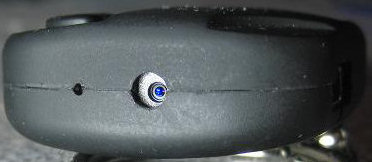 #2 camera with blue lens |
Under constructions ... |
| Update 15/17 Nov 2009 - There are Two Optically Different Versions of the #3 Camera | |
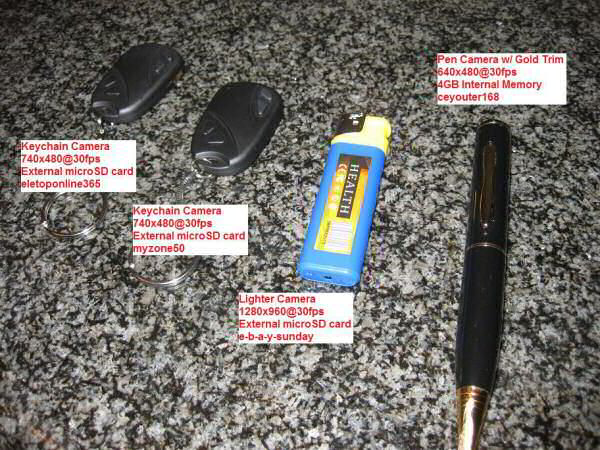 #3g Camera #3r Camera Butane Lighter Camera Pen Camera |
Joel contacted me with great information about his four micro
cameras. The AOV (Angle of View) is different on each one. Two of them are #3 cameras but they differ. I am calling them #3r (red) and #3g (green). The date time stamps are the identical yellow size and font, but the AOV are different. If you look into the lens you can see that the lens looks red or green. This is probably just the anti-reflective coating on the lens, but for now, it distinguishes the two cameras. The #3r camera has a red lens. The seller was eBay myzone50. 44.0 degree AOV (45mm equivalent lens). The #3g camera has a green lens. The seller was eBay eletoponline365. 36.6 degree AOV (54mm equivalent lens) and more light sensitive. eletoponline365 sells both the #3g and #3r camera. Ronsjunk bought a #3r from eletoponline365. Does eletoponline365or any seller know which one is which? I don't know, and if it matters to you, ask before you buy. More info to come ... |
| Update 15 Nov 2009 - Tear down photos of #1 and #2 | |
| Matt supplied these great tear down photos or his
#1 and #2 cameras.
"#2 is SO much better than #1. #2 is better built and works
better". Click the photo for full size. |
|
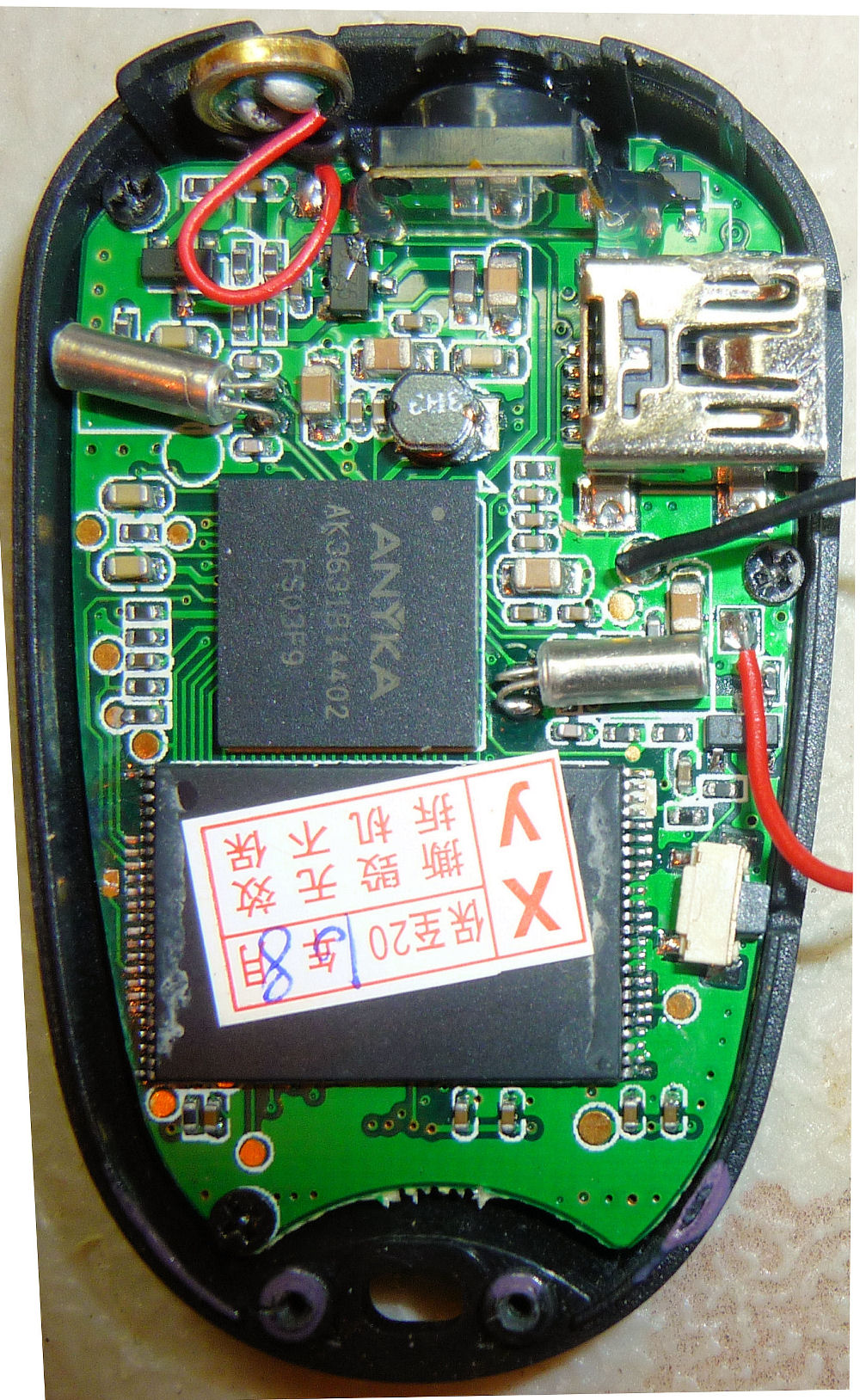 Camera #1 bottom. ANYKA CPU. Internal flash memory chip. |
 Camera #1 top. Socketed camera assembly. 8 megabyte SDRAM chip. |
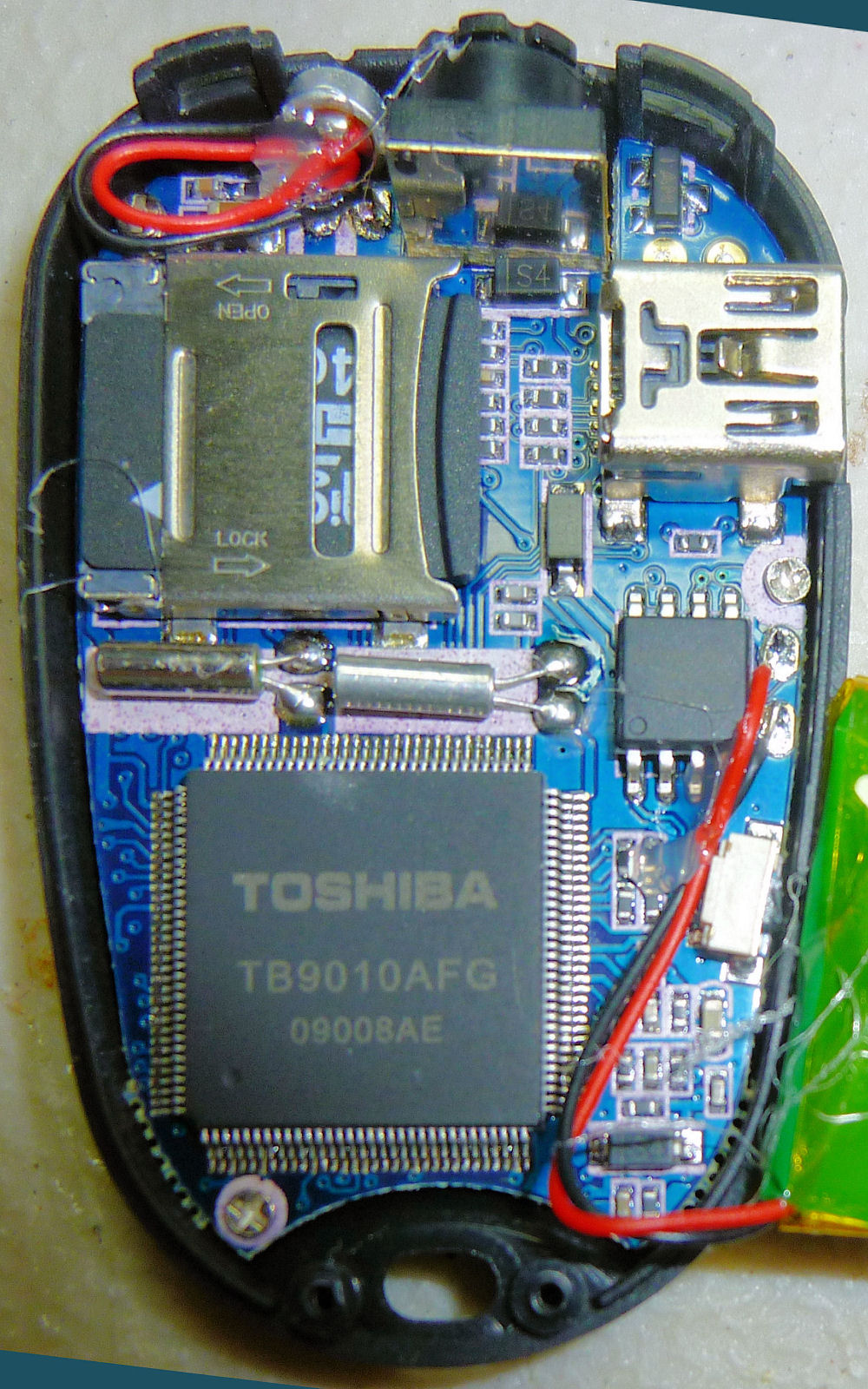 Camera #2 bottom. Internal micro SD card. Toshiba CPU. |
 Camera #2 top. Socketed camera assembly. 8 megabyte SDRAM. |
| 2009 Nov 06 - Sunplus, Sunplus mmedia,codecs, Removing Date Time Stamp | |||
|
Sunplus Technology Co., Ltd - This is the company, or one of the companies, responsible for the software / hardware. This explains why each AVI and JPG file on my version #3 camera begins with SUNP. They are a big electronics company in Taiwan with many subsidiaries in China, Hong Kong, etc.
Here are some other PIDs (product IDs) from Sunplus Technology
How I discovered this - On my version #3 camera, if I hold the mode switch down and connect the USB, Windows will try to load a "general image device". Windows is trying to load a driver for device VID_04FC PID_1528 (vendor id and product id). The vendor id is Sunplus Technology Co., Ltd. I can't find any reference to product id 1528. I contacted the seller and he said there is no driver for a webcam or image device. |
| 2009 Nov 06 - Codecs |
|
Two computers could render a MJPG AVI in different ways depending on the video player and decoding codec. A video player could use an internal or external video codec. On my computer there are two MJPG external codec's: ffdshow video decoder ffdshow.ax, and MJPEG decompressor quartz.dll (according to GSpot http://gspot.headbands.com/). On my computer the selected external codec is ffdshow. |
|
||||||||||||||
| Great YouTube videos (#2 camera) that demonstrate the use of this video camera technology | |
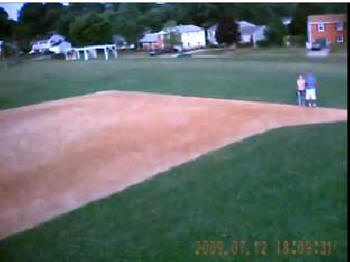 Wild Hawk RC Plane Aerial Camera footage http://www.youtube.com/watch?v=Uo2p_7tx9lQ |
 Art-Tech F18 with on board camera http://www.youtube.com/watch?v=dUBPOfi7jz8 |
| Instructions - How to Operate the Camera | |
|
#3 camera operating instructions |
#3 camera Micro SD card, how to insert and remove |
| Original
Chinese English Instructions (just for reference) |
My Interpreted Instructions |
|
1. Enter the video mode in turn off status , long time press
OFF/ON button till yellow light on , long time press
(video/camera button) still yellow light flash three times,
light off enter into the video mode, then click (video/camera
button) yellow light on for stop and saved, long time press
OFF/ON switch off. Camera mode: Enter the camera mode in turned off status long time press (OFF / ON button) till yellow light on, click (video/camera button) the yellow light flash one time then take one photo and again and again. Long time press OFF/ON turn off. lights work Status indication Charge: charging yellow light on long time, when full lights off USB file reading and writing: yellow light slow flash Lights in Manual mode indication: Standby status: yellow light long time on Card is full: yellow light on low battery power : yellow light slow flash. |
HOW TO TAKE A VIDEO 1. Start with the camera off (or press the reset button to turn it off). 2. Press the power (on/off) button. This turns the LED and the camera on. 3. Press and hold the mode (video/image) button. The LED flashes 3 times then the LED goes off. The camera is recording video and audio. 4. Very quickly press the mode button to stop video recording. The video recording stops, the video is written to a AVI Flash memory file, and the LED turns on. Repeat step three to take another video. 5. Press and hold the power button. The camera and the LED turn off. HOW TO TAKE A PHOTO 1. Start with the camera off. 2. Press the power button. This turns the LED and the camera on. 3. Very quickly press the mode button. The LED briefly goes off, then on. The camera took a photo and wrote it to a JPG Flash memory file. Repeat step three to take another photo. 4. Press and hold the power button. The camera and the LED turn off. |
| How to Set the Date Time |
| NOTE - If you are using Windows you can run the
808SetClock program. This will
put the correct file on some cameras. Then turn your camera off
and on and the date time will be set. If you don't set the date time, 1970 or 1980 will be used. Also, some camera problems seem to have been fixed by setting the date time. Once you set the date time you should not have to set it again, unless the battery dies or the time drifts. The date time is stamped on the video and can be disabled in some cameras. The camera date time is also used in the date time file property of all AVI and JPG files. NOTE - Windows hides file extensions by default. If you hide extensions and you have a file like time.txt.txt it will display in the file explorer like time.txt and will not work. NOTE - Some cameras are very sensitive to the wrong file format. Some editors don't show you exactly what you are saving to the file, especially about carriage-returns (0D), line-feeds (0A) and spaces (20). So, it is best to edit and save a files with a hex editor like HXD so you know exactly what is in the file. |
 FYI
- Original Chinese English printed instructions for a #1 camera.
For reference only. Don't use these instructions. FYI
- Original Chinese English printed instructions for a #1 camera.
For reference only. Don't use these instructions.
The product video recording same time with time display function, can adjust the time according to their own. First create a new TXT file by root of the storage TF card and change the file name in SetTime. Open SetTime file, inside edit year, month, day, hour, minutes and seconds format, for example, 2009.05.13 15:10:00 and save the file before exit time created and modifications completed, when next time you start the machine, the time will be recorded simultaneously. |
|
Camera #1 For example, to set the date time to May 13 2009 at 3:10pm: Connect the USB cable. Create a time.txt file in the flash root with one line inside in this format: 2009.05.13 15:10:00 Disconnect the USB. The camera will read the file, change the camera date time, and delete the file. |
|
Camera #2 Michael has reported that the #1 camera "time.txt" date time technique works for his #2 camera. Rob has reported that the #1 camera technique works except that the actual file name needs to be “SetTime.txt” (case matters) and placed in root. |
|
Camera #3 Right-click this tag.txt file (32 bytes) and download it. The tag.txt file has three parts: header, date and time. The exact required format is discussed here. The word "date" must be lower case. [date] 2009/12/29 16:58:00 or [date] 2009/12/29 16:58:00 Modify the tag.txt file with your date time. Use a text editor (like Windows notepad or equivalent) that will not corrupt the file. If you corrupt the file, the date time will not be set. To be accurate, the time in the files should be the future time when you will turn the camera on. 1. Connect the USB cable. 2. Copy the tag.txt file to the root of the camera drive. For example if you camera is "E:", then the root would be "E:\". The root is not in a folder. 3. Disconnect the USB cable. 4. Turn the camera off. 5. Turn the camera on. The camera reads tag.txt, sets the date time, and deletes the file. 6. Take a photo. 7. Connect the USB cable. Verify the date time on the JPG file. 110110 Scott makes this comment: I tried to set the date according to the approved procedure. It reset the date to some odd day 30 years in the future despite all changes in format I tried. Finally tried leaving out the seconds and it worked. [date] 01/10/2011 20:55 produced this date time stamp 01/10/2011 20:55 |
|
Camera #4 For example, to set the date time to May 13 2009 at 3:10pm, and enable the video date time stamp: Connect the USB. Create a time.txt file with the following line in it. To disable the video date time stamp replace the Y with N. To be accurate, the time in the file should be the future time when you will turn the camera on. Copy the file to the root of the flash memory. 2009.05.13 15.10.00 Y Disconnect the USB. Turn the camera off. Turn the camera on. The camera will read the file, change the camera date time, and delete the file. Take a photo. Connect the USB cable. Verify the date time on the JPG file. |
|
Camera #5 For example, to set the date time to 2010 Mar 08 at 15:59, and enable the video date time stamp, create a file called timerset.txt with one line in the following format. To disable the video date time stamp replace the Y with N. 20100308155900 Y 1. Connect the USB cable. 2. Copy the timerset.txt file to the root of the camera drive. 3. Disconnect the USB cable. 4. Turn the camera off. 5. Turn the camera on. The camera reads timerset.txt, sets the date time, and deletes the file. 6. Take a photo. 7. Connect the USB cable. Verify the date time on the JPG file. |
|
Camera #6 Variant of the #3 camera. File: tag.txt Format: [date]2010/12/3101:00:00 Reports are that the tag.txt file name is not case sensitive. Oliver from Germany says this tag.txt file works. Willy reports that this tag.txt file works. Jirka reports that this tag.txt file works. 100612 - Zimodro from Russia says that you can create an empty "TIME.txt" file in the camera root, and the camera will set the date time from the file date time. 101112 - George in Romania says this tag.txt file works. The format that sets the date and time correctly is: 00000000 5B 64 61 74 65 5D 20 0D 0A 32 30 31 30 2F 30 36 [date] ..2010/06 00000010 2F 31 32 20 0D 0A 30 32 3A 30 39 20 /12 ..02:09 The 808SetClock program creates a #6 tag.txt file with this format. It sets the time incorrectly to "00:00:00". 00000000 5B 64 61 74 65 5D 20 20 0A 32 30 31 30 2F 31 31 [date] .2010/11 00000010 2F 31 33 20 20 0A 30 39 3A 35 35 3A 30 30 /13 .09:55:00 A programmer with a #6 camera who understands parsing needs to do a study to identify the exact required tag.txt file format. For example, here is the parsing description of the #3 camera tag.txt file that I researched and wrote. People have reported different required formats for the #6 camera tag.txt file. Someone reported that the tag.txt file name was case sensitive (it isn't) and that a = was required at the file end (it isn't). Do not go by any documentation that comes with the camera. |
|
Camera #7 Variant of the #1 camera. File: time.txt Format: 2009.05.13 15:10:00 |
|
Camera #8 There are two ways: 1. Download this tag.txt file. Edit the file to your date and time. Then follow the camera #3 instructions. Change only the number characters. The encoding is ASCII (UTF-8). The file contains 30 bytes. More than one format might work. Sample: [date] 2010/10/30 20:35:00 Sample hex dump 0000 5B 64 61 74 65 5D 0D 0A 32 30 31 30 2F 31 30 2F [date]..2010/10/ 0010 33 30 0D 0A 32 30 3A 33 35 3A 30 30 0D 0A 30 ..20:35:00.. Sample format: [date]<CRLF>YYYY/MM/DD<CRLF>HH:MM:SS<CRLF> 2. Download "EKEN_V0.0.03.exe". It is included with the #8 webcam driver. Connect the USB cable. Run EKEN_V0.0.03.exe. The 808 #8 camera date time is set to the PC date time. (Request: If you have a USB monitor, please monitor the transaction and send it to me.) |
|
Camera #9 LM wrote me with these instructions about setting the date time. Simply enter the TAG.txt file on flash card and edit the numbers on it with the current date and time. Do not modify the format. Do not perform any other modifications but only rewrite de current time and date. :) That's all! Disconnect the USB cable and make a new record and verify! :) |
|
Camera #10 See the #10 page. |
|
Camera #14 NOTE: the D in Date must be capitalized The format of the TAG.TXT file is: [Date] YYYY/MM/DD HH:MM:SS Examples: Either of these works: [Date] 2011 12 28 20 59 30 or [Date] 2011/12/28 20:59:30 |
|
Camera Gumpack The following does not apply to the 808 car keys micro camera. How to avoid losing the date time in the gumpack camera. Testimonial - I could set the time ok but every time I switched off the camera using the on/off switch on the side of the camera it reverted back to 2008. If you leave the side switch left to the on position permanently you can turn off the camera using the middle function button. After you press the button to stop video recording if you hold it down again for about 3 seconds both LEDs will flash and it will turn off. To turn the camera back on just hold middle function button for about 3 seconds and use it as normal. Leaving the side switch set to on does not run the battery down and time and date are always correct, I have left the camera for over a week like this and battery is always ok. |
| Notes about Camera Video Resolution | |||
|
130228 - A 640x480 camera has a pixel resolution of about 320x240. This is a little complicated. A 808 480p camera has a 640x480 image sensor. The image sensor is a "Bayer filter" of 640x480 sensels (307200 sensels). Each sensel can measure one color: red or green or blue. There are 76800 red sensels, 153600 green sensels and 76800 blue sensels. It takes 4 sensels (1 red, 2 green and 1 blue) to make one color pixel.For each image, the image sensor translates the 307200 sensels into 307200 pixels. Each pixel format is 16-bit RGB565 (5 bits red, 6 bits green, 5 bits blue). The pixels are sent on a parallel 8-bit bus as 614400 bytes to the SOC (the camera processor) to be compressed. The highest resolution checkerboard that the sensor can resolve into pixels is 320x240, before the SOC does the compression. QUESTION: This #1 camera claims to have a video resolution of 640x480. So how could this be measured? ANSWER: My #1 camera can resolve a checkerboard at 170 squares per horizontal width but not 240. That average is 205. (205 * 3) = 615 which is close to 640. So I would say that the video camera pixel resolution really is a 640 x 480. RESEARCH: I decided to research this question by printing up a checkerboard of black-and-white squares on a letter size paper. I took photos and video of that pattern at different distances. I used my Canon SD200 2048x1536 camera in image mode and my #1 808 car keys camera in video mode.
With my SD200 camera the pattern can no longer be distinguished as a checkerboard with more than 700 checkerboard squares per frame width. (2048 / 700) is about 3. That's about 3 horizontal pixels per checkerboard square. I hypothesized a rule:
|
| How to measure the AOV (Angle of View) and focal length of the lens (35mm-film equivalent) |
| link |
| 2010 April 13 - #3 Camera, IR Filter Removed | ||||||||||||||
|
BobFlyman from the green rolling hill of South Devon, UK attached a wide angle jelly
lens to his #3 camera and removed the internal IR filter.
This YouTube video show the strange colors you get.
The lush green grass looks brown. |
||||||||||||||
2010 Mar 20 - #3 Camera, IR (Infrared) Experiment
/tr>
|
|
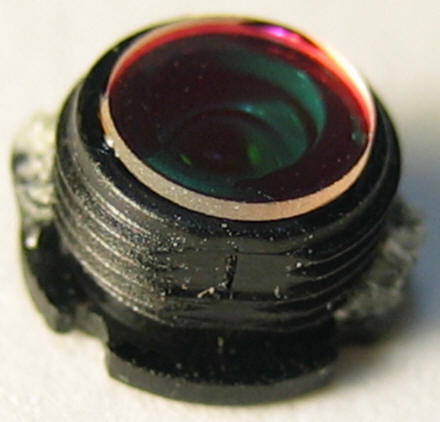
Bert's IR photographs on Flickr http://www.flickr.com/photos/bertreimer/sets/72157601372141236/ Comments from Bert: ==========
The filters I have are 52mm to
fit my
Nikon D40 which I had modified with a 720nm plate in
place of the infrared blocking plate(hot plate). The
conversion is similar to what
Lifepixel does. I got the filters on eBay from a USA
seller that had lots of recommendations from IR photography
sites, but I couldn't find him on eBay now. Of course I will
have to cut one down in size to fit correctly on a
keychain camera.
As far as things to photograph
in infrared, the camera sensors only pick up out to about
1200nm and "heat" is way longer than that. There are special
sensors to read longer wavelengths(see
http://www.flir.com/CA/).
My favourite infrared subjects are green foliage which because it reflects most of the infrared, appears white( see my Flickr infrared pics) . Then of course there's the X-ray see-through-clothing claims, which really doesn't work unless under ideal (read set-up) circumstances.
It's just great fun to be able
to experiment on something so inexpensive! I still can
hardly believe that you can buy a miniature camcorder for
$12! Amazing.
==========Here are some frame grabs from the YouTube video above. Press the buttons below to see the effect. V e r y I n t e r e s t i n g.
|
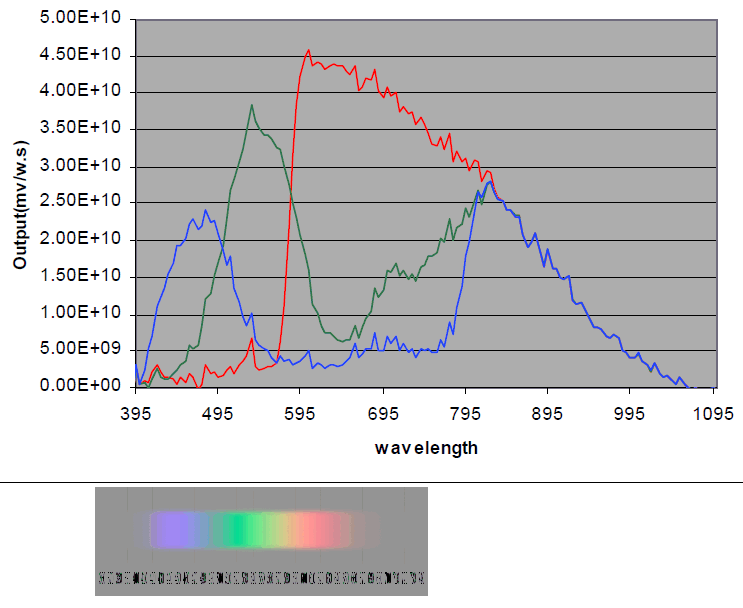 OV7950 sensor sensitivity graph. Eye sensitivity chart. - The charts above shows the RGB wavelength sensitivity of a typical CMOS sensor (OV7950) and the wavelength sensitivity of the eye. The sensor is sensitive from about 400 to 1050 nm and the eye from 400 to 700 nm. Since the sensor is sensitive above 700 nm, so to be eye color-accurate, the camera IR filter must block 700 nm and above. |
2010 Mar 07 -
Infrared Filter in the Camera Lens |
Dimitri has discovered that the
glass plate shown here on the back of the #3 camera lens tube is
an infrared (IR) blocking filter. If removed, the camera gets more
light sensitive. In the same time, you'll get weird colors. |
Dimitri removed this glass and it made his cam infrared light sensitive. Each and every camcorder has some kind of such a filter in its optic. Otherwise, the picture gets blurry with some rosa cast. In case of this cam, the cast is rather blue-purple. Point a remote control into the lens. If the IR filter is not in place, the LED should be well visible. ========== Another camera user said that his video images had a strange blue-purple color cast. Probably a related problem.
|
Camera #3, lens tube, glass plate glued to the back of the lens tube, back, IR blocking filter
|
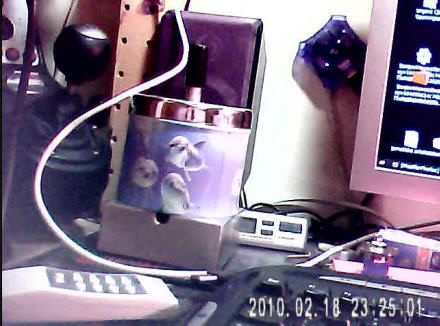 Video frame from a #2 camera, Blue-Purple cast might be due to a missing IR blocking filter | |||||||
| History | |
| 2009 Sep 22 | Original |
| 2009 Sep 24 | Sensor resolution probably 640x480 |
| 2009 Sep 25 | Add sample images and video |
| 2009 Sep 29 |
Add sample audio and more images |
| 2009 Oct 4 | Add link to YouTube video |
| 2009 Oct 5 | Add SDRAM. Notes about two versions Add links to YouTube http://www.youtube.com/user/mdamttc199 mdamttc199 videos. |
| 2009 Oct 11 | Add camera #3 and comparison table. |
| 2009 Oct 15 | Report bad USB cables |
| 2009 Oct 16 | My interpreted instructions. Add comment about 720x480 PAR DAR Add Micro SD camera time setting |
| 2009 Oct 17 | AdAdd links RCgroups and Parallax. Add #1 some are horizontal. Add #2 have internal micro SD. |
| 2009 Oct 19 | Add Notes about Camera Video Resolution |
| 2009 Oct 22 | Add Bob's time instructions for camera #3 |
| 2009 Oct 29 | Change Li Ion to LiPo. |
| 2009 Oct 31 | Add Table of Contents |
| 2009 Nov 2 | Received my type #3 micro camera from Hong Kong. |
| 2009 Nov 4 | Note that #3 camera FPS varies from 30.856
to 30.999. Add serious note about bootstrap mode. Add System Mode Button Trick. Add reference to replacement LiPo battery. |
| 2009 Nov 5 | Add duplicate frame tables |
| 2009 Nov 6 | Add discovery of company Sunplus Technology
Co., Ltd Add about different codecs. Add removing the video date time stamp |
| 2009 Nov 7 | Add images of date time stamps under Overview. |
| 2009 Nov 12 | Add summary |
| 2009 Nov 13 | Adding How to Measure the Focal Length |
| 2009 Nov 14 | Change the focal length formula to simplify. focal length = (36XZ) / WY |
| 2009 Nov 15 | Add tear down photos of #1 and #2 from Matt |
| 2009 Nov 17 | Add link to http://sosfakeflash.wordpress.com SOSFakeFlash website and comments about xprodeal selling bad flash |
| 2009 Nov 17 | Add Update 17 Nov 2009 - My #1 camera failed
because of fake flash memory (SOSFakeFlash). Uploaded these files found during system mode so that people could download them. windows 1 - AkResData.Bin, DynamicFont4_16.bin, LangCodepage.bin, Spring.bin windows 2 - SYSTEM\default.alt, SYSTEM\default.vlt, SYSTEM\profile.dat Update description of two #3 cameras. |
| 2009 Nov 18 | Notes about #3r and #3g |
| 2009 Nov 19 | Update the duplicated frames table. The #2 does not have duplicate frames. |
| 2009 Nov 21 | Adding Crash
One's note about #3b camera. Dropping the term FOV from calculations. Replaced with AOV. Adding AOV to table comparison of versions. Adding #3r #3g #3b table to Overview table. Add notes about #3 webcam driver. |
| 2009 Nov 22 | Add comment that lens color and AOV do not
correlate. Add instructions about how to revive a dead #1 camera. Now that my #1 camera is working again add AOV for camera #1 40.17 to the comparison table and focal length. |
| 2009 Nov 24 | Add known webcam problems Add #2 date time white example Add question about Li Gang sourcing cameras. Add video to camera type. |
| 2009 Nov 27 | Add Request for #2 Camera Answers. |
| 2009 Nov 29 | Add Hungary video and links |
| 2009 Dec 02 | Add What Micro SD Card Speed is Required in a #3 Camera? |
| 2009 Dec 04 | Add André comment about setting date time. |
| 2009 Dec 07 | test, correcting reset counter Add John gumpack camera |
| 2009 Dec 16 | Added Michael503 comments: Tear Down, #3 V2 and #3 V4. Internal Short Circuit Problem. |
| 2009 Dec 17 | Add List of reported failure modes |
| 2009 Dec 27 | Add comments about space character in setting the date time |
| 2009 Dec 28 | Add Notes about the CMOS camera assembly |
| 2009 Dec 29 | Add tag.txt to "how to set the date time" |
| 2009 30 Dec | Add Q&A About Problems with Camera #3 |
| 2009 Dec 31 | Add QA Local Area Connection 2, Microsoft TV/Video Connection |
| 2010 Jan 01 | Add #1 failure mode to summary of key
features Add to #3 QA - what to buy and who to buy from Add updating the video and audio data rates for #1, #2 and #3. Add #3 Camera Notes About Setting the Date Time Stamp |
| 2010 Jan 02 | Modify description of setting date time |
| 2010 Jan 03 | Add Camera #1, Date Time Stamp Removed, New Bin Files, Low Duplicate Frame Rate |
| 2010 Jan 04 | Add FYI Some engineering drawing of the #1 camera |
| 2010 Jan 05 | Remove references to key cam.zip (old bin files) |
| 2010 Jan 06 | Add camera #4 HD, add frame grab images, photos, and tear down photos. |
| 2010 Jan 09 | Add #4 Camera Instruction Manual |
| 2010 Jan 10 | Add Tear down photos of new #2 and #4 cameras from Matt |
| 2010 Jan 11 | Add How to set the date time for Camera #2 Add Speculating about chips and software. Change the link to the correct thickness battery ALLeRC.com Update #2 in comparison table |
| 2010 Jan 12 | Add
ezmobileshop
as a #2 camera seller Add Note about losing the date in the gumpack camera Add Rob note to use SetTime.txt for the camera #2 set date time. Add link to Chinese software website. |
| 2010 Jan 14 | Add Test Video Comparison
of the #1 and #3 camera Add How to insert a micro SD card. Matts new #2 camera with mTec processor, video about 5 duplicate frames per second. 28.821 fps. AOV=40.7 degrees. |
| 2010 Jan 16 | Updated the Duplicate Frames description for
the #2 and #4 cameras. Update the photos in 15 Nov 2009 - Tear down photos of #1 and #2 |
| 2010 Jan 18 | Add: A charge lasts about 50 minutes,
or 20 minutes in cold weather. Add: For faster delivery and higher price, there are sellers in the USA. |
| 2010 Jan 20 | Note that
webcam link
http://www.upload-thai.com/download.php?id=a4e8abb85ada9c57ce61bfda47ea87f5
is a dead link. Add disclaimer about spying and legal. |
| 2010 Jan 21 | Add "Speculating about Software Architecture" |
| 2010 Jan 22 | Add link to
http://www.ziddu.com/download/8271466/SPCA1528.rar.html Add 2010 Jan 22 - Cool. Silent. Winter. UK. RC Soaring. #3 Camera. Add quick summary Update the Sunplus mM logo and information |
| 2010 Jan 25 | Move the instruction sheet that camera with the #3 camera to another page. |
| 2010 Jan 28 | Add The Best Version of the #2 Camera - Toshiba CPU |
| 2010 Jan 29 | Add info about Camera #3 uses an F16-100HIP which is a 2 megabyte SPI serial flash memory |
| 2010 Jan 30 | Add visiting cities |
| 2010 Feb 01 | Add how to adjust the focus. |
| 2010 Feb 02 | Correcting f from 0.9mm to 3.14mm.
Note about one possible manufacturer TGF Group. |
| 2010 Feb 03 | Add note about failed #2 camera flash socket
pin Add How to Open the Internal Flash Card Socket, #2 Camera |
| 2010 Feb 04 | Note that NTFS can not be used. Added comment about repair attempt and conclusion, #2 camera broken pin problem. |
| 2010 Feb 05 | Add This camera is for you if |
| 2010 Feb 07 | Add VID PID and Webcam Drivers Updated bootstrap mode |
| 2010 Feb 08 | add #4 camera hardware id is 05E1 0B01 Add reference to 4D6 65E ANYKA driver |
| 2010 Feb 11 | Add #3 Camera - Date Time
File Format Change the description of setting the date time for the #3 camera - spaces not required. |
| 2010 Feb 16 | Add Jelly Lens |
| 2010 Feb 18 | Update flash type for #2 camera to new
camera have the slot. Add "Windows hides file extensions by default. Do not create a file called time.txt.txt because it won't work." Update #2 camera hardware ID is 5E1 B01, same as #4 camera. |
| 2010 Feb 19 | Add audio comments about big tin can. Add Why are these cameras so cheap? and Why doesn't the manufacturer put their name on the camera? |
| 2010 Feb 22 | Add information about the
M3USB driver for
hardware ID
0471 0666. Consolidate with bootstrap mode. |
| 2010 Feb 23 | Add #1 and #2 camera webcam check to table Add link to Daily Giz Wiz episode 1029 about the #3 camera. |
| 2010 Feb 24 | Update LiPo battery sources Move "links" higher up on the page Add For better playback performance, move the AVI file to a hard disk. |
| 2010 Feb 27 | Add note about YouTube
yt:stretch=4:3
Add #2 Camera, More Technical Information |
| 2010 Feb 28 | Removing links to my #1 camera bin files.
Replaced with link to readerme RAR file. Add note to use burntool to update #1 camera if using a Windows computer. Add #2 Camera Native Resolution 320x480 |
| 2010 Mar 02 | Add There are cameras that have a larger
battery and record up to 4 hours: Add The newer #3 cameras never hit the 4GB limit because they have a close-and-continue feature, so when an AVI file gets to 30 minutes, the camera closes the AVI file, and starts another AVI file. Add Be Suspicious of Generic Flash Cards |
| 2010 Mar 04 | Add new information about #2 #4 variant
camera Add Flash Performance Comparison Add comment about Bayer Array |
| 2010 Mar 05 | Add link to RCLineForum.de |
| 2010 Mar 07 | Add link to bunniestudios.com micro SD
flash tear down. |
| 2010 Mar 08 | Remove website dynamic web template Add #5 camera instruction manual Add #5 to comparison table |
| 2010 Mar 09 | Add duplicate frame map for SanDisk and generic used in #3 camera. |
| 2010 Mar 10 | Removed Information about Teclast C430T
Video Viewer because of problems playing OTG video. Add SunPlus Word Manuals for 808, Gum and MD80 |
| 2010 Mar 12 | Add instructions for setting the date time for the #5 camera. |
| 2010 Mar 14 | Add logoaway and timestamp to the list
of tools. Add timestamp.vdf - Timestamp Remover. |
| 2010 Mar 17 | Add update to flash comparison. |
| 2010 Mar 18 | Add gallery of other similar video
recorders. As of Mar 17 Readerme.com does not respond. Add self hosted firmware for #1 camera, until readerme.com comes back. Move all firmware links to the links page. |
| 2010 Mar 19 | Add picture of USB cable. Change
micro SD "type" to "class". readerme.com is up. |
| 2010 Mar 20 | Add #3 Camera, IR Experiment photos from Bert |
| 2010 Mar 23 | Add #3 camera oscilloscope images. |
| 2010 Mar 24 | Add comments to the #3 Q&A about the webcam oval, the requirement to quick press the mode button, and video freeze due to poor random write speed. |
| 2010 Mar 25 | Add note that 240 mAh battery at 5.5 mm
thick does not fit the case. Add Bert's comments to the IR filter page, and link to his Flickr IR photographs. Add Camera #5 - Upside Down Image - Button Press Smokes Camera Add summary row to comparison chart |
| 2010 Mar 28 | Stop hosting the 5 megabyte 611_VGA_V1.06 (with time) 4_16sdrm.rar
file. Stop hosting BlankDynamicFont4_16.bin. 2359316 bytes. |
| 2010 Mar 29 | Replace Silverlight video with YouTube
video. Too many problems with Silverlight. Add 0.67X wide angle lens with images and YouTube video. Add sample YouTube video to jell lens page. |
| 2010 Mar 31 | Add Solution for the #3 Camera Zero
Length AVI File Problem Add Ways to Use Your 808 Camera |
| 2010 April 03 | Add OV7950 and Eye sensitivity chart. |
| 2010 April 04 |
Add Operating Instructions video. Add Micro SD card, insert and remove video. Add links to forums fpv-community.com and FPV-Community.de |
| 2010 April 06 | Change counter to PHPJunkYard.com |
| 2010 April 07 |
Add Slot car mount Add Connector for External LiPo Charger |
| 2010 Arp 09 |
Add SanDisk Dethroned. Restore Google Analytics. |
| 2010 April 10 |
Add image of M3USB device manager Add camera module datasheets |
| 2010 April 12 |
Update flash comparison chart Add BlankDynamicFont4_16.bin.torrent |
| 2010 April 13 | Add BobFlyman IR video and Orion camera mounts. |
| 2010 April 18 | Add RapidShare: BlankDynamicFont4_16.bin |
| 2010 April 20 | Add "For example if you camera is "E:", then the root would be "E:\". The root is not in a folder." |
| 2010 April 21 |
Add under quick summary:
Don't long-press the mode button
to end a video Add PC Virus, Camera Virus |
| 2010 April 22 |
Replace "To disable the #1 camera video date time stamp, use
system mode ..." with "To disable the #1 camera video date time stamp, put the camera into system mode ..." |
| 2010 April 23 | Add gorillapod mod |
| 2010 April 26 |
Add swell battery Add "Do not buy any flash memory product from eBay until you have searched the sellers name at SOSFakeFlash. " Add comment that #3 camera webcam mode can be started by a a quick press of the power button in mass storage device mode. |
| 2010 April 27 | Adding essexbikers and rsvzone to links. |
| 2010 April 30 | Create MD-80 page |
| 2010 May 04 | Documenting the two ways to get into webcam mode on the #3 camera. One way causes the image oval. |
| 2010 May 05 |
Add bad solder joint, dead camera. Add comment that "off" is actually standby. Add strange color problem. Add SunPlus manual torrent. |
| 2010 May 06 | Add 808 Double Happiness |
| 2010 May 10 | Update high lead |
| 2010 May 11 | Add batteries, charging and external power |
| 2010 May 13 | Add link to date time file program by Martin Schlosser |
| 2010 May 21 |
Update CX611 link. Add CX311 link. Add Resizing the #3 Camera 720x480 AVI file |
| 2010 May 26 |
Not OK to format the micro SD card in the 808 camera. Add #3 Camera, Card Reader Bug, Full Flash Card Add New camera - #6 Camera Add Possible Recovery for #3 Camera, Bad USB Cable |
| 2010 May 27 |
Add #3 Camera, Another Solder Problem Fixed Add comment about #6 camera audio pitch problem Add more #6 camera info from sample AVI files. |
| 2010 May 28 |
Add #7 camera, like #1 with external flash card and different
processor (hobbycity) Add Ways to Recover Zero Length AVI Files |
| 2010 May 29 | Note no carriage-returns in the #6 tag.txt file. |
| 2010 June 01 | More #7 info CX311C |
| 2010 June 03 | More #7 info CX611C |
| 2010 June 04 |
Add openuas and point808 links for the camera #1 blank font file Add Second LED on Camera #3 Add Measuring Missing AVI Frames |
| 2010 June 05 |
Add bazaarlee as seller of #3 camera Update recommendation to use class 4 or faster micro SD card. |
| 2010 June 07 |
Add Bazaarlee #6 link Add #6 and #7 to the how to set the date time table. |
| 2010 June 09 |
Add #5 orange date time stamp Add #5 flood Add #5 tag.txt |
| 2010 June 10 |
Add #6 Cameras - New Battery Shapes Add Toms VirtualDub missing frame tip. |
| 2010 June 16 |
Adding #5, distorted video, distorted images Update how to ID your camera. Add forums Italian |
| 2010 June 17 |
Add #6 tag.txt Oliver and Willy format. Add link to RCGroups Bob Skinner selling #3. |
| 2010 June 18 | Add C6 willy tag.txt |
| 2010 June 19 | Add Where to buy a #3. |
| 2010 June 21 |
Add #3 Camera - Camera Module Short Circuit Add Using LogoAway to Remove the Video Date Time Stamp - #3 and #6 Camera |
| 2010 June 23 |
All LogoAway properties for #7 camera Add Jirka tag.txt |
| 2010 June 25 | Add #7 How to Configure |
| 2010 June 28 |
Add external battery mod Nokia Add updating the #7 camera firmware |
| 2010 July 02 | Add helmet mod with external microphone |
| 2010 July 03 | Add important things to know, and best practices |
| 2010 July 04 | Update #7 userconfig.txt and m3usb information. |
| 2010 July 05 | Correct 880 to 808 |
| 2010 July 08 | Report #3 from e-store-family |
| 2010 July 10 |
Add boards.ie forum Update #6, #7 comparison information. Update #7 missing frame rate vs flash card. |
| 2010 July 11 |
TrulyDisplays.com domain is gone. Added 5MP micro camera ? |
| 2010 July 12 |
Add #3 seller eBay marktech101 Add eletoponline365as eBay seller of the #3. Now describing camera as #3. |
| 2010 July 15 |
Add mystery camera with removable battery Add underwater camera mod |
| 2010 July 16 | Add #3 #7 Video Comparison |
| 2010 July 17 |
Add these best practices: After disconnecting the USB cable, turn the camera off or reset it. While recording video the ONLY acceptable action is to stop the video by short pressing the mode button. While recording video DO NOT long press the mode button, DO NOT press the power button and DO NOT connect the USB cable. |
| 2010 July 18 | Consolidate problems in quick summary |
| 2010 July 19 | Add Pen camera without the case |
| 2010 July 20 | Update PC Virus, Camera Virus |
| 2010 July 21 | Note that the jelly lens quality varies from ok to poor. |
| 2010 July 23 |
Add F999-2. Update the flash card comparison chart. Full format, not quick format. |
| 2010 July 27 | Moving #7 to its own page |
| 2010 July 29 |
Moving #1 and #2 to its own page. Add 4 processor comment. |
| 2010 July 30 | Add Sven's time lapse #3 mod |
| 2010 July 31 | Add Sven project to a separate page |
| 2010 Aug 01 | Add Car-Key Video Camera $9 shipped - meritline |
| 2010 Aug 02 | Add #3 Camera auto shuts off after 30 seconds. Short pressing the power button extends on time by 30 seconds. |
| 2010 Aug 04 | Add You must unselect "hide protected operating system files". |
| 2010 Aug 07 | Add Basic instructions about how to use VirtualDub to compress an 808 video file. |
| 2010 Aug 08 |
Add Google translate Update to Microsoft Expression Web 4 |
| 2010 Aug 11 | Move all #3 content to the #3 page. |
| 2010 Aug 15 | Add #3 special cases |
| 2010 Aug 16 | Add #3 comment that #3 format reduces free space by 7.4%. |
| 2010 Aug 18 | Add #3 power supply research |
| 2010 Aug 19 |
Add 4 camera received, one DOA. Add report about #3 camera battery protection circuit problem. |
| 2010 Aug 20 |
Add eBay 402025 battery link Add New camera version? |
| 2010 Aug 21 | Add C3 camera module tear down |
| 2010 Aug 25 | Add wish list. |
| 2010 Aug 28 |
Move all #6 content to #6 page. Add Syntek Tools. |
| 2010 Aug 30 | Add Isoprop GumPack mods. |
| 2010 Sep 01 |
Add camera mount and battery switch Add USB cable mod for external charger |
| 2010 Sep 03 | JEILIN Controller |
| 2010 Sep 06 | Note that video recording while USB connected can't be done with the 808 camera, but the MD80 can do this. |
| 2010 Sep 08 | Add MD-80 Mod using PIC and light sensor to control buttons. |
| 2010 Sep 10 | Add MD80 External NIMH Battery Pack |
| 2010 Sep 21 | Move Hacking the gumpack camera to the gumpack page. |
| 2010 Sep 23 |
eletoponline365 advertised a #3 but shipped a #6. Alchemist possible new camera version. |
| 2010 Sep 24 | Add first report of #8 camera. |
| 2010 Sep 26 |
Add link to SPAC533A Add another Syntek variation. Meritline is delivering a variant of the #5 but calling it a #3. |
| 2010 Sep 30 | Meritline #5 variant VID 1B3F PID 0C52 |
| 2010 Oct 01 | Add #3 #8 Comparison |
| 2010 Oct 03 | Add Possible Sunplus Tools |
| 2010 Oct 04 |
Add link to Sunplus source code Add SunPlus Firmware Dumping and Loading |
| 2010 Oct 06 | add exif and avidemux |
| 2010 Oct 10 | Add Roger M. in the UK has removed the #3 video date time stamp. |
| 2010 Oct 11 |
Add #9 camera - Meritline #5 vatiant Add #8 AVI Segments & Battery Life Add note that #8 close and continue happens at various file sizes Add 180 degree lens |
| 2010 Oct 13 |
Add Jiří in Czech Republic comment about wide angle lenses Correct #9 processor is Generalplus not Syntek |
| 2010 Oct 16 | Add Bob's Time Lapse Relay Mod |
| 2010 Oct 18 |
Remove Time Lapse Relay Mod Add #8 vs #3 youtube comparison |
| 2010 Oct |
Add Bob's Time Lapse Mod Add Syntek HD variant |
| 2010 Oct 28 |
Add USB Emergency Charger Add #8 set date time instruction Add #8 Camera-won't-turn-on problem. Add 808 Storage Battery Life Add the #8 webcam driver to off site storage. |
| 2010 Oct 30 | Move all #3 firmware mod info to the #3 page. |
| 2010 Oct 31 | Add the tag.txt method of date time setting to the #8 |
| 2010 Nov 09 | Add reset switch problem |
| 2010 Nov 17 | Add firmware files to the #3 page for the #3 and #6 camera. |
| 101126 | Adding link to Anyka webcam driver. |
| 101127 | Comment that the lower right yellow date time stamp can't be used to ID an original #3. |
| 101206 | Button align problem |
| 101214 | Add STK1262B datasheet |
| 101219 | Add D011 comment |
| 101222 | Add link to iCatch SPCA1527A product sheet |
| 110127 | Add Clever Charger |
| 110201 | Add #12 camera |
| 110219 | Table of fake and real HD 808 cameras. |
| 110530 | Add 808 Parts S4 diode link |
| 110620 | Add #13. |
| 120703 | Add ebay sellers in the US |
| 120823 | Add #17 |
| 2010 XXX XX - XXXXXXXX | |

This work by Charles E Lohr is licensed under a Creative Commons Attribution-ShareAlike 3.0 Unported License. Google Analytics javascript is used on this page. Google Analytics Google Analytics IIS 6.0 There is no politically correct content on this web site. I have never owned an SUV. |
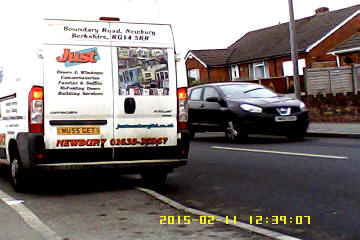



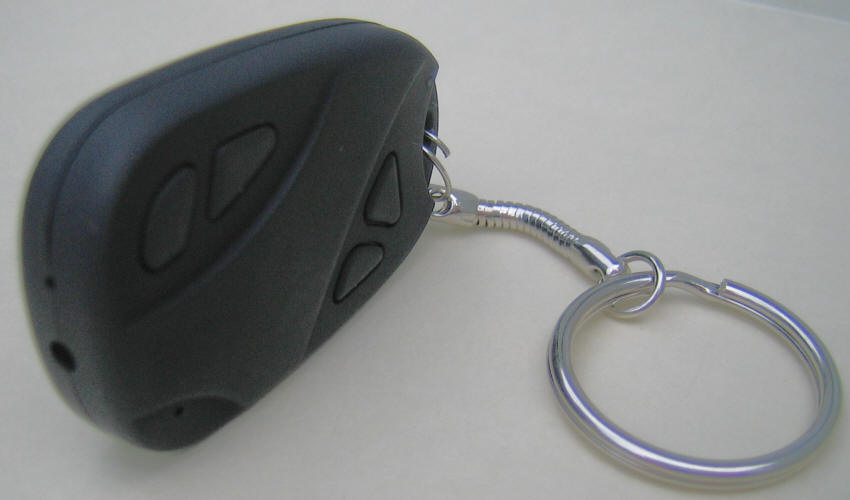


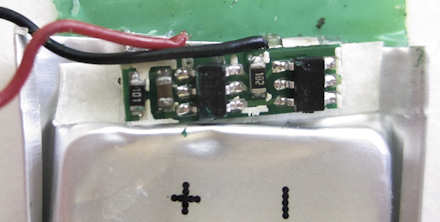



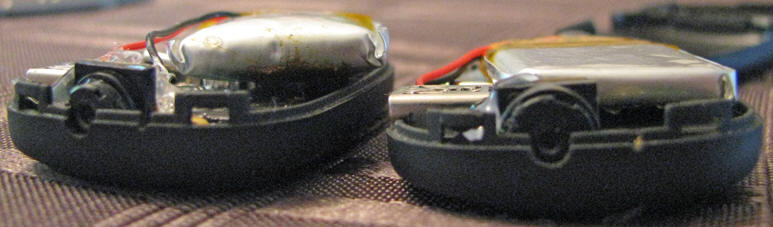
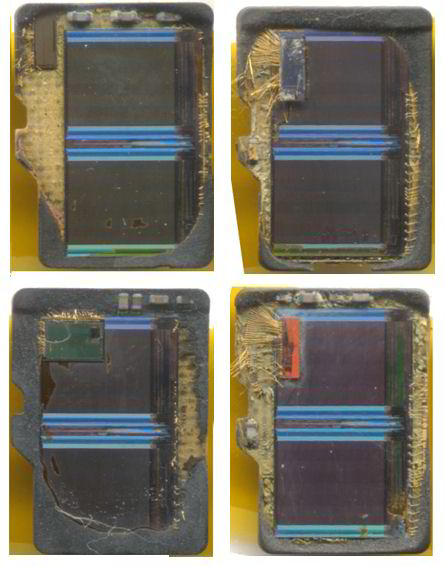
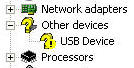
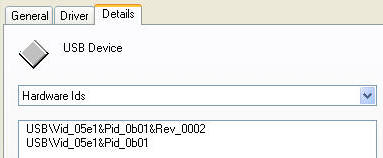 Select
the detail tab. Under "hardware IDs" the VID and PID
of the webcam in you camera is shown. In this example
the Hardware ID is 05e1 0b01. You can close the Windows popup, and
the Device Manager.
Select
the detail tab. Under "hardware IDs" the VID and PID
of the webcam in you camera is shown. In this example
the Hardware ID is 05e1 0b01. You can close the Windows popup, and
the Device Manager.